How to connect your Arduino UNO/Nano to internet using the W5100 Ethernet Module
Most connected IoT devices today are connected to the internet using a Wi-Fi connection. Although a Wi-Fi connection enables remote access t
3
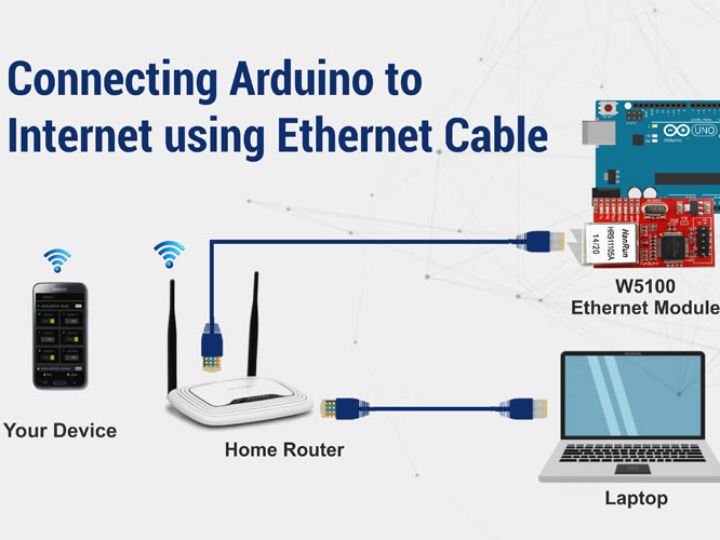
Project description
Author : Lavanya R
Published On : 2021-05-28
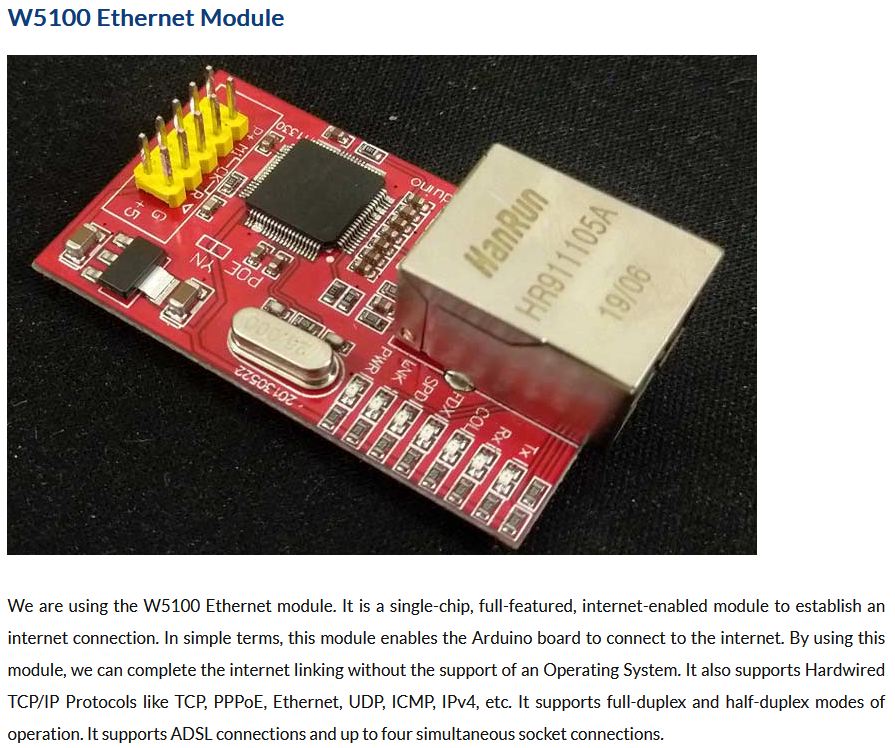
The author said Ethernet is usually chosen over a Wi-Fi connection for most industrial applications for a stationary device because it's more reliable and secure, provides better speed, and has lower latency. The author introduced how to connect to the internet using the W5100 Ethernet Module on Arduino Uno/Nano. The author describes the W5100 Ethernet Module below.
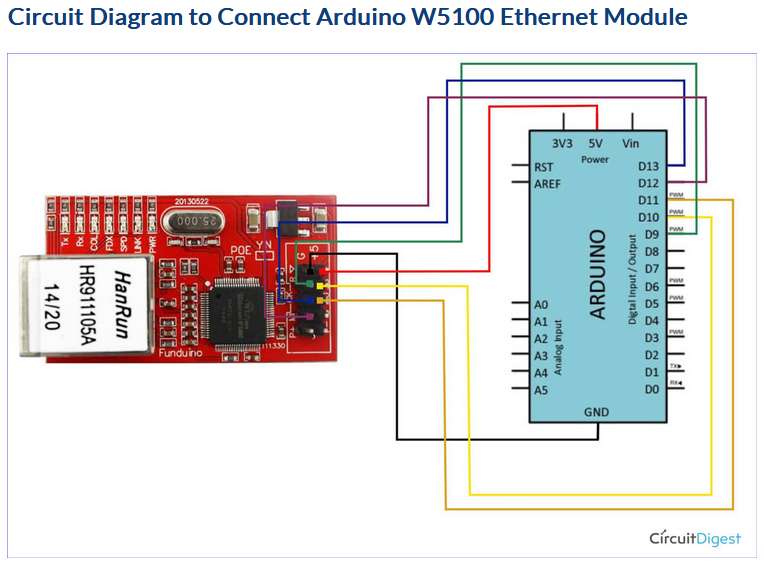
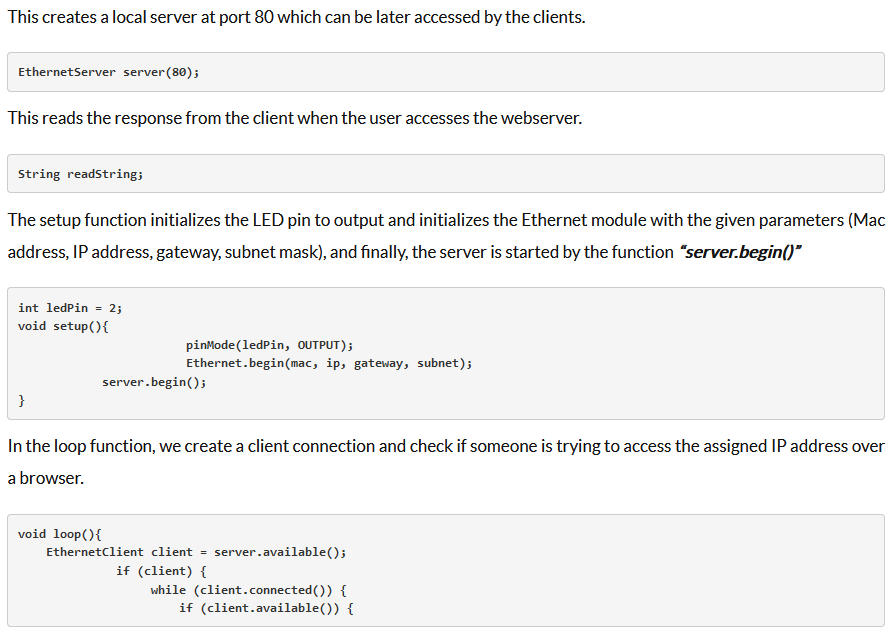
The author explains the circuit connecting the Arduino and W5100 Ethernet Module and the web server's sources.
Also, here is a video. It's useful for beginners.
Thank you for reading.

