w5100 core
This Qsys component has been designed to be used with the chip Wiznet W5100 alongside the soft-core Nios II.
6
Project description
Requirements
- W5100 module.
- DE0-NANO (Not to be limited, you can used any other board).
- Arduino Female-Female wires.
- Quartus 14.1 or above.
- Quartus Project.
- To start with this part, we will help you by generating a template system for the DE0-NANO, which can be downloaded it form here.
- Decompress and open the Quartus project template.
- You will see an instantiation which is a basic qsys system that you are going to modify in order to get the W5100 working properly.
- Qsys.
- Download the following folder, and paste it on the project directory.

- Click on the Qsys Button
 , and open the file "DE0_NANO_QSYS.qsys".

- Then you will see a basic system Nios II structure with all the basic components to start with

- Now, go to the menu "Tools->Options", and add to the "IP Search Path" the ip folder you just copied to the project directory.

- Now save the Qsys project, close it and reopen it.
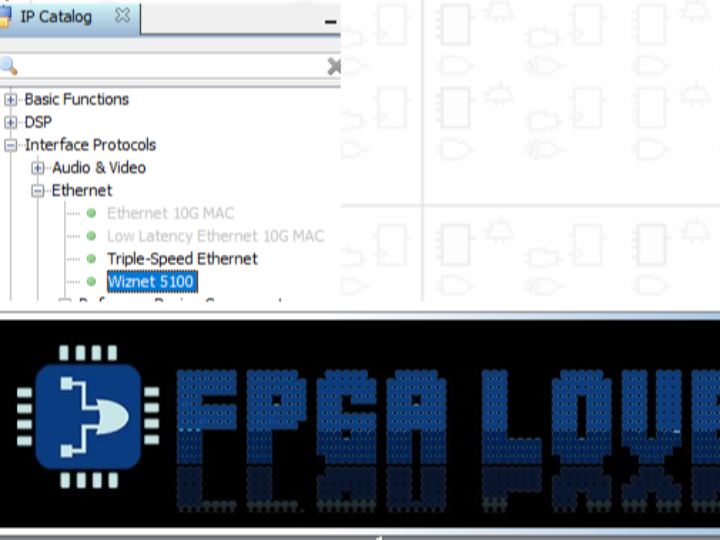
- On qsys, search on the IP catalog the component "Wiznet 5100" under "Interface Protocols->Ethernet", select and add it to the qsys project.


- Now connect the Wiznet 5100 module as follows:

- Download the following folder, and paste it on the project directory.

