PLC-connected Temperature Monitor
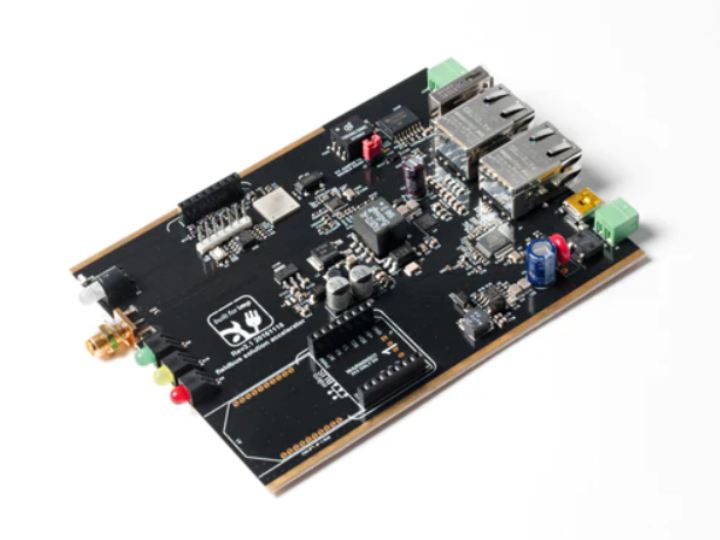
This example uses an impAccelerator™ Fielbus Gateway, the Electric Imp Modbus Library, a Click Programmable Logic Controller (PLC) and a the
10
Components
Hardware components
WIZnet - W5500
x 1

Project description
Temperature PLC This example uses an impAccelerator™ Fielbus Gateway, the Electric Imp Modbus Library, a Click Programmable Logic Controller (PLC) and a thermistor to monitor temperature. The thermistor is connected to an analog input on the PLC. The Fielbus Gateway polls this analog input and sends the temperature reading to IBM Watson and Dweet.io. Hardware impAccelerator Fielbus Gateway C0-02DD1-D Click PLC Pump Thermistor Power Supply Software Dependencies Electric Imp Modbus Library Electric Imp IBMWatson Library Electric Imp Dweetio Library Device Code The Fielbus Gateway’s imp005…
Keep reading with a free account
Guests can read 15 projects per visit. Log in or create a free account to read the full description, open the documents and join the comments.

