Pico - E chip counter
Pico - E chip counter
1
Components
Hardware components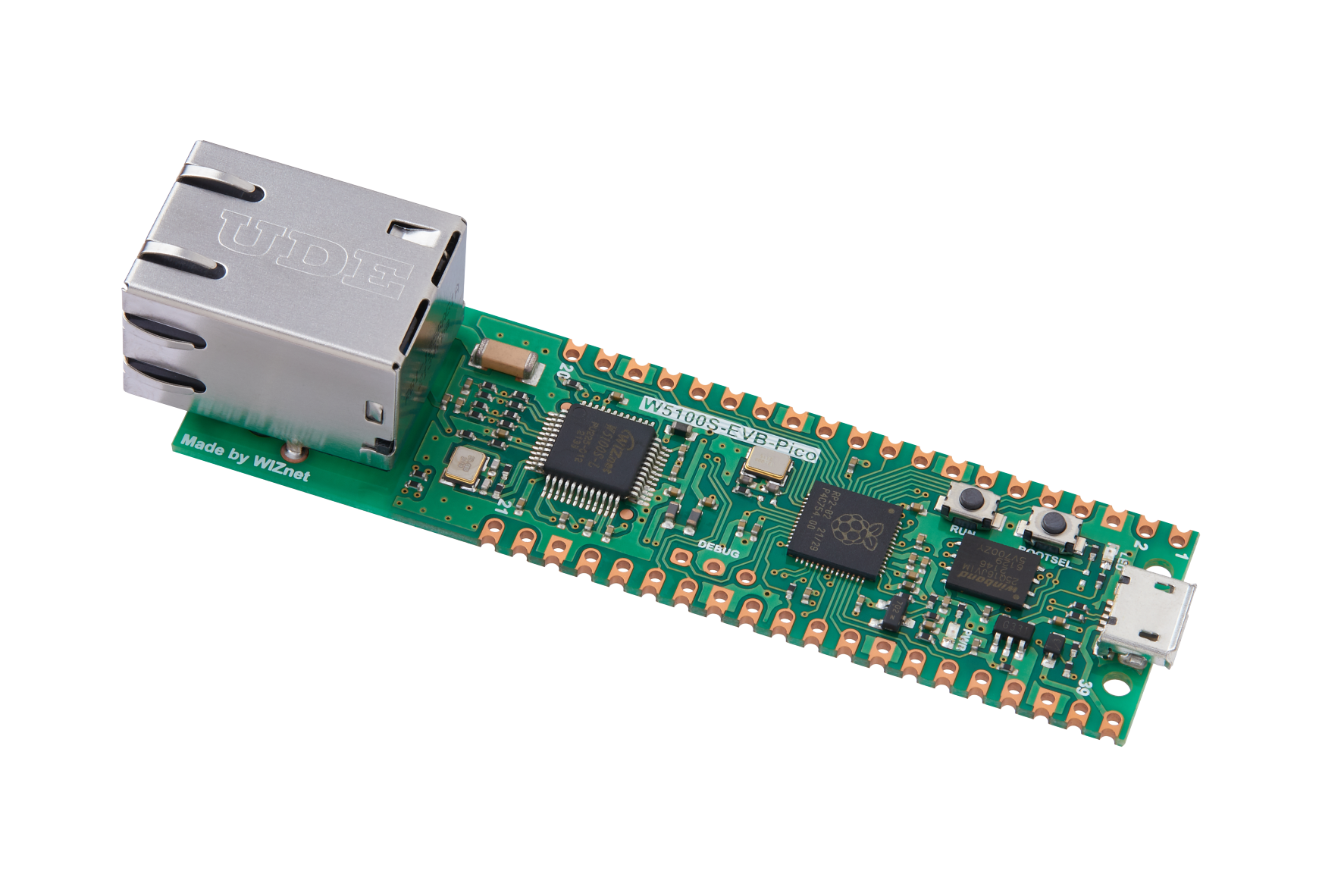
WIZnet - W5100S-EVB-Pico
x 1

adafruit - Adafruit IO
x 1
Project description
This is the finialize appication for my Chip counter. It used Pico E (W5100S-EVB-PICO) as the Ethernet communication between the chip counter devices and the barcode reader.
SInce WIZnet's solution provides a standable communication. It does not provide any delay to my application could have a accurate performance with adafruit IO.
Structure
The structure Should be showed as follow
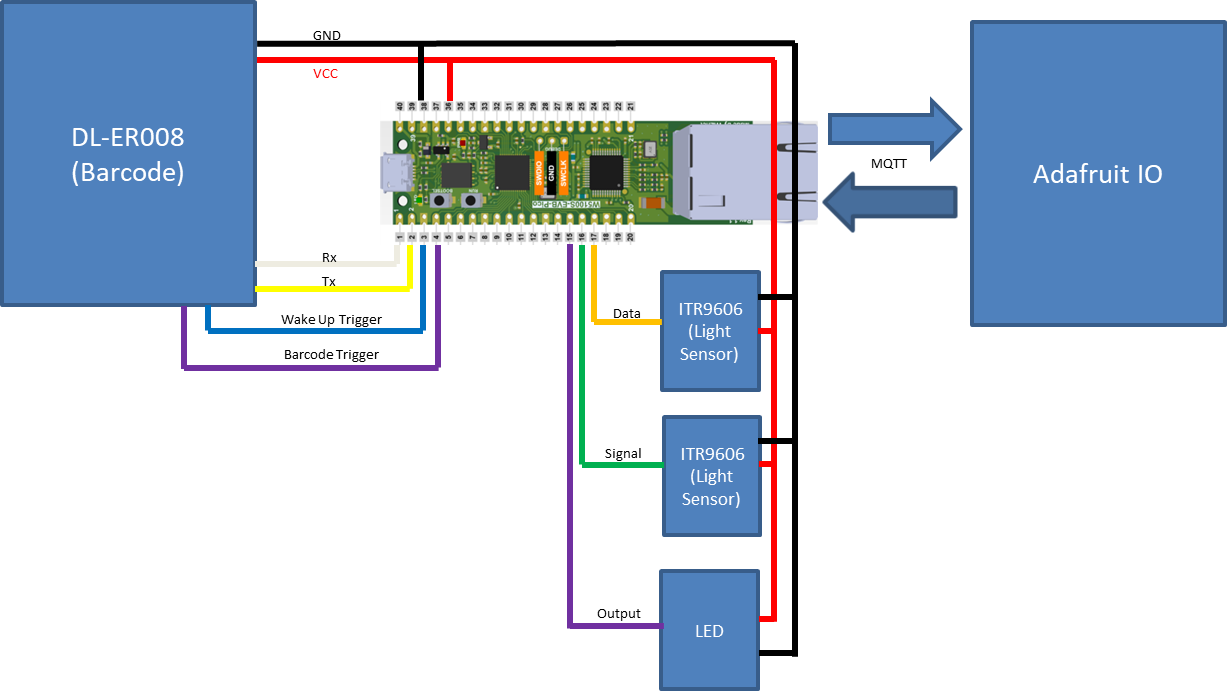
From my previous applications, I had made a chip counter using WizFi360-EVB-PICO and Barcode reader using W5100S-EVB-PICO.
Links:
Chip Counter: https://maker.wiznet.io/ronpang/projects/wizfi-chip-counter/
Barcode: https://maker.wiznet.io/ronpang/projects/wizfi-chip-counter-upgrade-barcode-reader/
Thus, this is a combination and mirgration for both application to be more complete.
I had added a LED indicator to indicate me to counting time for my counter.
Coding
The coding for this module used circuitpython to make the codings.
Circuitpyhton provides a lot of libraries for code to allow me to easily develop this application.
For the chip counter, it is used WizFi360-EVB-PICO.
Thus there are some migration for this section to convert into W5100S-EVB-PICO
Shifting the whole counter class in to the code
class pulse_detect:
    counter = 0
    C_counter = 0
    T_counter = 0
    wait_count = 0
    #p_counter = 0
    current_stage = None
    previous_stage = 0b00
    flow = None
    flow2 = None
    direction = None
    def __init__(self, pulse,pulse2):
        self.pulse = pulse # Main on the left
        self.pulse2 = pulse2 # Direction support  - on the right

    def stage (self):
        """Two IR Sensor - Direction counting"""
        if self.pulse.value is False:
            self.flow = 0b00
        elif self.pulse.value is True:
            self.flow = 0b10
            #self.p_counter += 1
        if self.pulse2.value is False:
            self.flow2 = 0b00
        elif self.pulse2.value is True:
            self.flow2 = 0b01
        self.current_stage = self.flow +self.flow2

    def hole_count(self):
        """Two IR Sensor - Direction counting"""
        if self.previous_stage is 0b11 and self.current_stage is not self.previous_stage:
            if self.current_stage is 0b01:
                self.counter += 1
            elif self.current_stage is 0b10:
                self.counter -= 1
            self.wait_count = 0
        elif self.current_stage is self.previous_stage:
            self.wait_count += 1

        self.previous_stage = self.current_stage
        #print (self.counter)
        self.C_counter = round(self.counter /3)

    def chip_count(self):
        R_data = 0
        wait = 0
        while True:
            wait = self.wait_count /10000
            if wait > 1:
                self.C_counter = 0
                self.counter = 0
                self.wait_count = 0
                return R_data

            time.sleep(1/1000000000000)
            self.stage()
            self.hole_count()
            if R_data is not int(self.C_counter):
                R_data = int(self.C_counter)
                print ("Chip count: " + str(R_data))
Function collect commands from Adafruit IO through MQTT
def LED_light(client, topic, message):
    # Method callled when a client's subscribed feed has a new value.
    print("New message on topic {0}: {1}".format(topic, message))
    if message == "1":
        LED.value = 1
    elif message == "0":
        LED.value = 0
    else:
        print("Unexpected message on feed")
Using LED to indicate and start the Chip counting.
    if LED.value is True:
        print ("start counting")
        count = detect.chip_count()
        io.publish(counter_feed, str(count))
        io.publish(LED_feed, str(0))
        LED.value = 0
Based on the codes generate with Chatgpt, I had modified those codes and combined with my previous codes using circuitpython to communicate with Adafruit IO.
For full coding, please refer to my github site.
Result
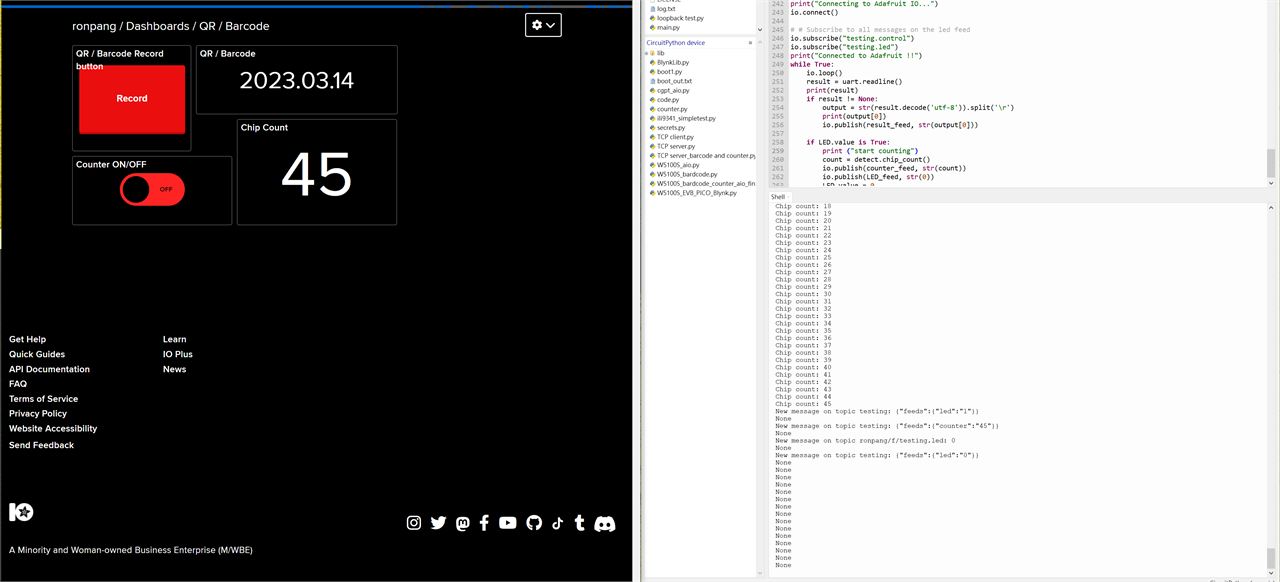
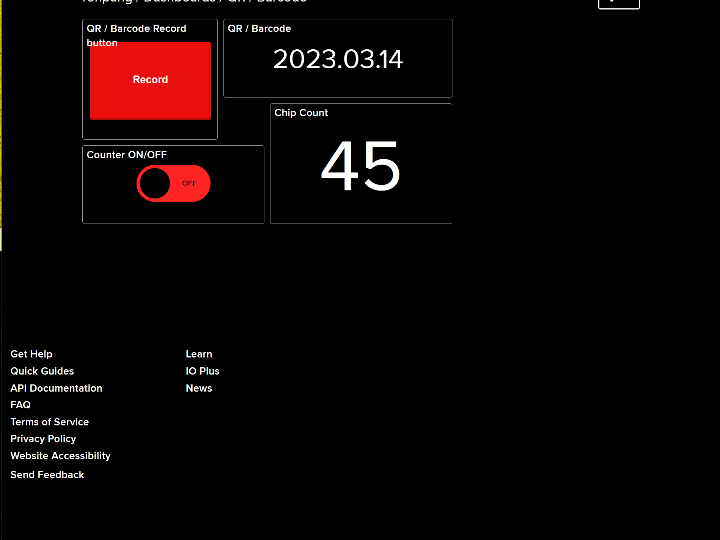
The following are the result used circuitpython to create the code to communicate with adafruit IO.