WizFI Chip Counter - Upgrade (Barcode reader)
WizFI Chip Counter - Upgrade (Barcode reader)
7
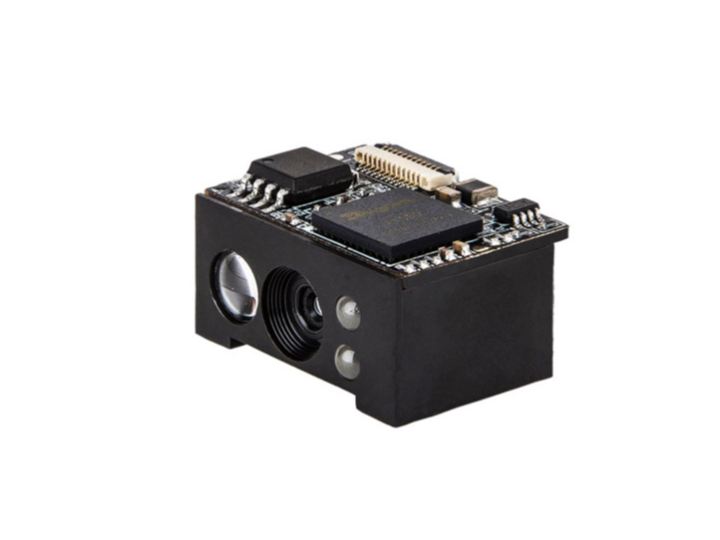
Components
Hardware components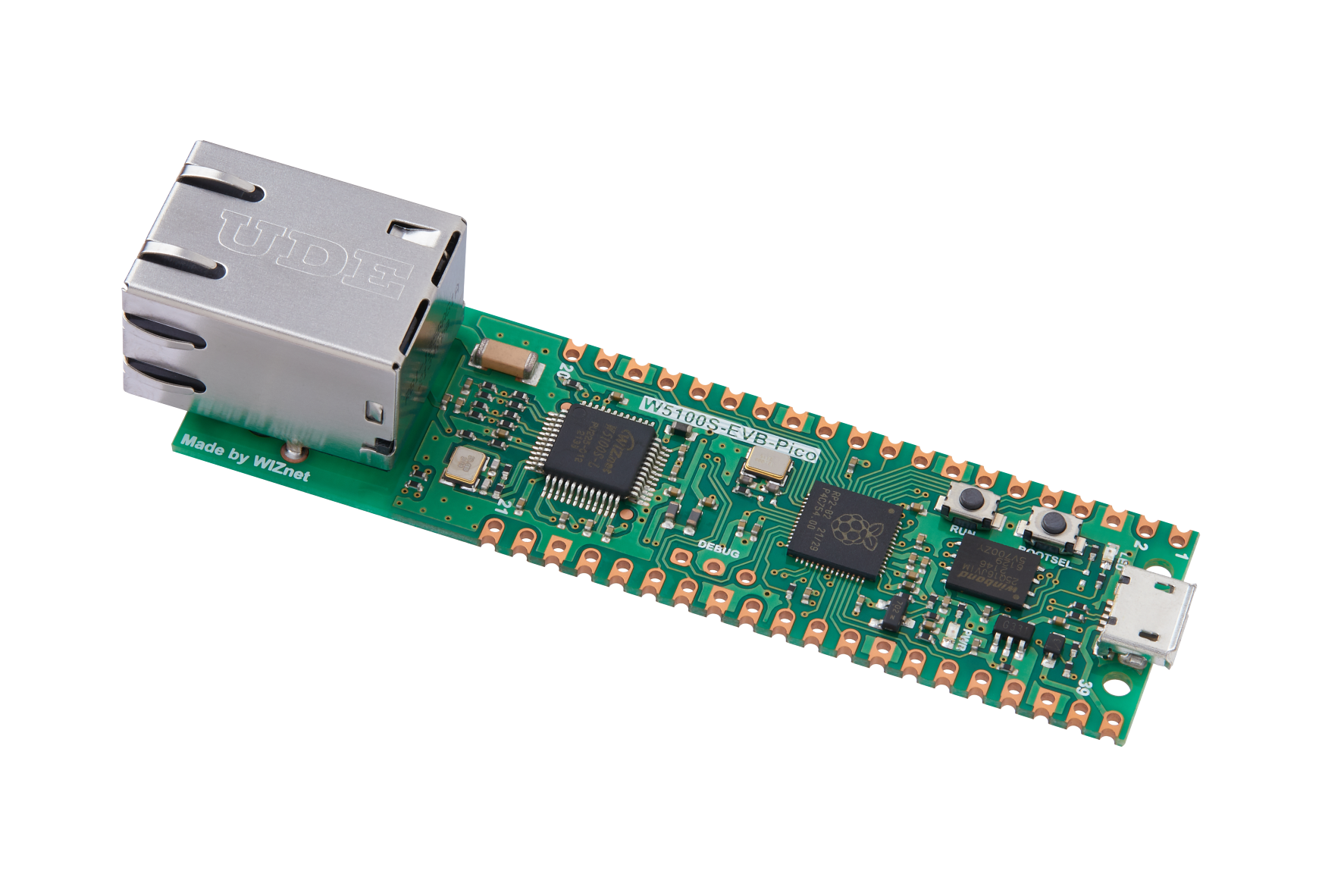
WIZnet - W5100S-EVB-Pico
x 1

Project description
A Project has planned to use WizFi360-EVB-PICO with barcode reader . It used circuitpython and python codes to create this application.
By providing a strong connection service and a new way to develop my application using WIZnet's solution, I had used Ethernet rather than WiFi to work on this application develop.
Structure
The structure Should be showed as follow
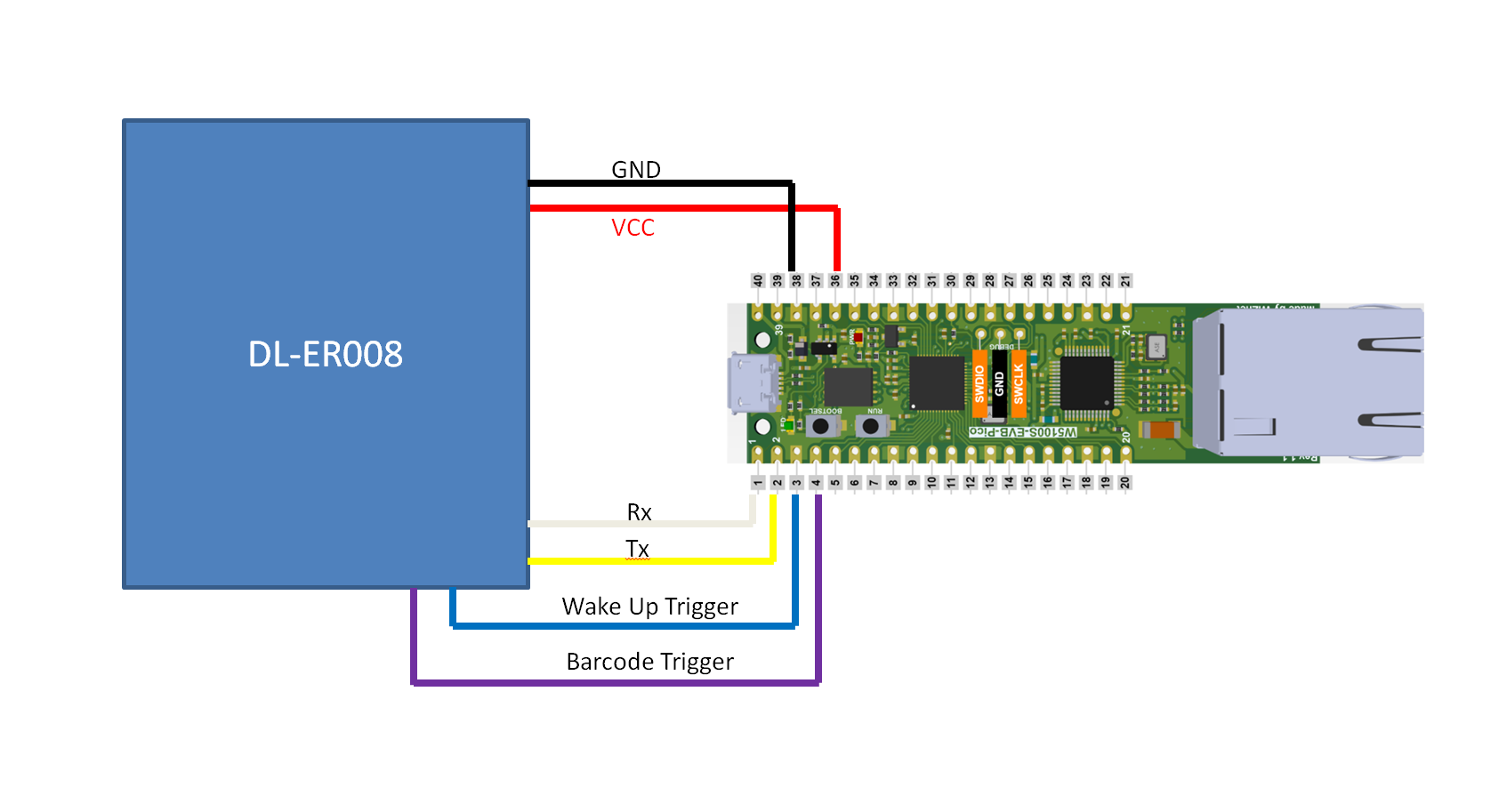
After having detail study with this module, I had a better understanding with the progress of this code.
The default setting of this module is working in manual scaning of image.
Therefore, it is required to add a barcode trigger button to control QR code reader.
By adding the wake up trigger on GND, the module will auto wake up while the module is power up by W5100S-EVB-PICO. (QR code reader required a low voltage to active the module.)
Coding
The coding for this module used circuitpython to make the codings.
Circuitpyhton provides a lot of libraries for code to allow me to easily develop this application.
The QR code reader that I'm using is made in China.
Thus, it does not have any related library for support.
This device provides a UART to allow me to directly collect the information from the module.
Using Circuitpython's and chatgpt, it helped me to develop the codes without any issue.
Create the variable to receive information the UART
RX0 = board.GP1
TX0 = board.GP0
uart = busio.UART(TX0, RX0, baudrate=9600, receiver_buffer_size=2048)
result = uart.readline()
Collect data and modify into correct STR format
    result = uart.readline() #read from UART
    print(result)
    if result != None:
        output = str(result.decode('utf-8')).split('\r')
        print(output[0]) #modified data
Create a button to trigger the module
button = digitalio.DigitalInOut(board.GP2)
button.direction = digitalio.Direction.OUTPUT
button.value = 1
button.value = 0
Based on the codes generate with Chatgpt, I had modified those codes and combined with my previous codes using circuitpython to communicate with Adafruit IO.
For full coding, please refer to my github site.
Result
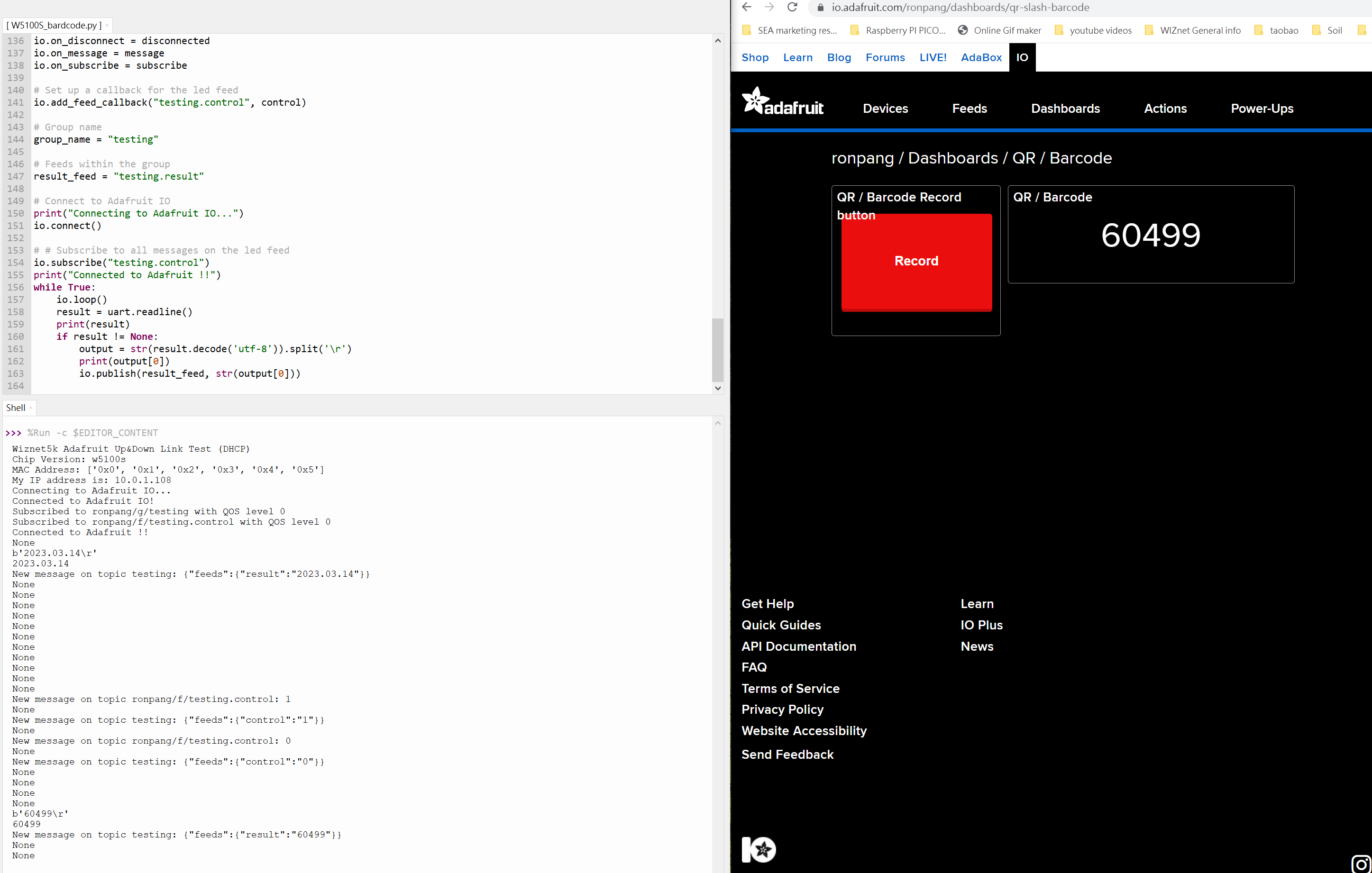
The following are the result used circuitpython to create the code to communicate with adafruit IO.