Simple Power Meter with W5100S-EVB-PICO
Simple Power Meter with W5100S-EVB-PICO
2
Components
Hardware components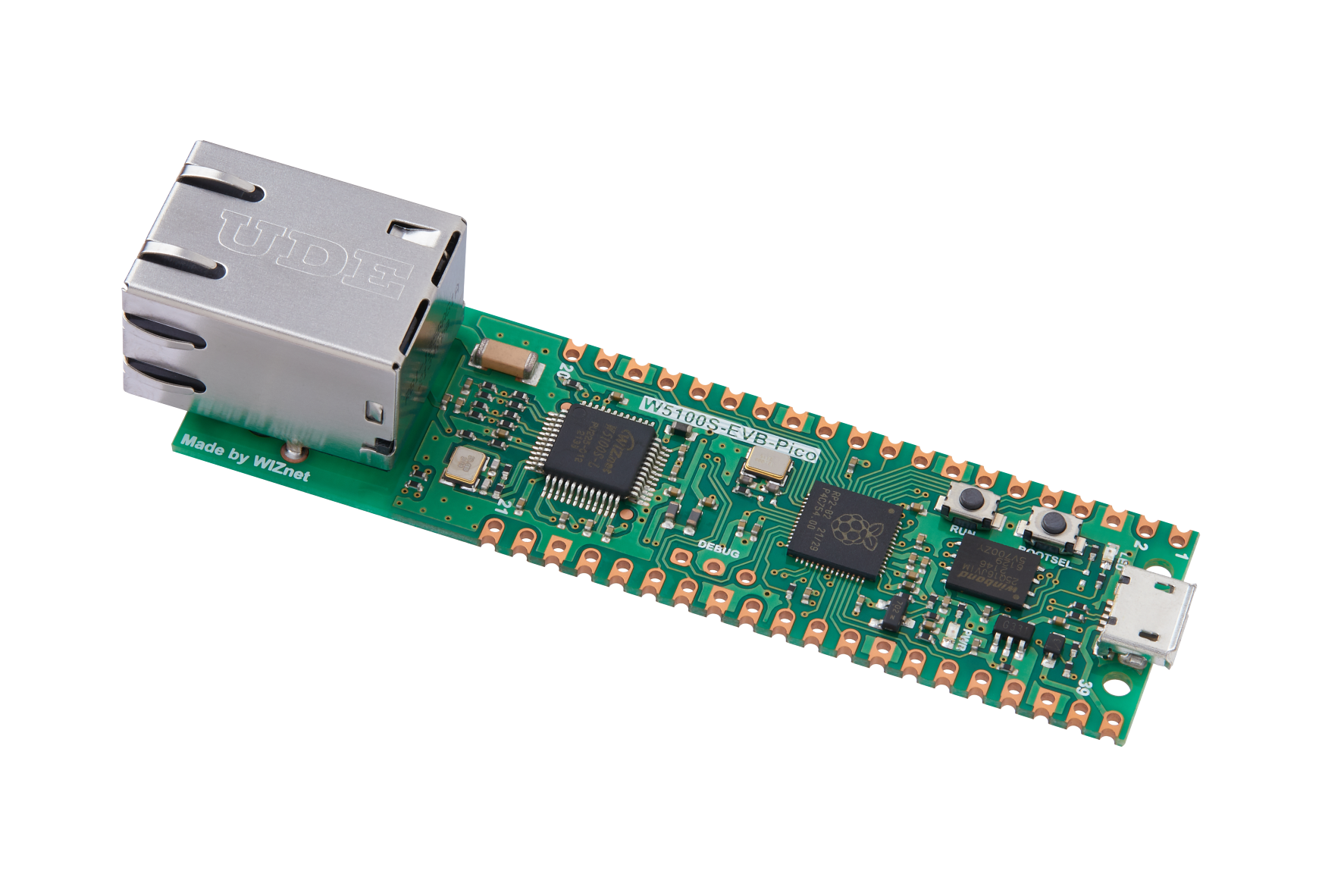
WIZnet - W5100S-EVB-Pico
x 1

Project description
Story
It has been a while since I make my last application WizFi Chip counter .
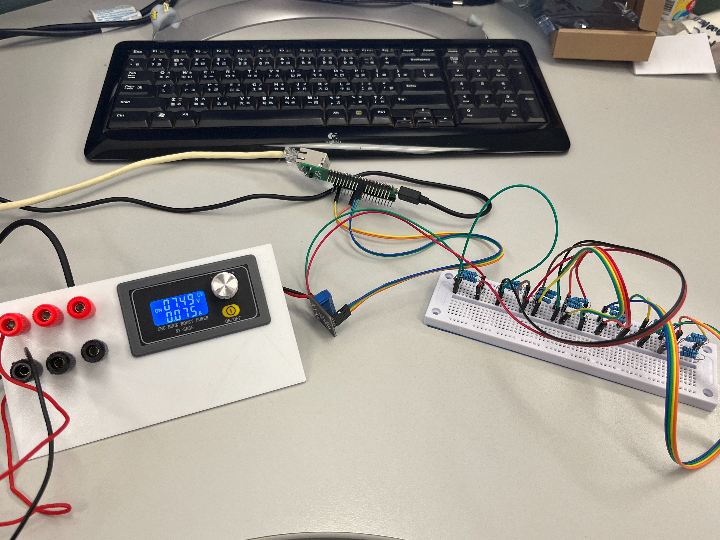
This time I will start from the basic to develop some application related to power metering.
For this project, I used a MAX471 module that I found from the internet that has been used on most of the arduino application.
As I know, this kind of solution is not that accurate. However, this will be a great starting point for me to learn how to calibrate these sensors and learn how to create a simple metering with this module.
My application will use circuitpython for my environment to use W5100S-EVB-PICO to upload information collected from MAX471 to Adafruit IO
First of all, let's see how I make this happen.
Structure

From the image above, you could see the module MAX471 is a module that could measure Voltage and current readings from the circuit.
In a simple way to explain this application is mainly used MAX471 and related circuit inside the module to collect data from the electrical circuit.
From the data of MAX471, I will take an average values from the readings and uploaded to adafruit IO using MQTT protocol.
Step 1: Test the accuracy and calibration of the module.
I had made a simple library based on MAX471's reading.
The programming method is getting values from the ADC pins and convert it those ADC values back to voltage and current.
Since RP2040 and circuitpython has set this board could convert into 16bit ADC resolution, this means the range will be from 0 - 65535
Also, Pico board is a 3.3V board. The voltage range is 3 - 16.5V and current range is 0 - 3A
Thus, I had made some simple test code as follow.
voltage = analogio.AnalogIn(board.A0)
current = analogio.AnalogIn(board.A1)
v_result = voltage.value * 16.5 / 65535 #in V
c_result = current.value * 3000 /65535 #in mA
print(("{:.2f} V").format(v_result))
print(("{:.2f} mA").format(c_result))
From the readings, I found that the accuracy are not stable. So I took a average to get a stable result.
After the values became a bit stable, I found that the current value is a bit higher than the values that get from the multimeter.
Thus, I need had go some digging on how to calibrate the module from the internet and ChatGPT.
From the help on internet and ChatGPT, I made a calibration table as follow.

X is the readings from multimeter and Y is readings from MAX471
By having these values, I had used the formula provided by Excel to calibrate my module to be more accurate.
The following link is the method that I had used to find the formula from Excel:
Finally, I had made it into class format and the work for MAX471 has been done.
class MAX471:

    def __init__ (
        self, voltage_pin: pin, current_pin: pin
        ) -> None:
        self.voltage = analogio.AnalogIn(voltage_pin)
        self.current = analogio.AnalogIn(current_pin)

    def Voltage(self):
        """ Voltage measure  (calibrated) """
        n_result = 0
        for i in range(20):
            n_result += self.voltage.value
            time.sleep(0.1)
        result =(((n_result * 0.825) / 65535) * 1.0213) - 0.141
        display = ("{:.2f}").format(result)
        self.v_result = result
        return display

    def Current(self):
        """ Currrent measure (calibrated)"""
        n_result = 0
        for i in range(20):
            n_result += self.current.value
            time.sleep(0.1)
        result = (((n_result * 150) / 65535) * 1.0789) - 8.0218
        display = ("{:.2f}").format(result)
        self.c_result = result
        return display
Step 2: Calculate the Power usage
From the above data collection, I could easily calculate the Power usage of the resistors.
The following is the electrical formula of Power
Power (mW) = Current (mA) * Voltage (V)
Codes:
def Power(self):
        """Power = Current * Voltage"""
        result = self.c_result * self.v_result
        display = ("{:.2f}").format(result)
        return display
Step 3: Upload to Adafruit IO for display
Since I got all the information, I could easily upload those data to IOT platform.
From my experience of my previous projects and the help of WIZnet's RP2040 circuitpython library.
Based on the sample code provided by WIZnet, I could create a communication between Adafruit IO using W5100S-EVB-PICO.
For details, please refer to my full code.
Results:

YouTube:
Next Plan:
I will try to develop an power metering to measure the solar pannel. Hope it will work.


