Wiznet W5500-EVB-Pico
Wiznet W5500-EVB-Pico
1
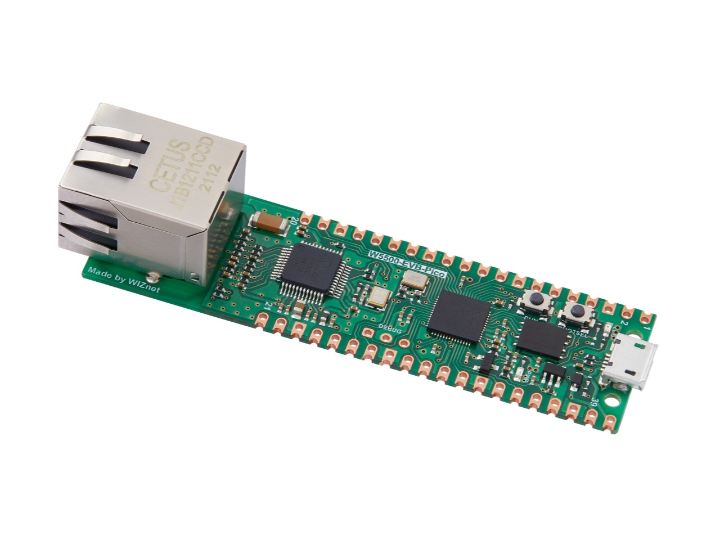
Project description
Installation instructions Flashing via UF2 bootloader To get the board in bootloader mode ready for the firmware update, execute machine.bootloader() at the MicroPython REPL. Alternatively, hold down the BOOTSEL button while plugging the board into USB. The uf2 file below should then be copied to the USB mass storage device that appears. Once programming of the new firmware is complete the device will automatically reset and be ready for use.
Keep reading with a free account
Guests can read 15 projects per visit. Log in or create a free account to read the full description, open the documents and join the comments.

