W5500 driver based on RT -Thread Studio
W5500 driver based on RT -Thread Studio
3
Project description
Software: RT -Thread Studio V2.0.0
HW connection : STM32F407VGT6 + W5500

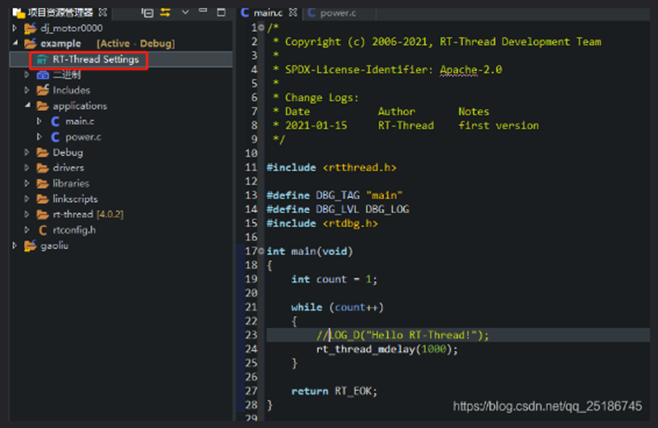
Step 1:Open the SPI device driver framework
Double-click RT-Thread Settings
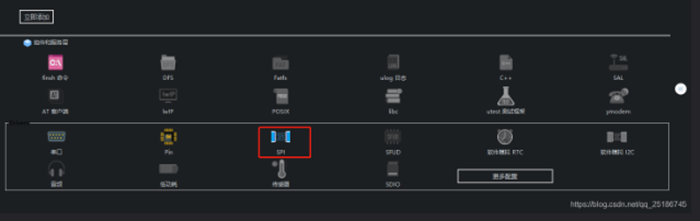
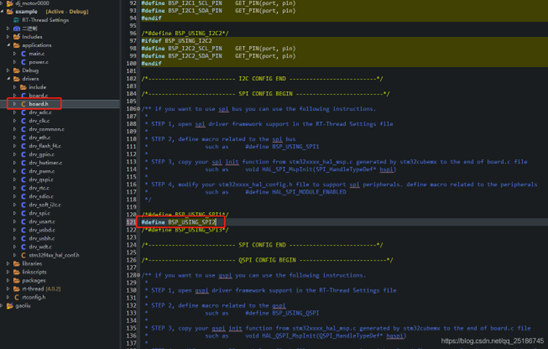
Then open the board.h file under the devices file, open the definition of #define BSP_USING_SPI2, It is using SPI2 here
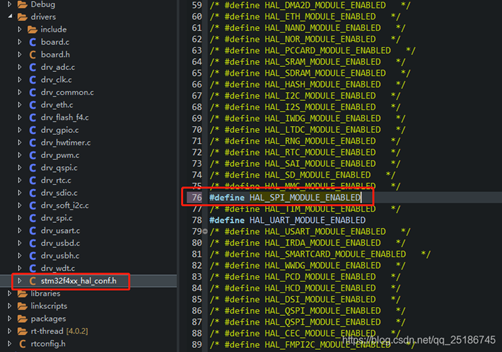
Then open the support for SPI in the stm32f4xx_hal_conf.h file, that is, cancel the comment of the macro definition of HAL_SPI_MODULE_ENABLED
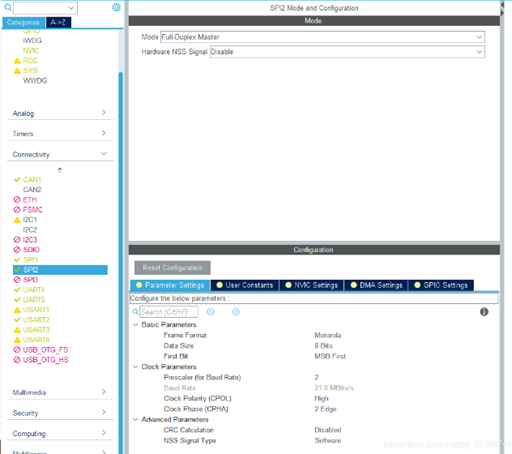
The SPI configuration required by the W5500 chip is as below
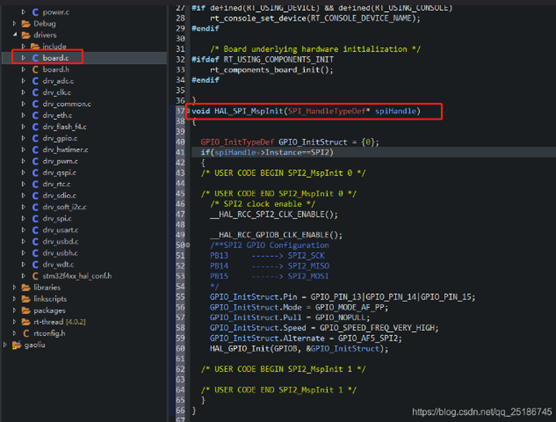
Copy the void HAL_SPI_MspInit(SPI_HandleTypeDef* spiHandle) function generated by CubeMx to the board.c file
Then compile it, there will be a wiznet-latest folder under the packages folder, and then open the wiz.c file under src
Find the int wiz_init(void) function at the end of the wiz.c file
Add rt_hw_spi_device_attach("spi2", WIZ_SPI_DEVICE, GPIOD, GPIO_PIN_11) in the wiz_init function;
PD11 is connected to CS pin of W5500
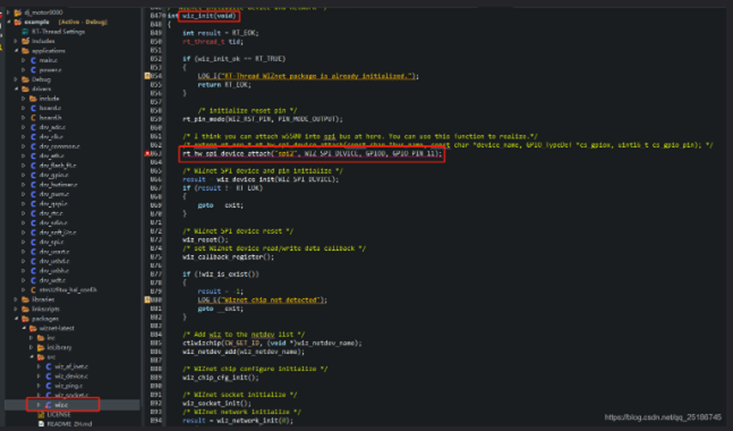
Download the program after compiling without error
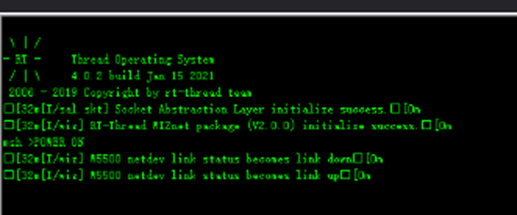
Found that W5500 initialization has been successful
Use the ifconfig command to view the currently obtained IP address
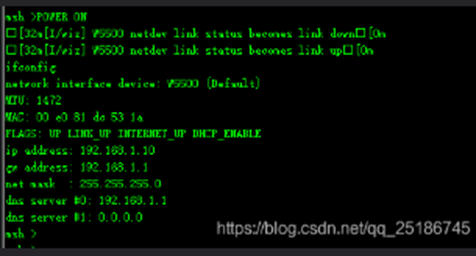
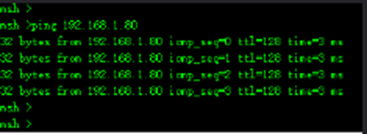
You can also use the ping command to test the network situation