W6100 khoih-prog / WebServer_ESP32_W6100
This WebServer_ESP32_W6100 library is a simple yet complete WebServer wrapper library for ESP32-based boards using LwIP W6100 Ethernet.
6
Components
Hardware components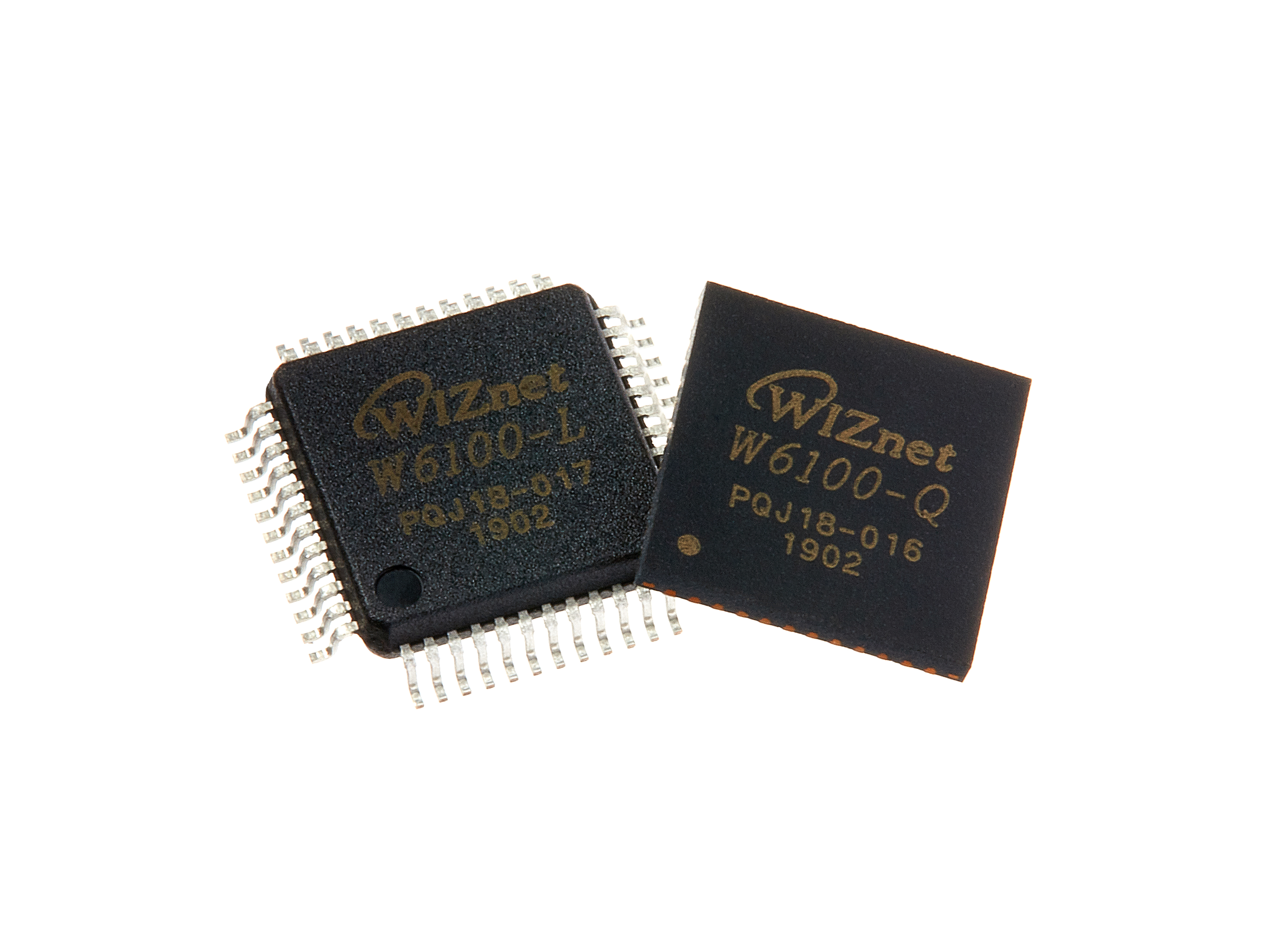
WIZnet - W6100
x 1

Project description
Usage
Class Constructor
WebServer server(80);
Creates the WebServer_ESP32_W6100 class object.
Parameters:
host port number: int port (default is the standard HTTP port 80)
Basic Operations
Starting the server
void begin();
Handling incoming client requests
void handleClient();
Disabling the server
void close();
void stop();
Both methods function the same
Client request handlers
void on();
void addHandler();
void onNotFound();
void onFileUpload();
Example:
server.on("/", handlerFunction);
server.onNotFound(handlerFunction);   // called when handler is not assigned
server.onFileUpload(handlerFunction); // handle file uploads
Sending responses to the client
void send();
void send_P();
Parameters:
code - HTTP response code, can be 200 or 404, etc.
content_type - HTTP content type, like "text/plain" or "image/png", etc.
content - actual content body
Advanced Options
Getting information about request arguments
const String & arg();
const String & argName();
int args();
bool hasArg();
Function usage:
arg - get request argument value, use arg("plain") to get POST body
argName - get request argument name
args - get arguments count
hasArg - check if argument exist
Getting information about request headers
const String & header();
const String & headerName();
const String & hostHeader();
int headers();
bool hasHeader();
Function usage:
header - get request header value
headerName - get request header name
hostHeader - get request host header if available, else empty string
headers - get header count
hasHeader - check if header exist
Authentication
bool authenticate();
void requestAuthentication();
Function usage:
authenticate - server authentication, returns true if client is authenticated else false
requestAuthentication - sends authentication failure response to the client
Example Usage:
if(!server.authenticate(username, password))
{
  server.requestAuthentication();
}
Other Function Calls
const String & uri();     // get the current uri
HTTPMethod  method();     // get the current method
WiFiClient client();      // get the current client
HTTPUpload & upload();    // get the current upload
void setContentLength();  // set content length
void sendHeader();        // send HTTP header
void sendContent();       // send content
void sendContent_P();
void collectHeaders();    // set the request headers to collect
void serveStatic();
size_t streamFile();
How to connect W6100 to ESP32
You can change the INT pin to another one. Default is GPIO4
// Must connect INT to GPIOxx or not working
#define INT_GPIO            4
W6100
FULL_DUPLEX, 100Mbps


