W6100 khoih-prog / AsyncESP32_W6100_Manager
This is an ESP32 + LwIP W6100 Credentials and Connection Manager with fallback Web ConfigPortal.
2
Components
Hardware components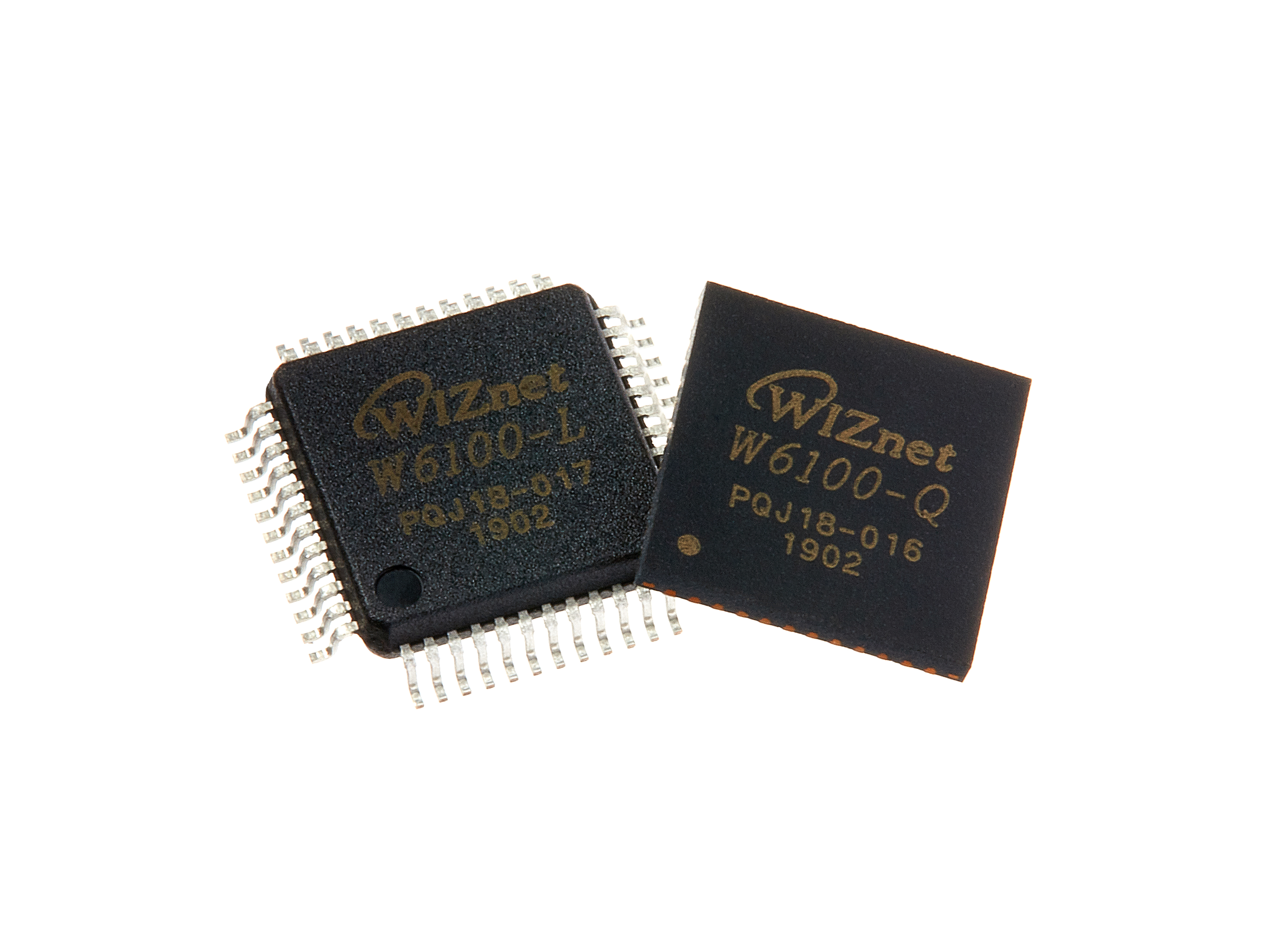
WIZnet - W6100
x 1

Project description
So, how it works?
In ConfigPortal Mode, it starts an access point @ the current Static or DHCP IP.
Connect to it by going to, e.g. http://192.168.2.232, you'll see this Main page:

Select Information to enter the Info page where the board info will be shown (long page)

Select Configuration to enter this page where you can modify its Credentials

Enter your credentials, then click Save. The Credentials will be saved and the board continues, or reboots if necessary, to connect to the selected Static IP or DHCP.

If you're already satisfied with the current settings and don't want to change anything, just select Exit Portal from the Main page to continue or reboot the board and connect using the previously-stored Credentials.
How to connect W6100 to ESP32
You can change the INT pin to another one. Default is GPIO4
// Must connect INT to GPIOxx or not working
#define INT_GPIO            4

