simuli w5500 with arduino unu
simuli w5500 with arduino unu
1
Project description
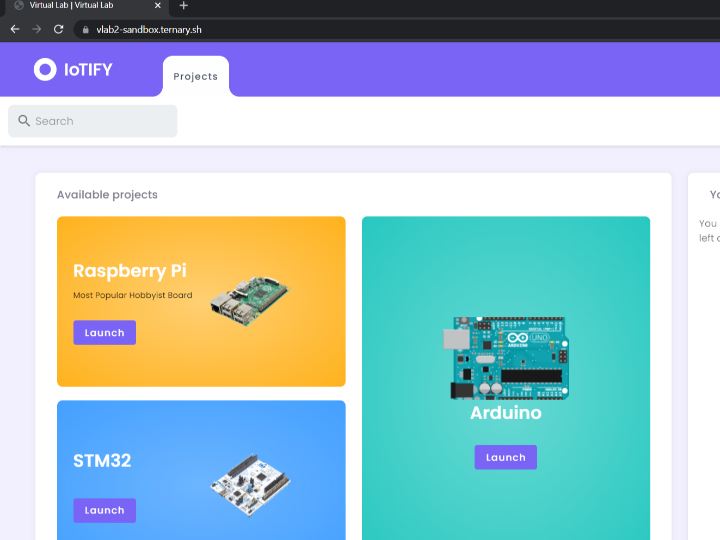
First, log in to your Simuli account and navigate to the Simuli Virtual Lab. Here we will create a new emulated instance of the Arduino Uno. Click on the Launch button under the Arduino to get started. This will open the configuration menu. First, provide a name for the project. Then, we will add the W5500 Ethernet Module by selecting it from the list of available components. Finally, review that the name for the project and the selected sensors are correct and click on the Launch button. Once we have clicked on the Launch button, a new instance of the Arduino Uno will be created. It can…
Keep reading with a free account
Guests can read 15 projects per visit. Log in or create a free account to read the full description, open the documents and join the comments.

