Skip to content

rt-thread+SAL+W5500 ethernet Socket communication

rt-thread+SAL+W5500 ethernet Socket communication

WIZnet

Published February 16, 2023

Original author: 小盼你最萌哒Original source (new tab)

rt-thread+SAL+W5500 ethernet Socket communication

Project description

DETAILS


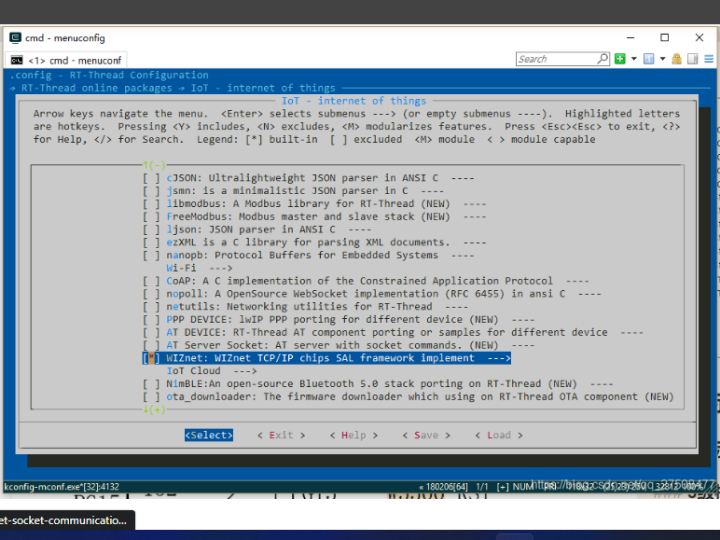
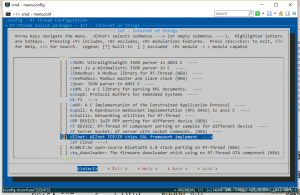
1.Download and update the WIZnet package
rt-thread+SAL+W5500 ethernet Socket communication

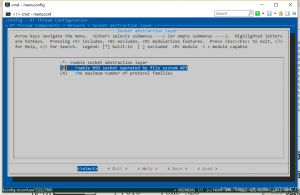
2.Enable SAL by” menuconfig”

rt-thread+SAL+W5500 ethernet Socket communication

3.Modify the hardware configuration and enable the SPI interface
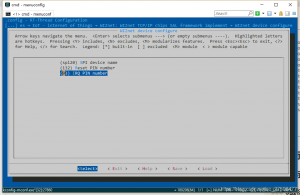
rt-thread+SAL+W5500 ethernet Socket communication

4.Configure IP address and other information
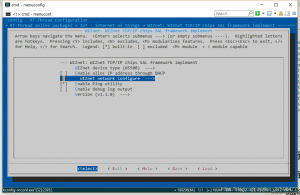
rt-thread+SAL+W5500 ethernet Socket communication

5.Generate keil project, download and run
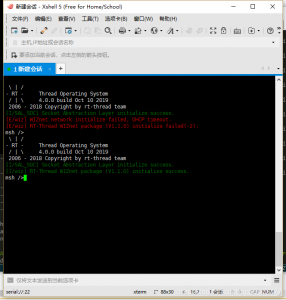
rt-thread+SAL+W5500 ethernet Socket communication

6.Integrate the demo into the project
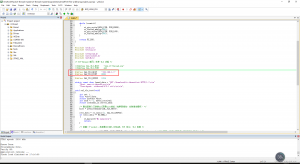
rt-thread+SAL+W5500 ethernet Socket communication

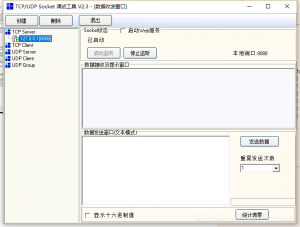
7.communication test

rt-thread+SAL+W5500 ethernet Socket communication


Comments

Similar projects you might like

Comments