Video surveillance system using RP2040, W5100S and OV2640
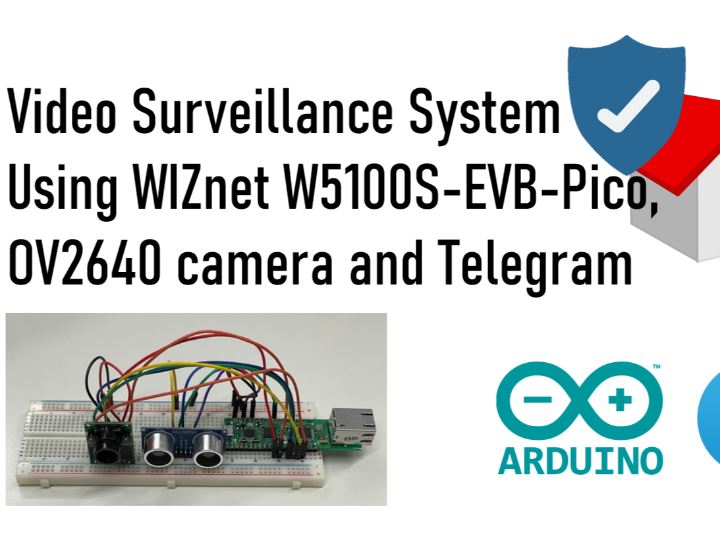
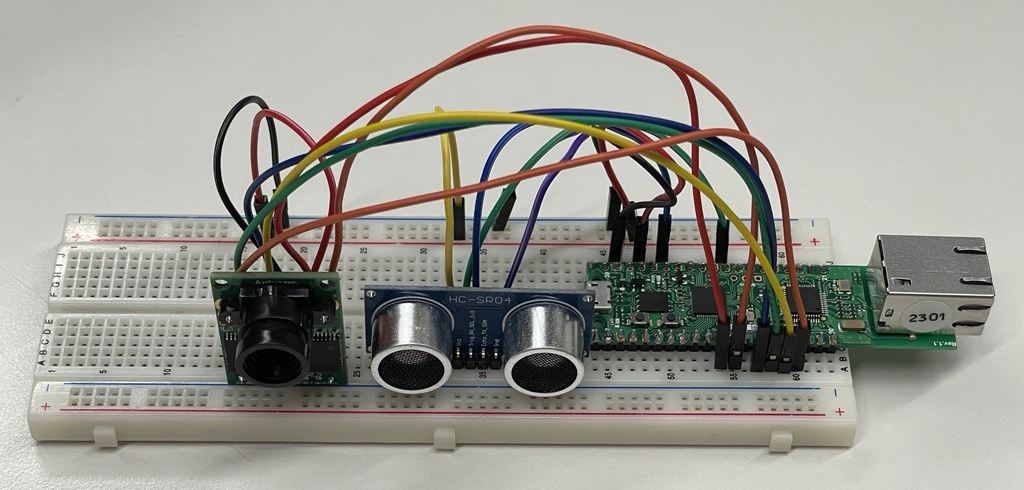
This example aims to demonstrate how to implement simple security surveillance system. The camera can be controlled via Telegram Bot.
1
Components
Hardware components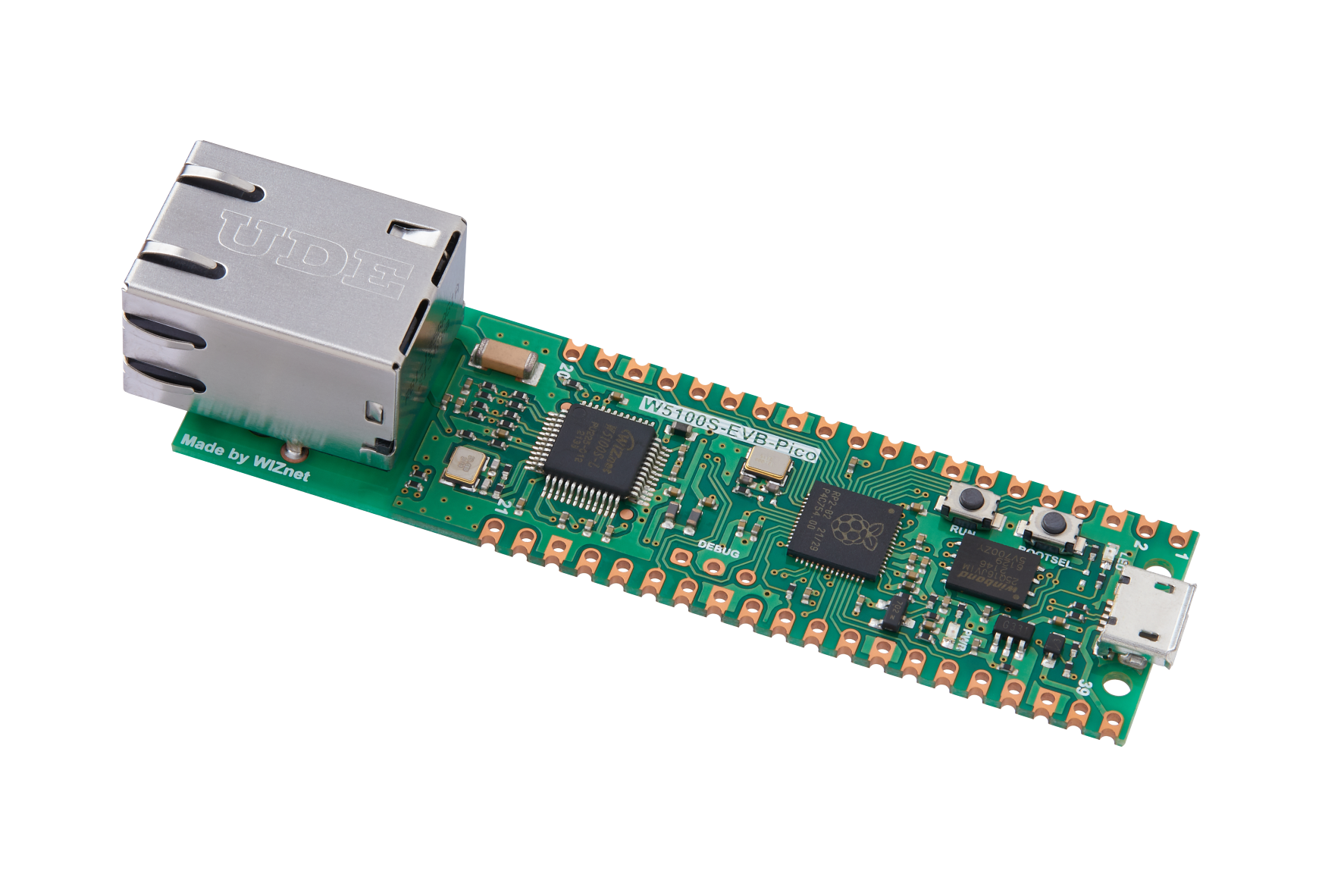
WIZnet - W5100S-EVB-Pico
x 1

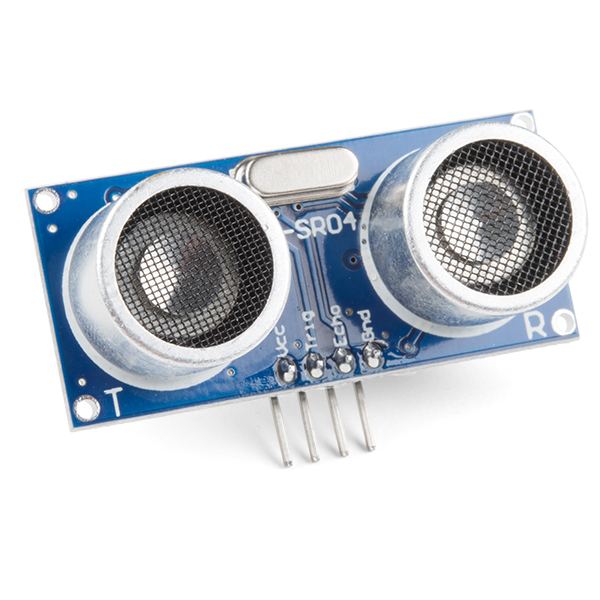
SparkFun - Ultrasonic Sensor - HC-SR04
x 1
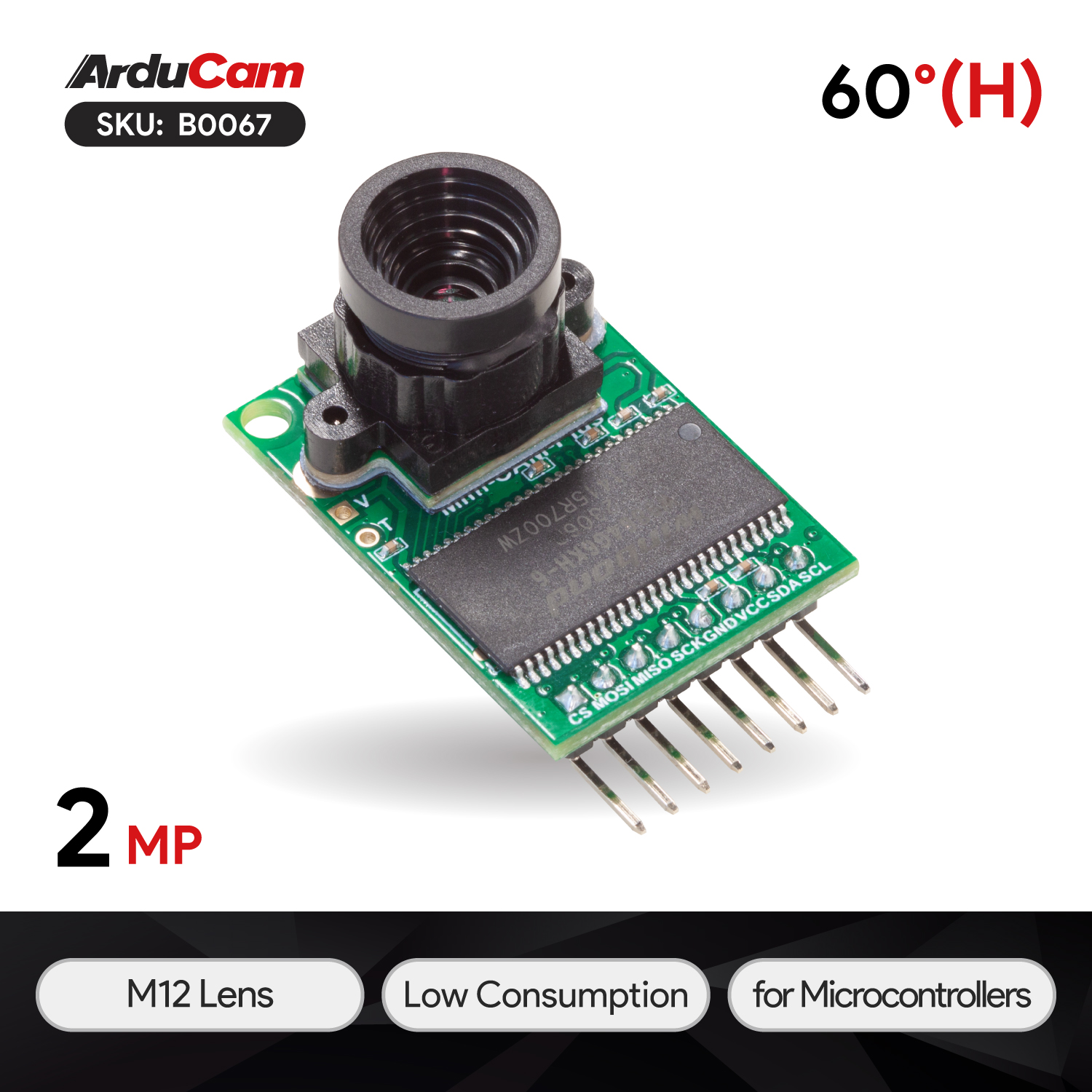
ArduCam - Arducam Mini 2MP Plus
x 1

Arduino - Arduino IDE
x 1
Project description
Project summary
The "Ethernet" example from AsyncTelegram library was used as a basis for this project. "Capture" button was added to the keyboard to make a single shot. "Automode ON/OFF" buttons were added to enable/disable the ultrasound sensor.
When sensor is enabled, if there is any object within 1 meter (short distance was selected for test purposes), then camera automatically captures and sends image to the Telegram bot.
Libraries used in the project
- Arducam library: please pay attention to important note in main readme file.
- WebServer by Khoi Hoang
- AsyncTelegram2 by Tolentino Cotesta
Code explanation
Ethernet and Telegram bot related code:
For test purposes the board is assigned with static IP.
Telegram bot setup is done main setup() function:
Setup Function:
- The `setup()` function is the initialization routine.
- It initializes serial communication, I2C, SPI, camera, and Ethernet.
- It sets up the Telegram bot, reply keyboard, and inline keyboard.
- A welcome message is sent to the Telegram bot.
- `alarmStatusEE` is set to `false` initially.
Camera related functions
test_capture() Function:
- This function clears the FIFO (First In, First Out) flag of the camera and initiates a capture.camCapture() Function:
- This function captures an image from the camera and sends it as an HTTP response with the appropriate content type and length.
- It reads the image data from the camera's FIFO buffer and sends it to the client.
i2c_init(), spi_init(), and camera_init() Functions:
- These functions initialize the I2C and SPI communication interfaces and set up the camera module.
- They perform various checks to ensure that the communication with the camera module is established correctly.
Main Loop
- The `loop()` function runs repeatedly.
- It handles incoming Telegram messages and manages the reply keyboard.
- It checks if the ultrasonic distance sensor detects an intruder and sends a capture requesto the Telegram bot.
Ultrasonic Distance Sensor:
- The code monitors the ultrasonic distance sensor to detect intruders.
- It calculates the distance and, if an intruder is detected, sends a message to the Telegram bot and captures an image.
- The ultrasonic sensor is controlled by the `triggerPort` and `echoPort` pins.
Demonstration
For full project demo, please refer to the video below:


