W5300-TOE Arduino UDP Loopback server
This program sets up a UDP communication on an STM32 Nucleo-144 board. The program listens for incoming UDP packets and sends a reply to the
1
Components
Hardware components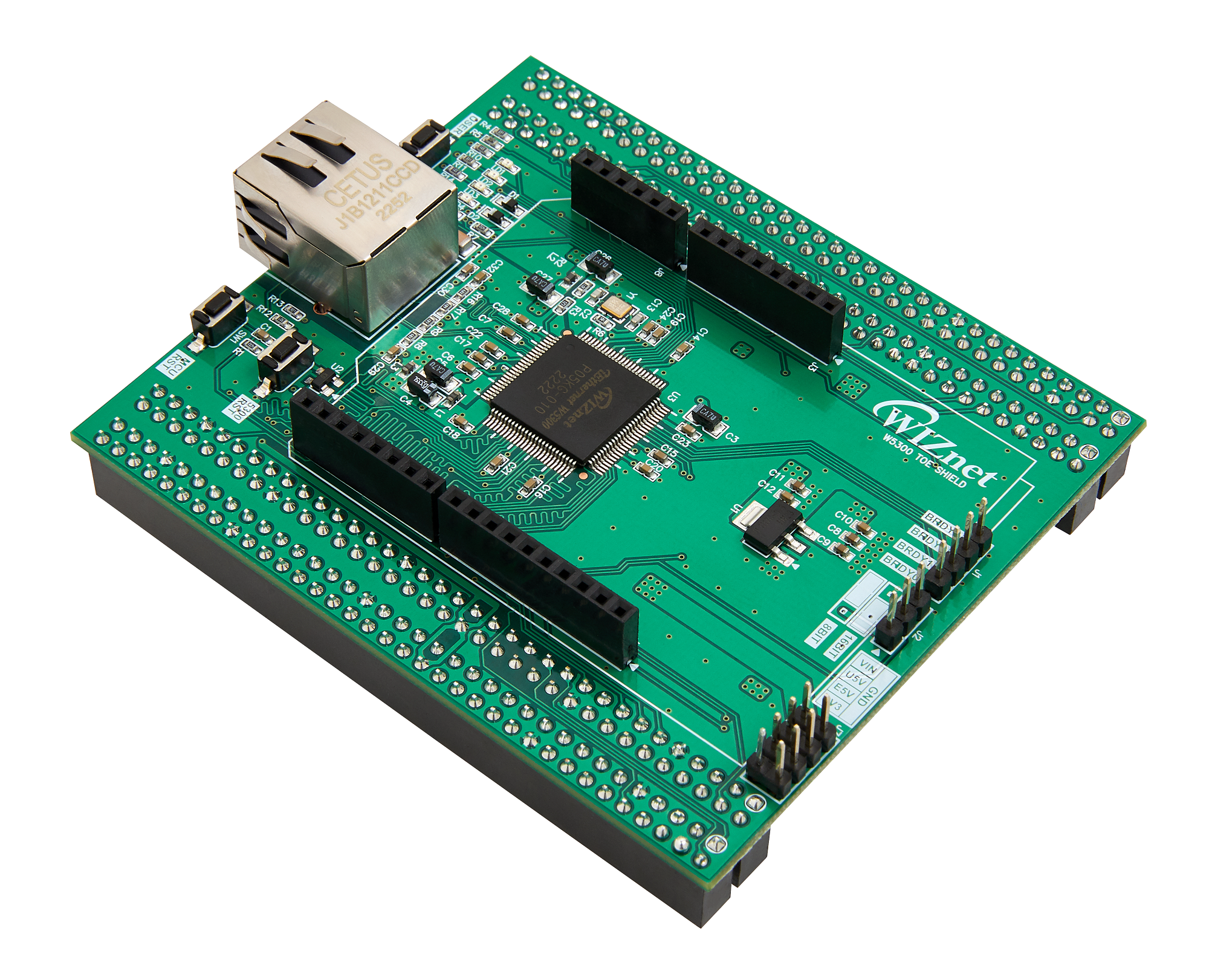
WIZnet - W5300-TOE-Shield
x 1

Arduino - Arduino IDE
x 1
Project description
PROJECT DESCRIPTION How to UDP Loopback Example This program sets up a UDP communication on an STM32 Nucleo-144 board. The program listens for incoming UDP packets and sends a reply to the sender. Step 1: Prepare software The following serial terminal programs are required for AdvancedChatServer example test, download and install from below links. Tera Term Hercules Step 2: Prepare hardware Combine W5300-TOE Shield with STM32 Nucleo-144 board. Connect ethernet cable to W5300 TOE Shield ethernet port. Connect STM32 Nucleo-144 board to desktop or laptop using 5 pin micro USB cable. Step 3…
Keep reading with a free account
Guests can read 15 projects per visit. Log in or create a free account to read the full description, open the documents and join the comments.

