How to send an Email with Arduino and Ethernet Shield (W5100)
How to send an Email with Arduino and Ethernet Shield (W5100)
0
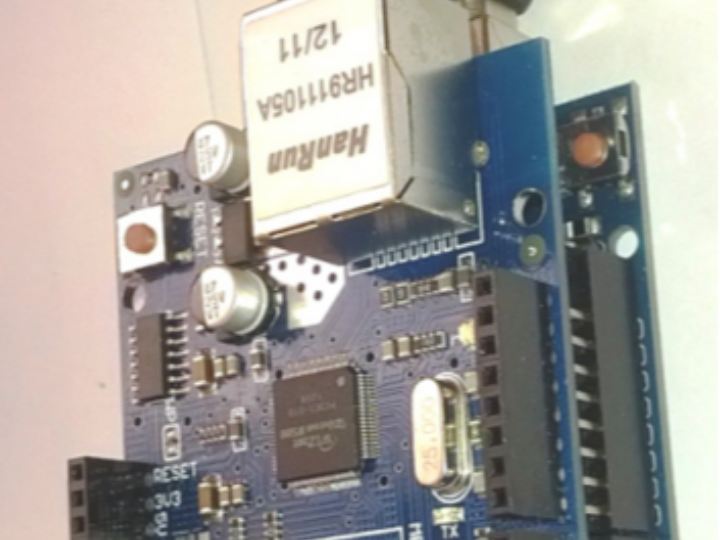
Components
Hardware components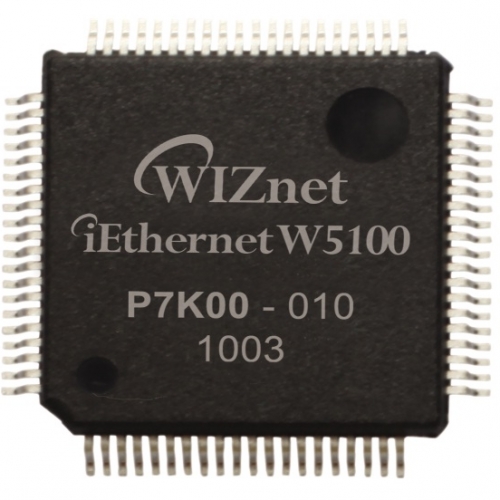
WIZnet - W5100
x 1

Project description
Link http://wiki.mcselec.com/Getting_started_with_Arduino_UNO_R3_and_Ethernet_Shield_(W5100) Feature Email account which supportSMTP Authentication (AUTH LOGIN) on Port 25 Username and password Base64 encoded (you can use the Easy TCP/IP tool in Bascom-AVR to encode and decode) IP address of your smtp server (if you do not know it just open in Windows the DOS command window and ping the server) Your sender Email address and the receiver Email address Hardware / Source code Hardware is simple so there is no hardware connection. And Software is perfect. User can send email just modify email…
Keep reading with a free account
Guests can read 15 projects per visit. Log in or create a free account to read the full description, open the documents and join the comments.

