W5100S-EVB-Pico & DHT11: Real-time Data Transmission
This is a tutorial on how to use a DHT11 sensor with a w5100s-evb-pico board to send temperature and humidity data to the Beebotte cloud.
7
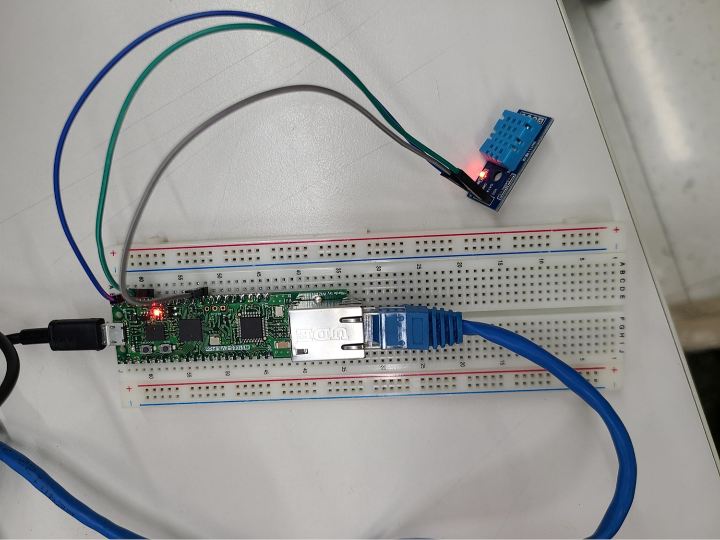
Components
Hardware components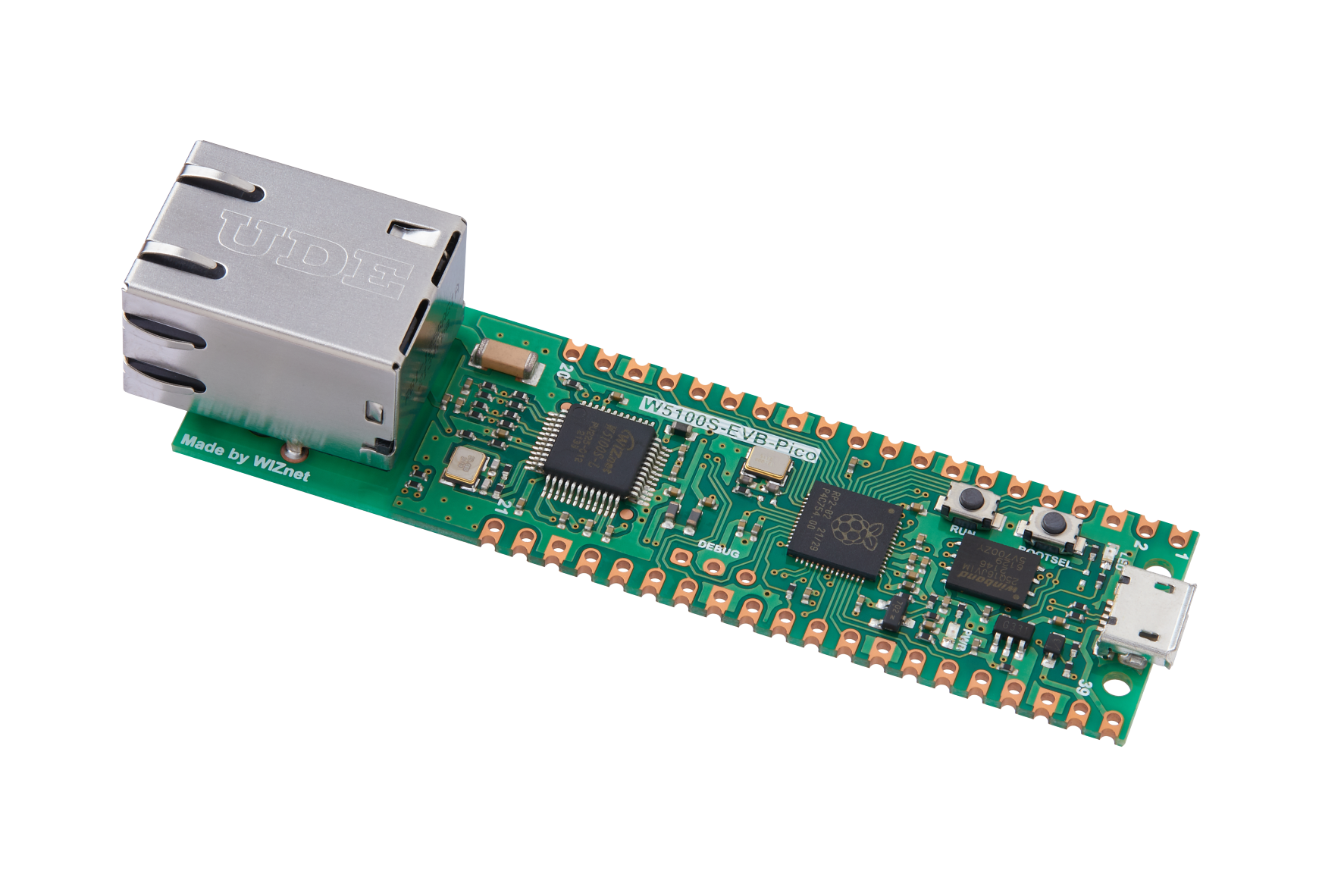
WIZnet - W5100S-EVB-Pico
x 1


DFRobot - Gravity: DHT11 Temperature Humidity Sensor For Arduino
x 1
Arduino - Arduino IDE
x 1
Project description
0. Introduction This is a tutorial on how to use a DHT11 sensor with a w5100s-evb-pico board to send temperature and humidity data to the Beebotte cloud. The tutorial covers importing necessary libraries, setting up pin numbers for the DHT11 sensor, and updating token values for Beebotte cloud connection. The real-time temperature and humidity data sent from the w5100s-evb-pico board can be monitored on the dashboard. 1. Hardware 1.1. Required component W5100S-EVB-Pico DHT11 - humidity & temperature sensor Bread board Ethernet cable USB 5pin cable 1.2. Hardware wiring Connect the…
Keep reading with a free account
Guests can read 15 projects per visit. Log in or create a free account to read the full description, open the documents and join the comments.

