Control LED of W5100S-EVB-Pico using Beebotte Cloud
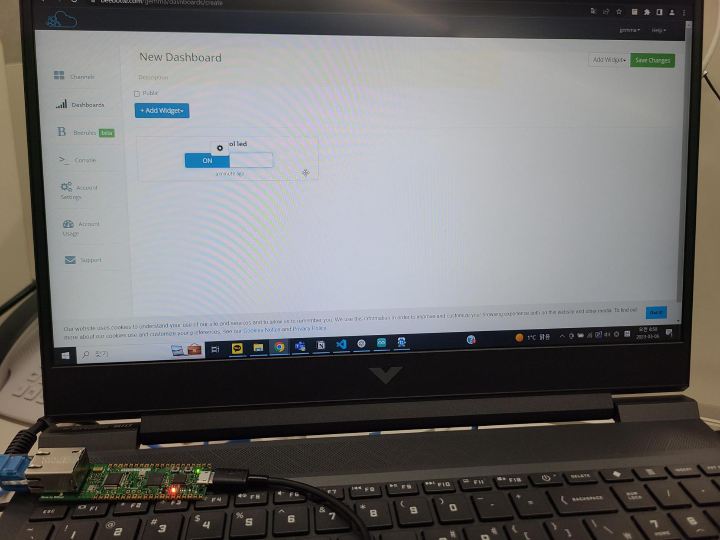
This content is an example of controlling the Built-in LED of W5100S-EVB-PICO in Beebotte cloud.
7
Components
Hardware components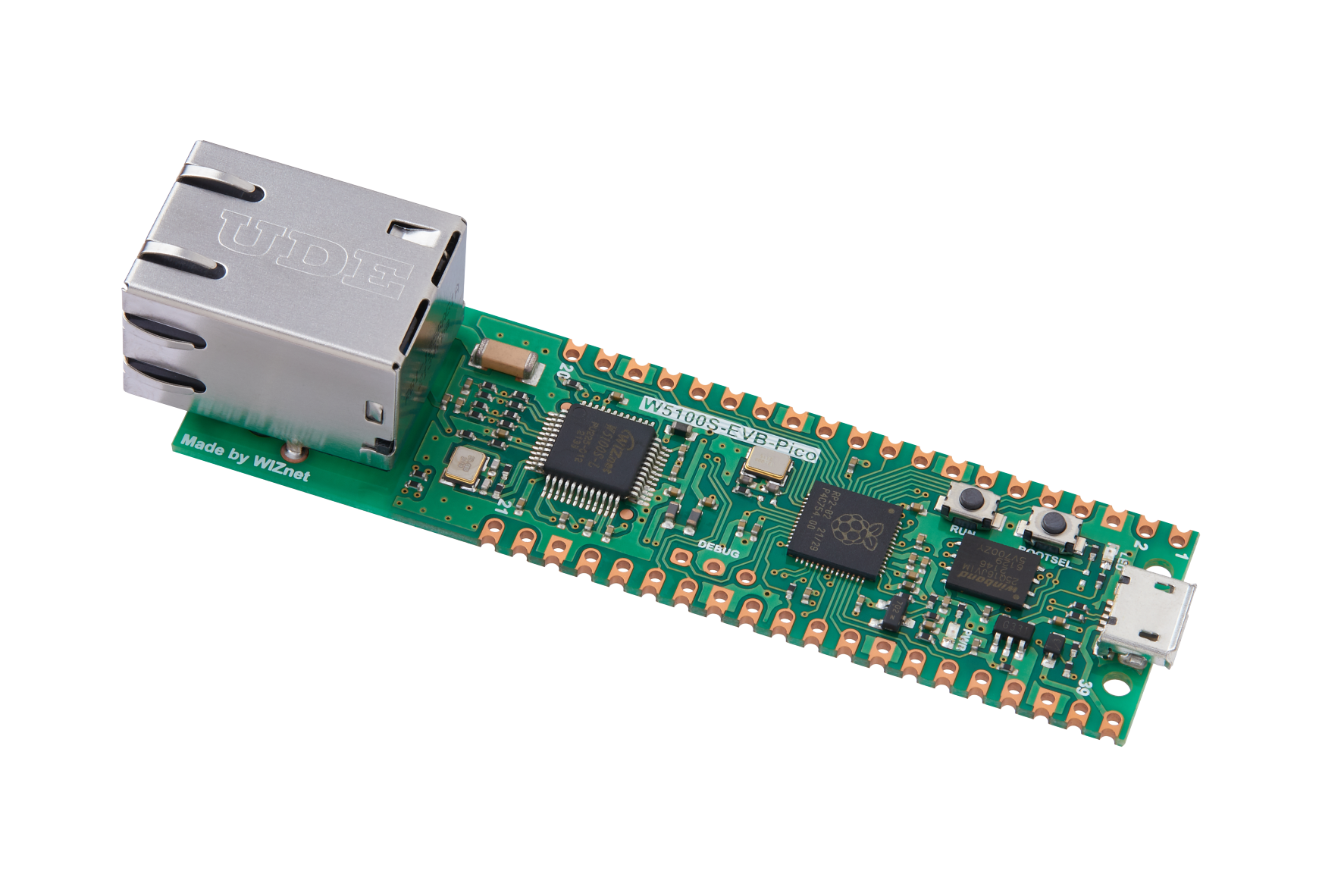
WIZnet - W5100S-EVB-Pico
x 1

Arduino - Arduino IDE
x 1
Beebotte - Beebotte
x 1
Project description
1. W5100S-EVB-Pico with Arduino IDE 1.1. Configure Arduino IDE Install the Arduino IDE on the Arduino IDE to use the W5100S-EVB-PICO board. 1.1.1. Add board manager URLs Go to File -Preference in Arduino IDE and add the following link to the Additional Board Manger URLS. https://github.com/WIZnet-ArduinoEthernet/arduino-pico/releases/download/global/package_rp2040-ethernet_index.json 1.1.2. Add Board Manager Go to Board Manager to search for PICO and install Raspberry PI PICO/RP2040 Ethernet by Wiznet. Go to Tools -Board, you can see that Raspberry PI PICO/RP2040 Ethernet is added. Now you…
Keep reading with a free account
Guests can read 15 projects per visit. Log in or create a free account to read the full description, open the documents and join the comments.

