W5100S-EVB-Pico to AWS IoT Core [FreeRTOS]
W5100S-EVB-Pico is first RP2040-based AWS Qualified board. This project will demonstrate how to connect to AWS IoT Core and transmit data.
1
![W5100S-EVB-Pico to AWS IoT Core [FreeRTOS]](/upload/_thumb/1280/project/3921/cover111.jpg.jpg)
Components
Hardware components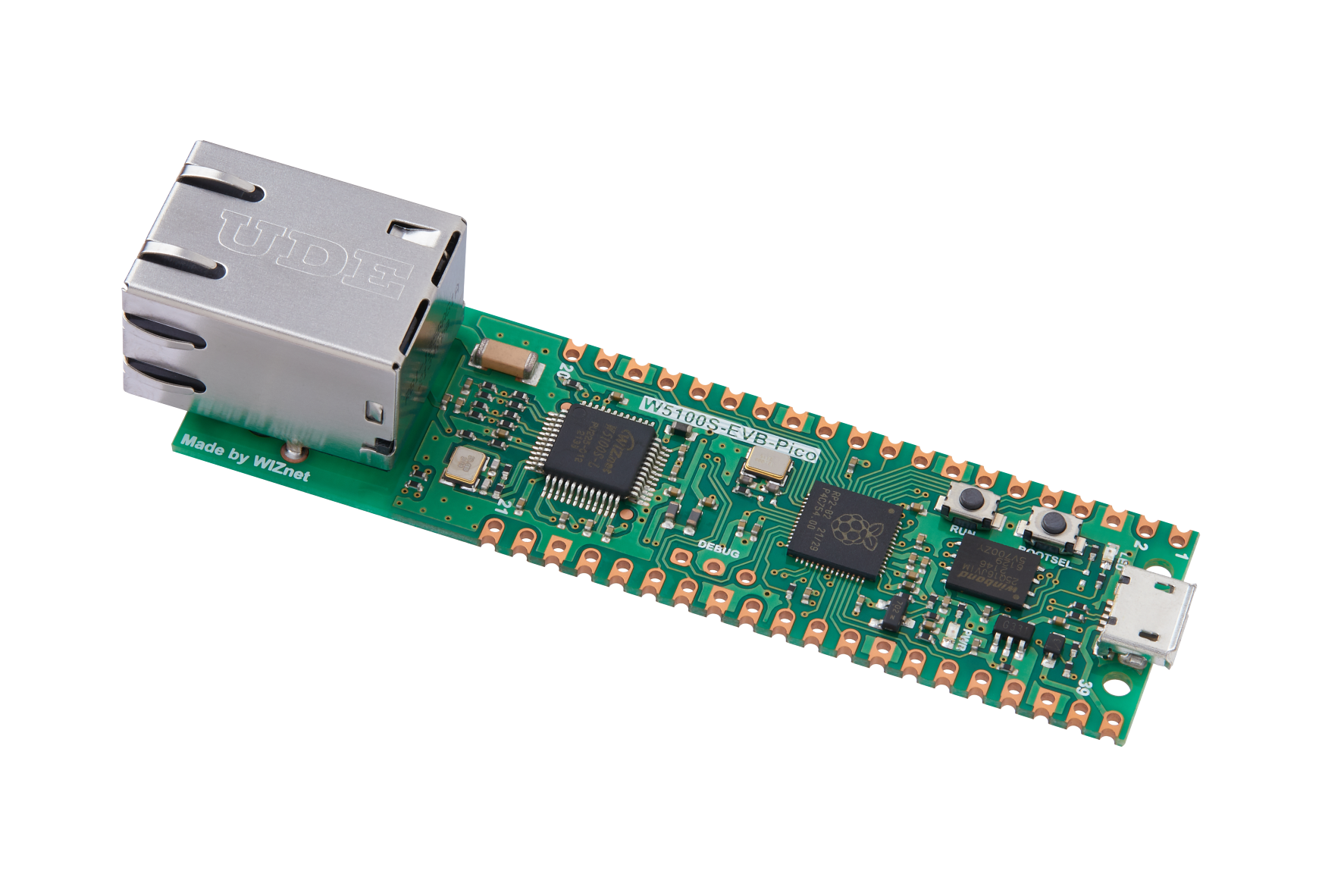
WIZnet - W5100S-EVB-Pico
x 1


AmazonWebServices - AWS API Gateway
x 1
Project description
’m going to introduce how to connect W5100S-EVB-Pico to AWS IoT Core and transmit data to cloud.
For your reference, WIZnet has a separate docs website,
https://docs.wiznet.io/Product/iEthernet/W5100S/w5100s-evb-pico
First and foremost, you need an AWS account (sign up if you do not have one).
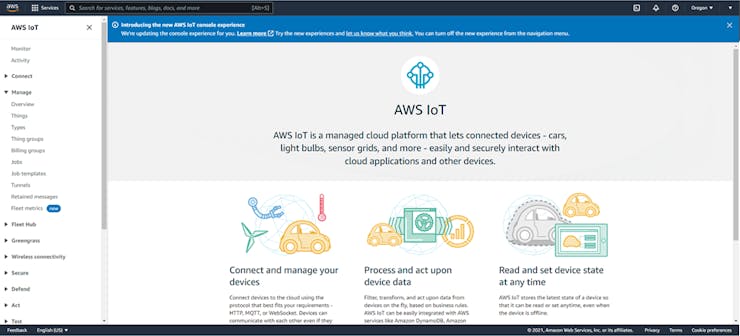
Once logged in, go to IoT Core Service and create a thing.


![W5100S-EVB-Pico to AWS IoT Core [FreeRTOS]](https://hackster.imgix.net/uploads/attachments/1391190/image_JUI8cbJv0G.png?auto=compress%2Cformat&w=740&h=555&fit=max)
Attach a policy (you must create one if you haven’t created one). In my case, I allowed all for testing purposes; please create your policy corresponding to your needs. For more information about policies please refer to: https://docs.aws.amazon.com/iot/latest/developerguide/iot-policies.html
![W5100S-EVB-Pico to AWS IoT Core [FreeRTOS]](https://hackster.imgix.net/uploads/attachments/1390939/image_7alxhPUZIx.png?auto=compress%2Cformat&w=740&h=555&fit=max)
Download 4 certificates from the pop-up window. FYI, public key won’t be used. Please keep in mind that you won’t be able to download these keys later, so copy them to a safe place. Also, for security reasons it is recommended to delete these keys after adding them to the firmware.
One a ‘thing’ is created in AWS IoT Core, let’s move on to the next step – Firmware.
A sample firmware can be downloaded or cloned from the following Github link: https://github.com/Wiznet/RP2040-HAT-AWS-C
Please clone, update submodule and patch.
Copy the downloaded keys into..\.RP2040-HAT-AWS-C\examples\AWS_IoT_MQTT\mqtt_certificate.h.
RSA 2048bit key: Amazone Root CA 1 -> mqtt_root_ca
Device certificate -> mqtt_client_cert
Private keyfile -> mqtt_private_key
![W5100S-EVB-Pico to AWS IoT Core [FreeRTOS]](https://hackster.imgix.net/uploads/attachments/1390941/image_w6209plbMS.png?auto=compress%2Cformat&w=740&h=555&fit=max)
Next, it is necessary to input domain, publish & subscribe topic, Client ID. This information shall be added to define variables in..\RP2040-HAT-AWS-C\examples\AWS_IoT_MQTT\AWS_IoT_MQTT.c
Thing name shall be used as Client ID.
For testing purposes I used shadow/update, shadow/update/accepted as Topics.
![W5100S-EVB-Pico to AWS IoT Core [FreeRTOS]](https://hackster.imgix.net/uploads/attachments/1390944/image_caap7OTO6f.png?auto=compress%2Cformat&w=740&h=555&fit=max)
You should be able to see the following log in the serial terminal.
![W5100S-EVB-Pico to AWS IoT Core [FreeRTOS]](/upload/_thumb/1280/ckeditor5/282453121%5F1695236096%2Epng.jpg)
Vice versa, you can also check the published data from the ‘MQTT test client to subscribed topic.
![W5100S-EVB-Pico to AWS IoT Core [FreeRTOS]](/upload/_thumb/1280/ckeditor5/282453121%5F1695231114%2Epng.jpg)

