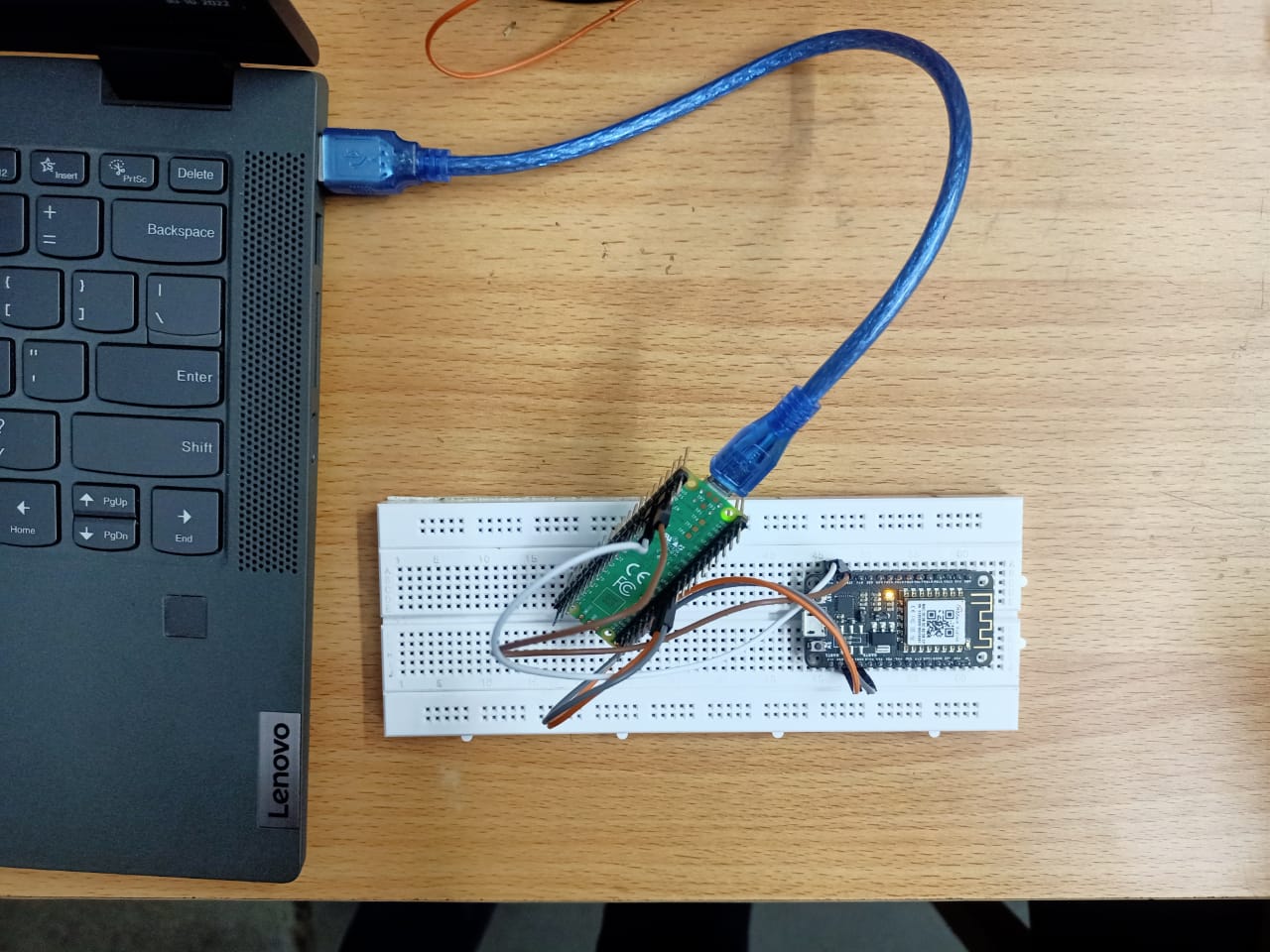
Temperature transfer WizFi360-EVB-Mini (Pico) – Client
Temperature measurement data transfer WizFi360-EVB-Mini (Raspberry Pi Pico) - Client(Python)
3
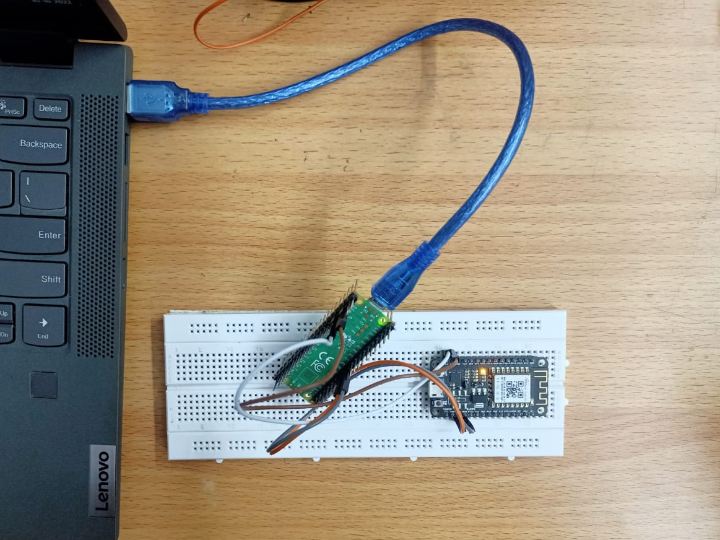
Components
Hardware components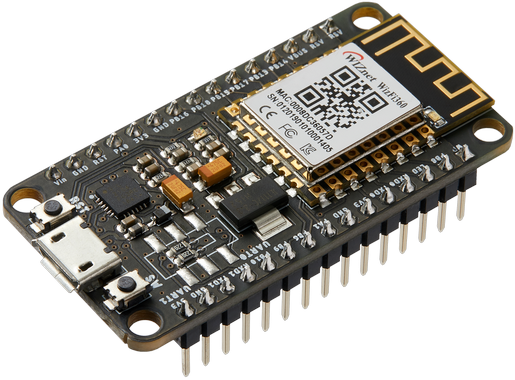
WIZnet - WizFi360-EVB-Mini
x 1


Raspberry Pi - Raspberry Pi Pico
x 1

thonny.org - Thonny
x 1
Project description
Temperature transfer WizFi360-EVB-Mini (Pico) – Client
WizFi360 is a low cost and low-power consumption industrial-grade WiFi module. It is compatible with IEEE802.11 b/g/n standard and supports SoftAP, Station and SoftAP+Station modes. The serial port baud rate can be up to 2Mbps.WizFi360 can be designed with a very simple circuit and data transmission is possible using UART1.WizFi360 controls AT commands via UART and uses UART0 when Micro USB is connected. We transmit temperature data from client to server. Since Pico has a built-in temperature sensor, there is no need to use another one.
Components -
- WizFi 360 EVB Mini
- RPI Pico
- Jumper wires
- MicroPython Thonny IDE Install
- Download Thonny and set it up for your Raspberry Pi Pico board.
- Tools - Options - Interpreter
- Set Raspberry Pi Pico and COMx in options
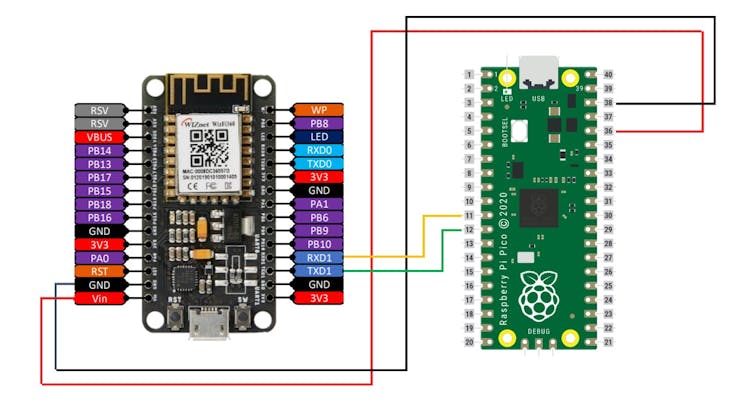
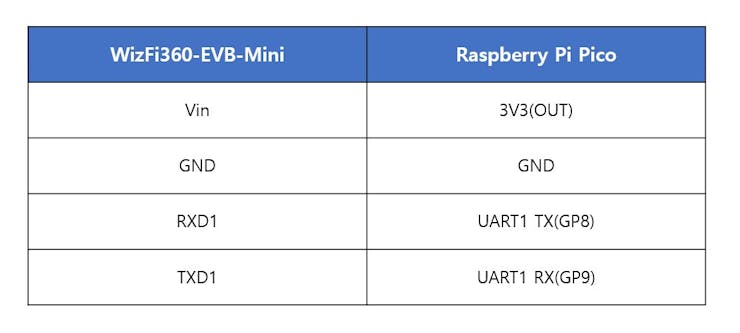
WizFi360-EVB-Mini connection diagram
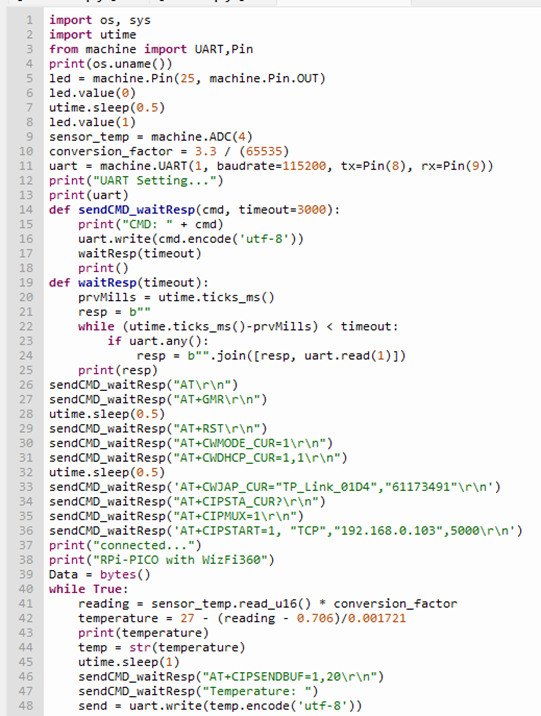
import os, sys
import utime
from machine import UART,Pin
print(os.uname())
led = machine.Pin(25, machine.Pin.OUT)
led.value(0)
utime.sleep(0.5)
led.value(1)
sensor_temp = machine.ADC(4)
conversion_factor = 3.3 / (65535)
uart = machine.UART(1, baudrate=115200, tx=Pin(8), rx=Pin(9))
print("UART Setting...")
print(uart)
def sendCMD_waitResp(cmd, timeout=3000):
    print("CMD: " + cmd)
    uart.write(cmd.encode('utf-8'))
    waitResp(timeout)
    print()
def waitResp(timeout):
    prvMills = utime.ticks_ms()
    resp = b""
    while (utime.ticks_ms()-prvMills) < timeout:
        if uart.any():
            resp = b"".join([resp, uart.read(1)])
    print(resp)
sendCMD_waitResp("AT\r\n")
sendCMD_waitResp("AT+GMR\r\n")
utime.sleep(0.5)
sendCMD_waitResp("AT+RST\r\n")
sendCMD_waitResp("AT+CWMODE_CUR=1\r\n")
sendCMD_waitResp("AT+CWDHCP_CUR=1,1\r\n")
utime.sleep(0.5)
sendCMD_waitResp('AT+CWJAP_CUR="TP_Link_01D4","61173491"\r\n')
sendCMD_waitResp("AT+CIPSTA_CUR?\r\n")
sendCMD_waitResp("AT+CIPMUX=1\r\n")
sendCMD_waitResp('AT+CIPSTART=1, "TCP","192.168.0.103",5000\r\n')
print("connected...")
print("RPi-PICO with WizFi360")
Data = bytes()
while True:
    reading = sensor_temp.read_u16() * conversion_factor
    temperature = 27 - (reading - 0.706)/0.001721
    print(temperature)
    temp = str(temperature)
    utime.sleep(1)
    sendCMD_waitResp("AT+CIPSENDBUF=1,20\r\n")
    sendCMD_waitResp("Temperature: ")
    send = uart.write(temp.encode('utf-8'))
AT+CWJAP_CUR="SSID","PASSWORD
Enter the SSID and PW of the AP (Router) you want to connect to.
AT+CIPSTART=0,"TCP","YOUR_IP_ADDRESS",5000
Input Server's IP in YOUR_IP_ADDRESS.
Temperature Data from Server
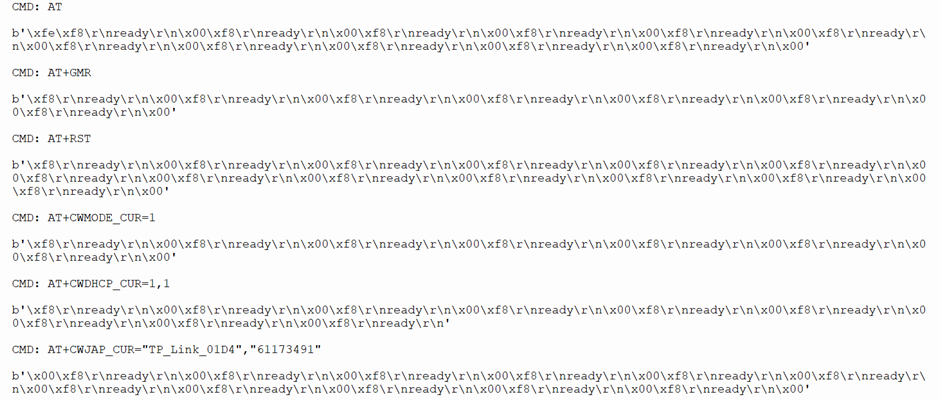
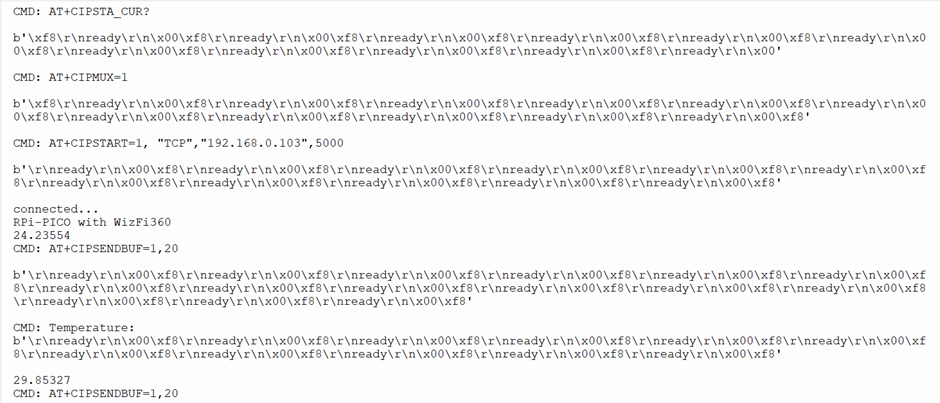
Temperature Data from Client