Meet WIZ-Cam -- A MicroPython-powered IP Camera
WIZ-Cam -- An ethernet-ready IP-Camera supporting HTTP and RTSP using W55MH32
0
Components
Hardware componentsWIZnet HK - WIZ-Cam
x 1

micropython - MicroPython
x 1

Project description
WIZ-Cam
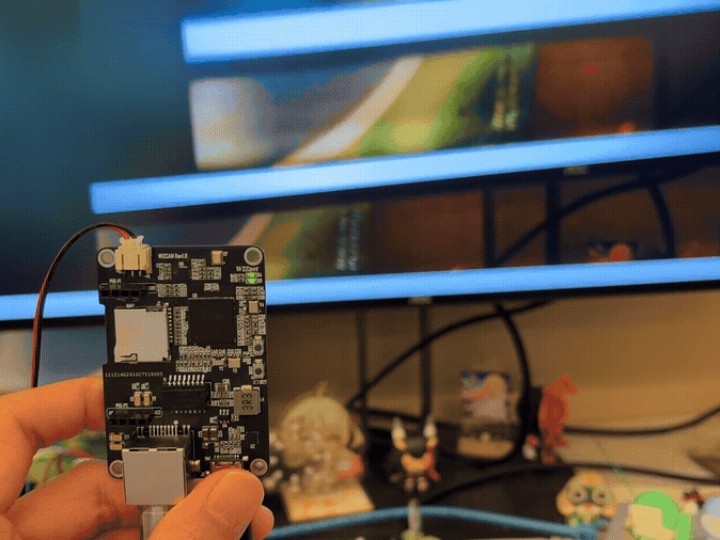
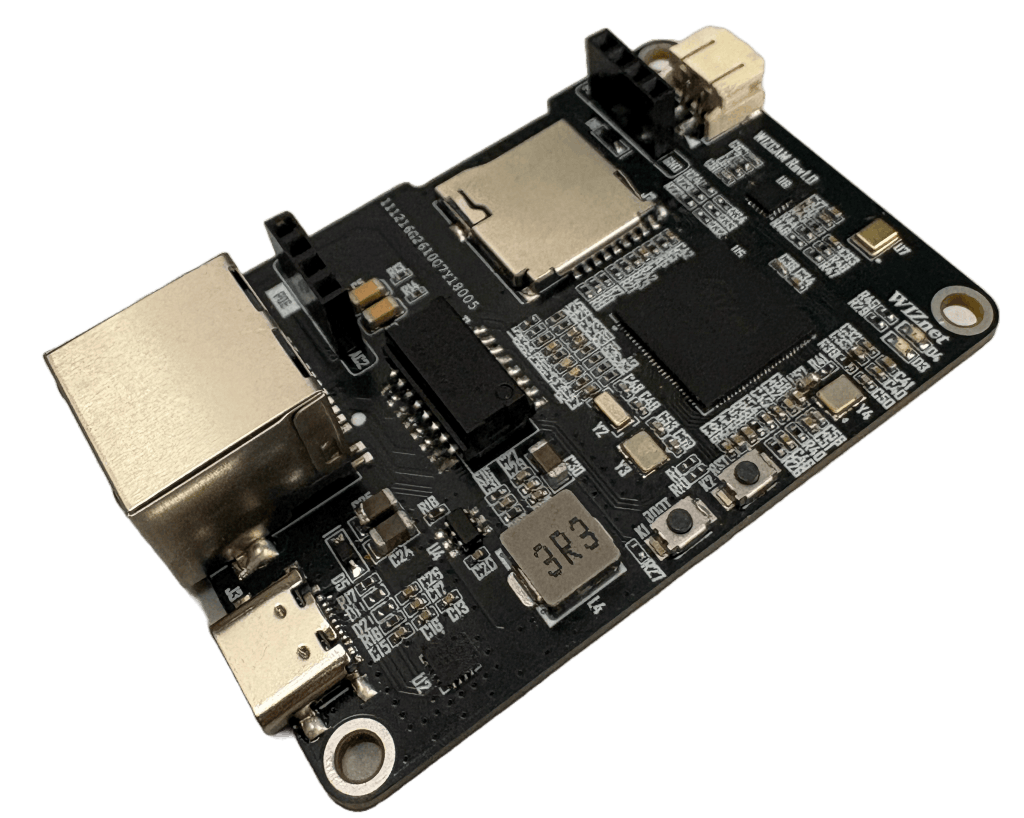
WIZ-Cam is an HTTP/RTSP IP Camera powered by W55MH32 and is equipped with an OV2640 that runs on MicroPython.
Introduction
WIZ-Cam is an Ethernet IP camera which can both serve as a HTTP MJPEG stream and serve as a RTSP stream where audio can be recorded or playback alongside streaming MJPEG.
What's more on this board is that it is fully powered on MicroPython! Despite most low-level camera capturing algorithm are written under C, thanks to the immense peripherals available on the W55MH32 and also features such as viper and native on MicroPython, we can actually do the same using Timer interrupts and DMA captures.
Applications
As an HTTP camera, you can view video by:
- Visiting https://<board-ip>:80 on the browser
- Opening https://<board-ip>:80 as a network stream in VLC
- Use the bundled Configuration Tool, which shows the stream while you change settings live.
Whilst as an RTSP camera, you can view video and listen to audio by:
- Opening Network Stream and enter rtsp://<board-ip>:554
- Use ffplay in a terminal (if installed): ffplay -i rtsp://<board-ip>:554/
To talk back through the board — connect the Configuration Tool to the command server and press Record. Your PC’s microphone is sent to the board and played through its speaker.
Challenge
There are a few challenges worth mentioning. One is the lack of a traditional DCMI port, and another is the limited SRAM — 96 KB on the WIZ-Cam board, against the popular ESP32-CAM’s 520 KB plus 4 MB of external PSRAM.
To work around the missing DCMI, we use a timer in gated slave mode to pull MJPEG data in over DMA. The camera’s pixel clock drives the timer’s counter, and HREF gates it — so the timer only counts while the sensor is actually putting out valid pixels. Each count triggers one DMA transfer, with no CPU involvement at all.
Then for the limited SRAM, the answer is to never hold a whole frame at all. A UXGA JPEG simply doesn’t fit in 96 KB — so instead of capturing a frame and then sending it, we send it out in small chunks while the DMA is still filling the buffer behind us. The W55MH32’s hardware TCP/IP handles the sending, so capture and transmit genuinely run at the same time.
For a more detailed explanation, visit WIZ-Cam -- How does it work where a technical aspect of the implementation is provided there.
Conclusion
WIZ-Cam has been one of the most challenging projects I’ve worked on, and it taught me not just about what the W55MH32 is capable of, but also about features of MicroPython itself.
Give the board a try and have fun building something with it!
Docs page: Quick Reference For WIZ-Cam — W55MH32 MicroPython documentation
GitHub page: wiznethk-git/WIZ-Cam: WIZ-Cam -- An ethernet-ready IP-Camera supporting HTTP and RTSP
Preview: WIZ Cam Preview


