WizFi360-EVB-Pico【WIZnet】を試してみました【Arduino使用】
With the advent of Raspberry Pi Pico W, the RP2040 (Raspberry Pi Pico) is now equipped with Wi-Fi. Pico compatible boards are available.
4
Components
Hardware components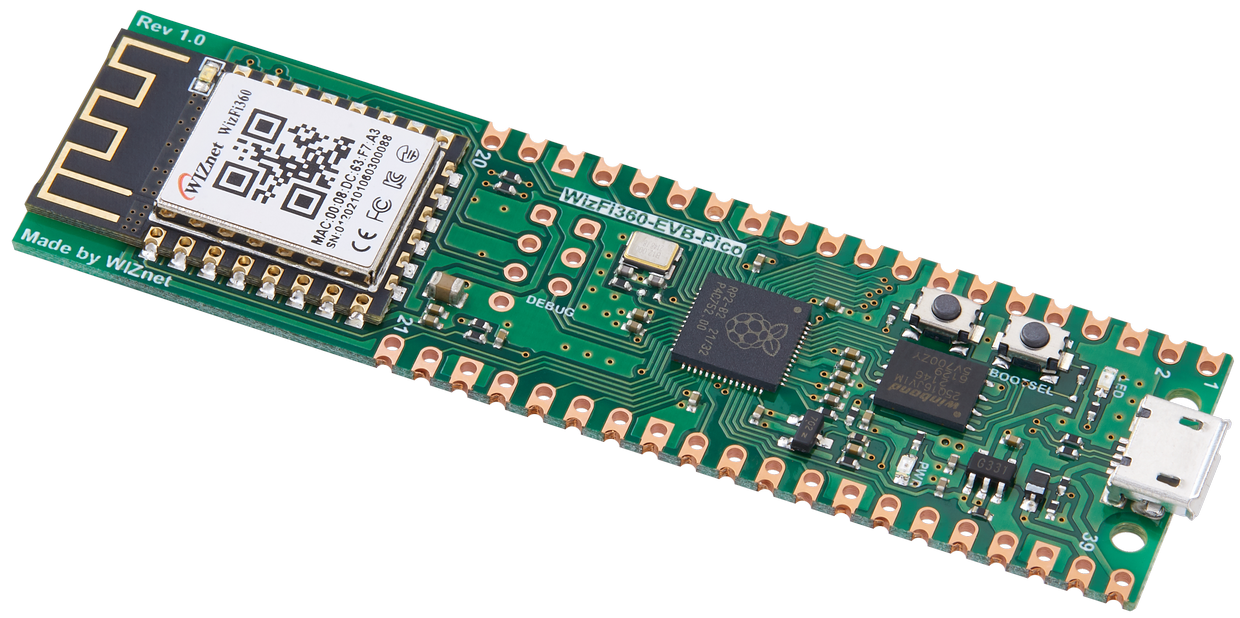
WIZnet - WizFi360-EVB-Pico
x 1
Project description
I tried WizFi360-EVB-Pico [WIZnet] [Using Arduino]
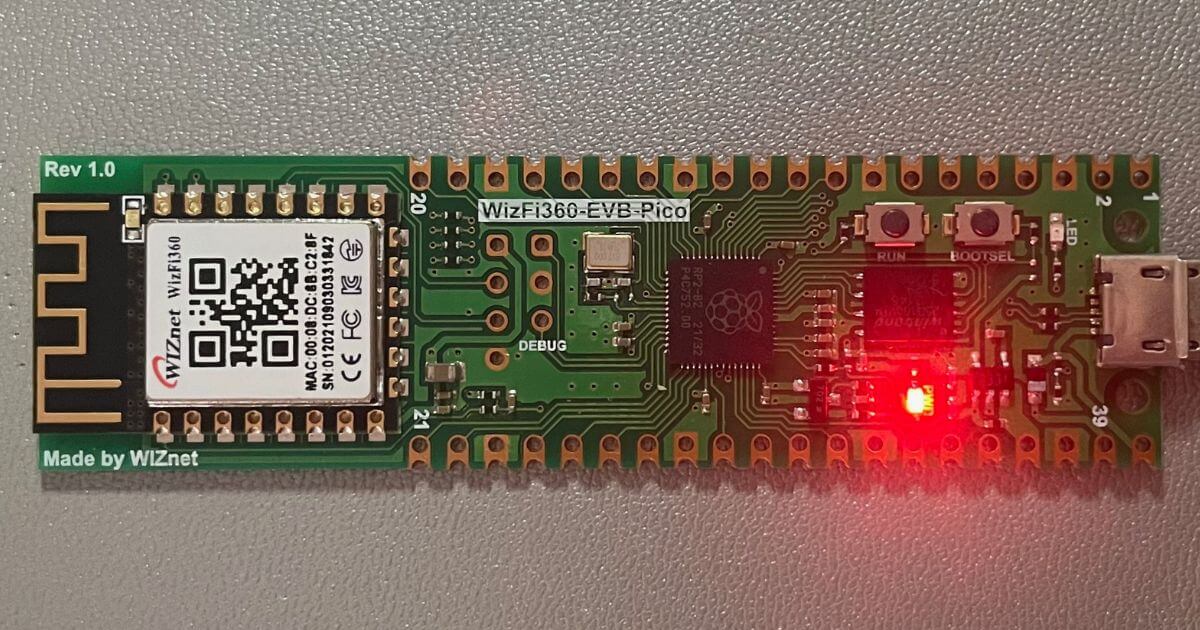
Hello, I'm Arocchi.
With the advent of Raspberry Pi Pico W, the RP2040 (Raspberry Pi Pico) is now equipped with Wi-Fi. Pico compatible boards are available.
I just got this one and would like to introduce it to you.

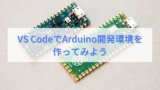

feature
- Raspberry Pi Pico compatible board
- Built-in WiFi module WizFi360-PA
- reset button
| MCU | RP2040 dual-core ARM Cortex M0+ processor, up to 133 MHz operating frequency |
| flash memory | 2MB |
| GPIOs | 26 (pinout compatible with Raspberry Pi Pico) |
About Wi-Fi module WizFi360-PA
It will be a so-called skill-compliant module.
| WizFi360-PA (PCB Antenna) | Construction design certification number: 022-190204You can access the product page from the QR code on the box. You can check it from the link below. Click the link below for "J-MIC (TELEC)" in the WizFi360 > DataSheet page・WizFi360-PA Certification (Construction Design Certificate (pdf)) Features IEEE802.11 b/g/n SoftAP, Station, SoftAP+ Support Station mode Serial port baud rate up to 2Mbps |
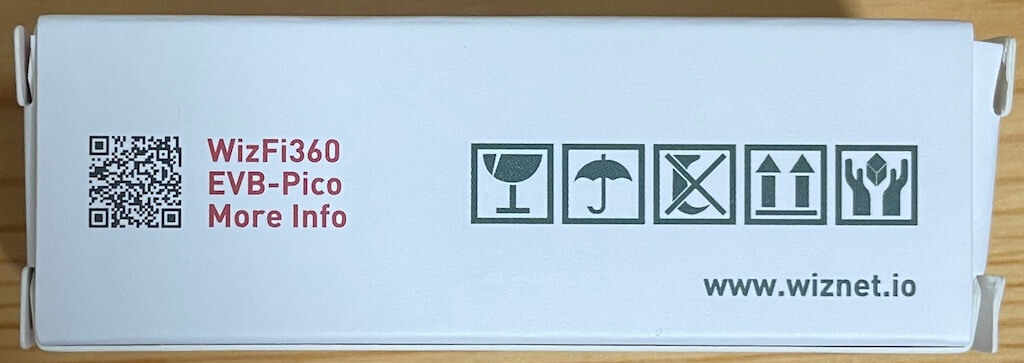
You can refer to the product page here
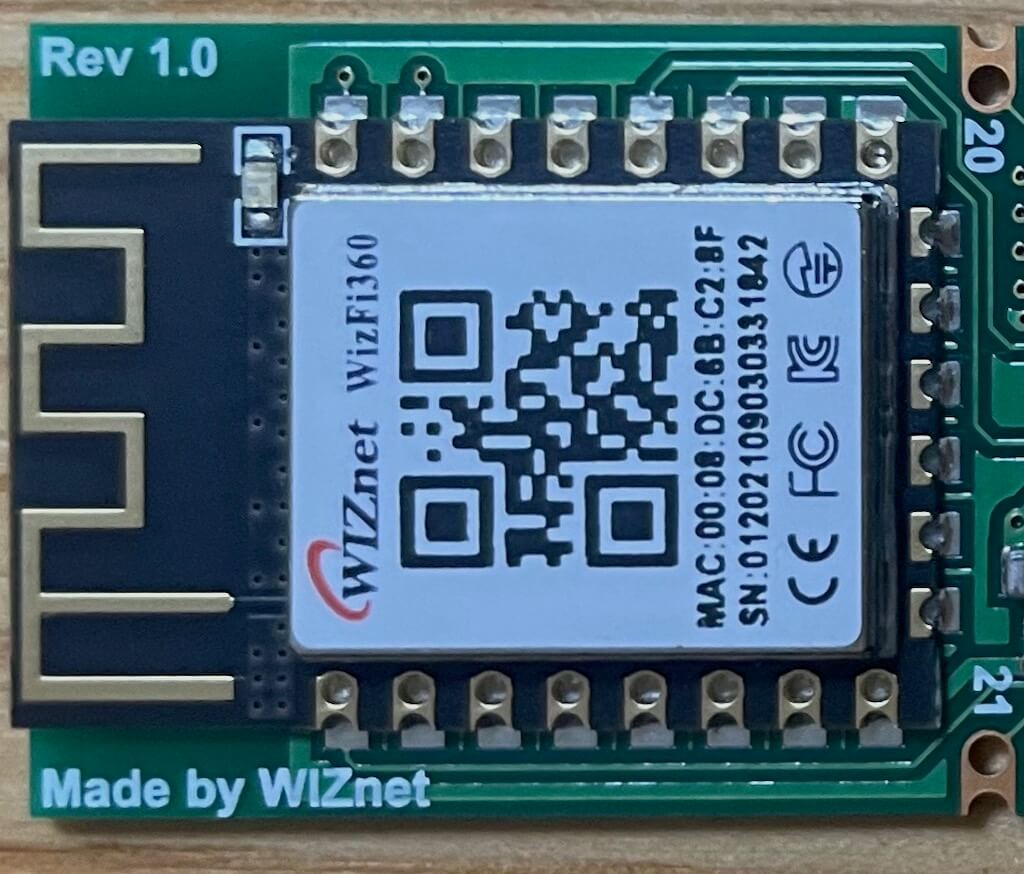
WizFi360-PA
RP2040 board summary article (reference site)
pinout

gallery
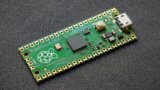
box

table

back

USB mass storage mode
If you press the reset button while pressing the BOOT button, it will enter USB mass storage mode (RPI-RP2).
When in USB mass storage mode, you can install MicroPython or CircuitPython firmware from your PC.
Please refer to the following articles for how to install MicroPython and CircuitPython firmware.
You can use the firmware of Raspberry Pi Pico.
Arduino IDE settings
- Add board to Arduino
IDE
Add Raspberry Pi Pico/RP2040 board ( earlephilhower version ) in advance.
See the article below for how to add.

- Installing the Raspberry Pi Pico/RP2040 board
Install the Raspberry Pi Pico/RP2040 board by clicking Tools > Boards > Board Manager and entering 'rp2040' in the search box.
- board selection
Select [Tool] > [Board] > [Raspberry Pi RP2040 Boards(Ver)] > [WIZnet WizFi360-EVB-Pico].
- Serial port selection
Select the serial port to which WizFi360-EVB-Pico is connected from [Tools] > [Serial Port].
If you have an environment that cannot write from a serial port, such as a Chromebook, you can write sketches manually.
Install WizFi360 library
download
The library for WizFi360-EVB-Pico is below (GitHub).
https://github.com/Wiznet/WizFi360_arduino_library/tree/WizFi360-EVB-Pico
Download the ZIP file from Code > Download ZIP .
install
Arduino IDE
Sketch > Include Library > Install .ZIP Library…
Click.
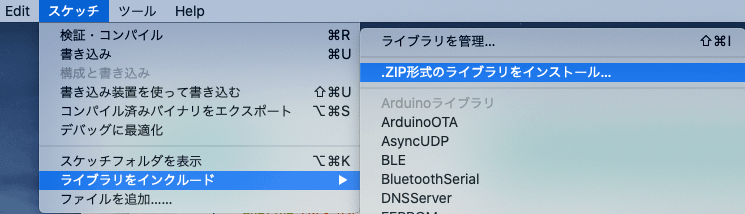
Select the downloaded ZIP file to install.
Sample program (Arduino sketch)
Sketch example
Arduino IDE File > Example Sketch > Try some WizFi360 sketches.
Connect WPA
Open the example sketch ConnectWPA .
Replace the following (Wi-Fi information) with the Wi-Fi information of the connection destination and write the sketch.
/* Wi-Fi info */
char ssid[] = "wiznet";       // your network SSID (name)
char pass[] = "0123456789";   // your network password
You can check the information of the connected Wi-Fi from the serial monitor.

Web Server AP
Sketch example Open WebServerAP and write a sketch.
WizFi360-EVB-Pico is WebServer, so try to connect.
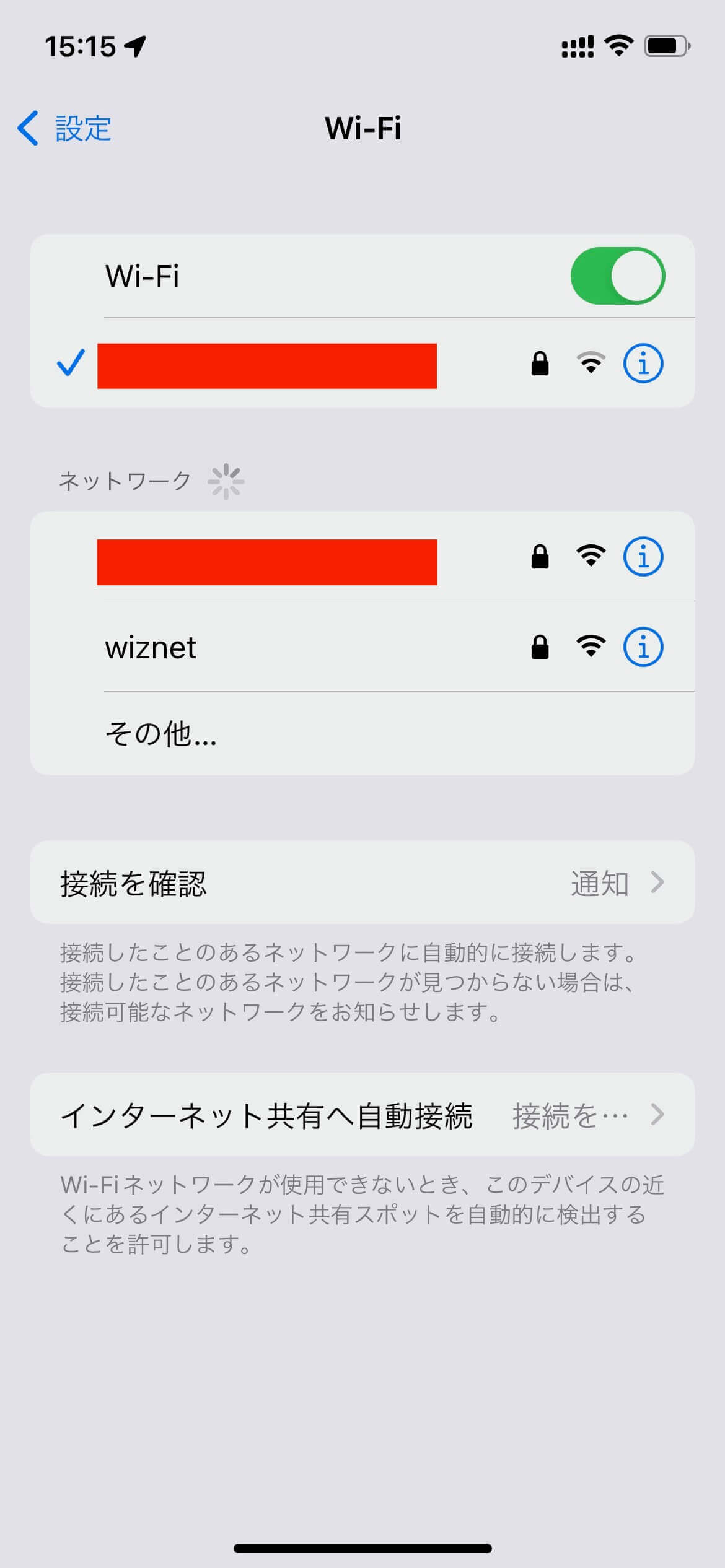
- Connection example with a smartphone (iPhone)
Tap wiznet from Wi-Fi.
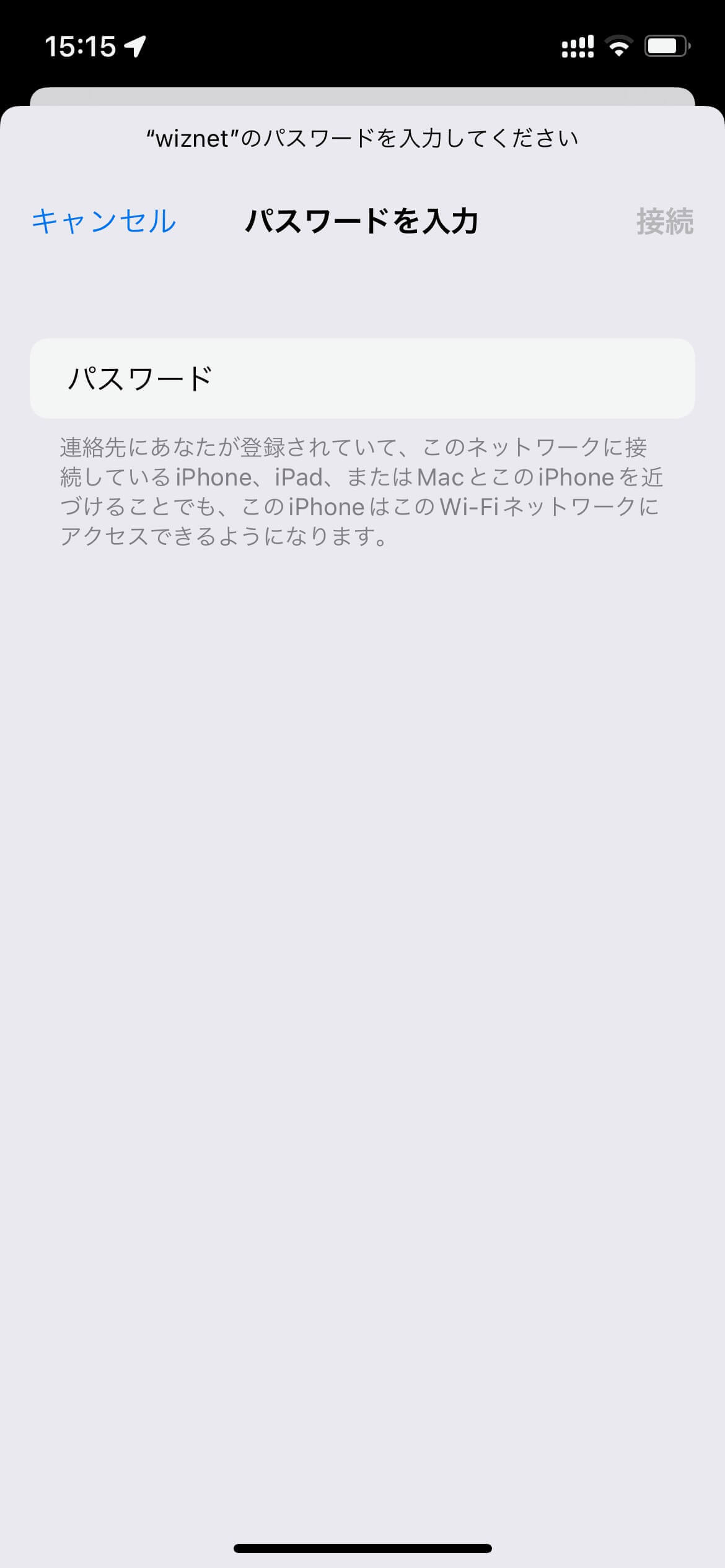
Enter "0123456789" for the password and tap "Connect".
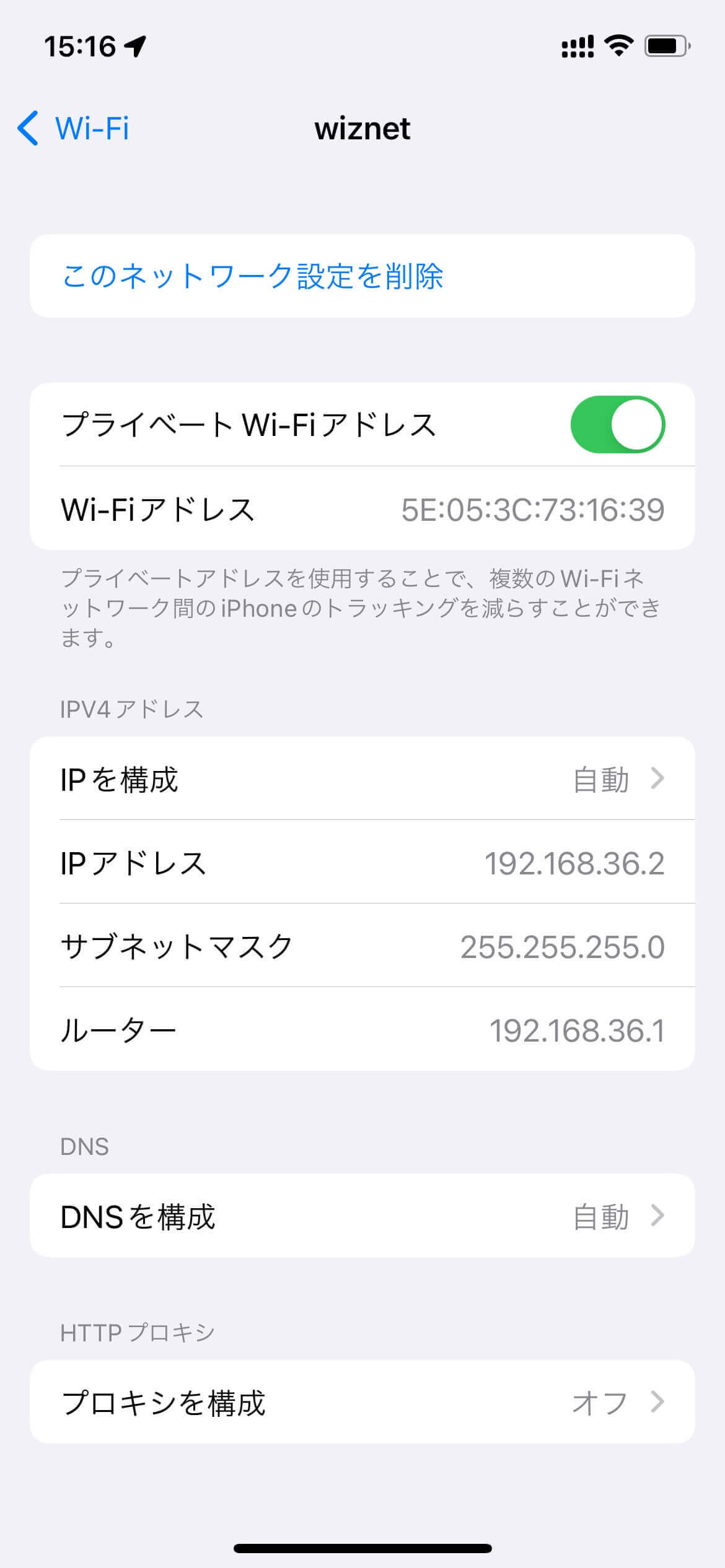
If you open the wiznet information (tap the i mark), you can see that the IP address (router) is "192.168.36.1".
When you access http://192.168.36.1 from your browser , the following is displayed.

Also, the serial monitor of the Arduino IDE is displayed as follows.
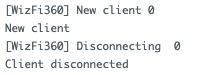
serial monitor screen

