A Claude Code status light on WizFi360-EVB-Pico
An RP2040 + WizFi360 desk light that shows Claude Code's status over Wi-Fi TCP, with LEDs and voice. No Bluetooth needed.
0
Components
Hardware components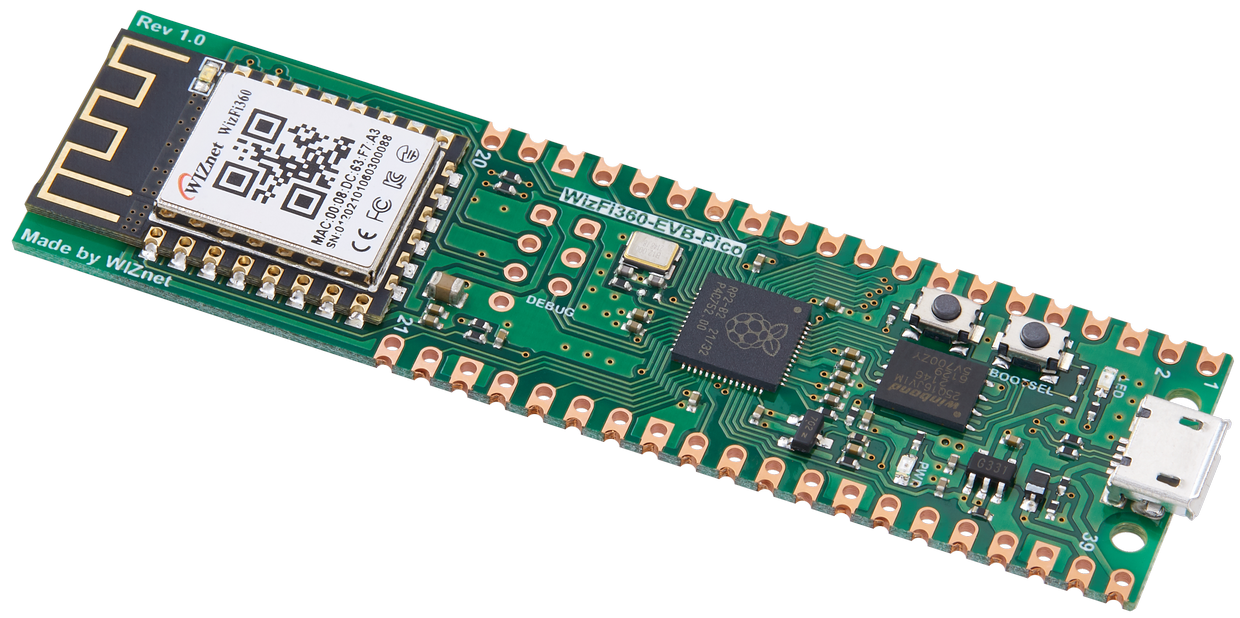
WIZnet - WizFi360-EVB-Pico
x 1
RP2040 + WizFi360; Wi-Fi TCP link to the PC
Project description
Claude Code can work for minutes at a time, and it sometimes stops to wait for your approval. FreakStudio's Claude Assistant is a small desk device that shows that state with two LEDs and a short voice line, so you do not have to keep checking the terminal. Most versions talk to the PC over Bluetooth LE. The WizFi360 version uses Wi-Fi TCP instead, which is the one to build when your PC has no Bluetooth or the desk is out of range.
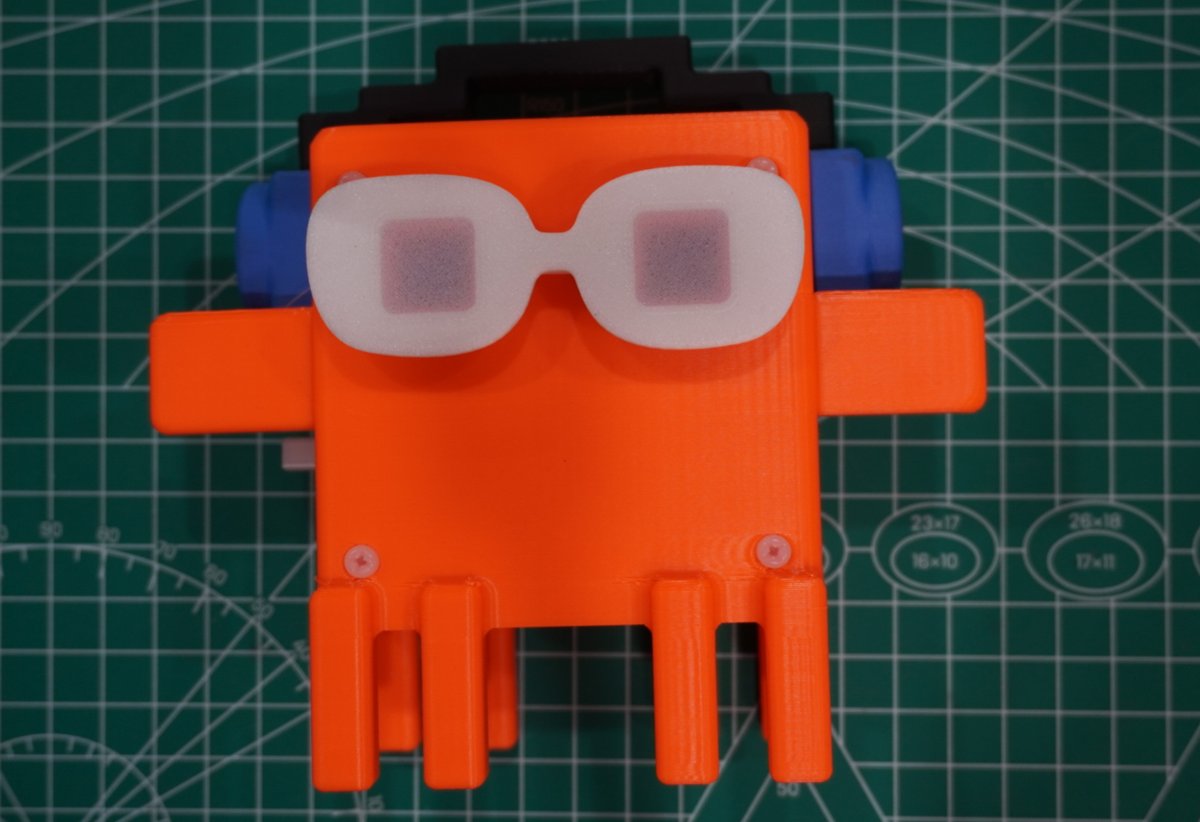
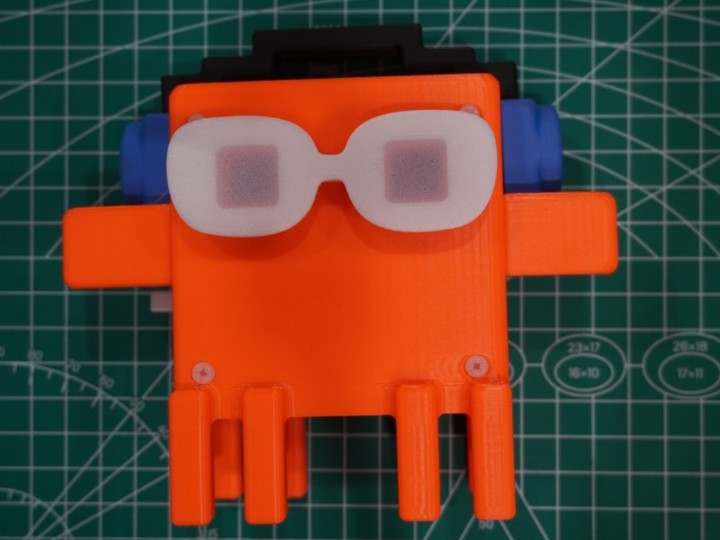
The Clock edition. The WizFi360 version uses the same two-LED, voice and enclosure design.
What it shows
A daemon on the PC receives Claude Code's hook events (a tool starts, a task finishes, an approval is needed) and pushes the current state to the device.
| State | Light |
|---|---|
| Idle | Steady blue |
| Working | Cyan sweep |
| Waiting for your approval | Slow yellow blink |
| Task complete | Fast green flash |
| Error | Alternating red |
Each change also plays a pre-generated voice clip stored on the device. If several Claude Code windows are open, the daemon tracks all of them and shows the one that needs attention. Nothing goes to a cloud service: the device only receives state, never code.
How the WizFi360 is wired
The board is a WizFi360-EVB-Pico: an RP2040 with WIZnet's WizFi360 Wi-Fi module on board. The RP2040 runs MicroPython and drives the WizFi360 with AT commands over a UART. From the project's config.py and main.py:
| Function | RP2040 pin / setting |
|---|---|
| UART to WizFi360 | UART1 at 115200 baud, GP4 → WizFi360 RX, GP5 ← WizFi360 TX |
| WizFi360 reset | GP20 |
| WS2812B LEDs (2) | GP16 |
| Vibration sensor | GP18 |
| Vibration motor | GP17 |
| Audio | MAX98357A I2S amplifier and a small speaker |
The firmware bundles a MicroPython build of an AT-command driver for the WizFi360 (wizfiatcontrol, based on Adafruit's library) and runs the device as a TCP server on port 57321. The same firmware runs on all four versions of the project; one VARIANT = "wizfi360" line switches the transport from BLE to Wi-Fi and selects the pins above.
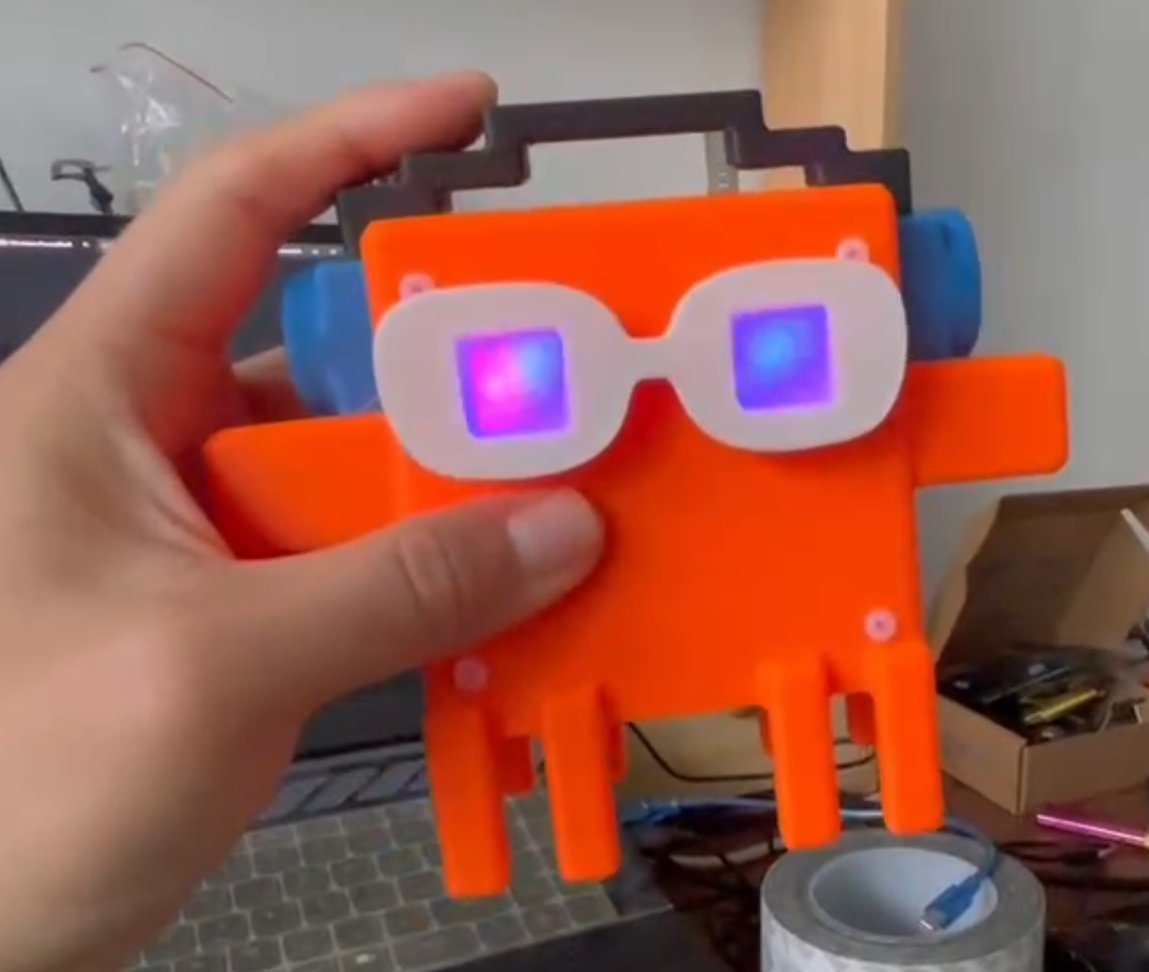
Holding the Clock edition
Getting it on the network
- Flash. The EVB-Pico ships with MicroPython, so there is no base firmware step. To flash the prebuilt image instead, hold BOOTSEL, plug in USB and copy the
.uf2file to the RPI-RP2 drive. - Wi-Fi credentials. The project's Windows setup tool asks for the SSID and password and writes them into
config.pyat flash time. A static IP can be set in the same file; left empty, the module uses DHCP. - Pair. The setup tool scans the local network for the device, or you type in its IP address, which the device prints on the serial console after boot (
AT+CIFSR). The pairing is saved asip:57321in%APPDATA%\claude-buddy\device.json, and the daemon reconnects to it on every start. - Install the Claude Code side. It installs as a Claude Code plugin that registers the hooks; manual hook registration is documented as a fallback. The PC side needs Windows 10/11 and Python 3.11+.
Two extras come from the Clock design: a tap on the enclosure triggers the vibration sensor and plays a random voice line, and the motor buzzes when a task finishes, fails or needs approval. Both can be switched off in the setup tool.
One practical note: because the Wi-Fi password ends up in config.py, keep your flashed copy of that file out of any public repository.
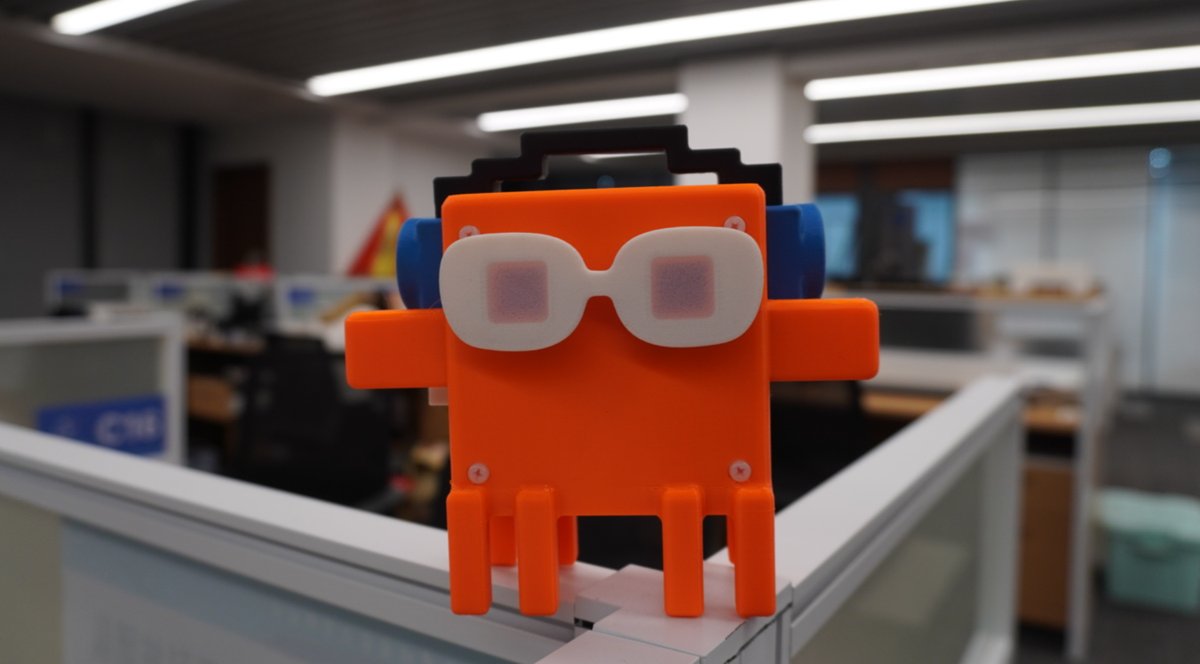
Clock edition on an office partition
Links
- Repository, firmware and setup tool: github.com/FreakStudioCN/MicroPython_Claude_Assistant_Public
Project by FreakStudio. Photos and technical details are from the project repository.
Have a working prototype you want to turn into a product? Anvol takes MicroPython and microcontroller prototypes like this one through enclosure, circuit board, firmware hardening, component sourcing and small-batch production, with no minimum order. When a project needs it, we can also arrange final assembly in the US. Tell us what you have built: anvol.dev · chris@anvol.dev
Documents
-
Firmware, PC daemon and setup tool
FreakStudio's repository (MicroPython firmware for all four versions)


