Debugging & Building an STM32CubeIDE Project in VS Code
Debugging & Building an STM32CubeIDE Project in VS Code
1
Components
Software Apps and online services
microsoft - VS Code
x 1

Project description
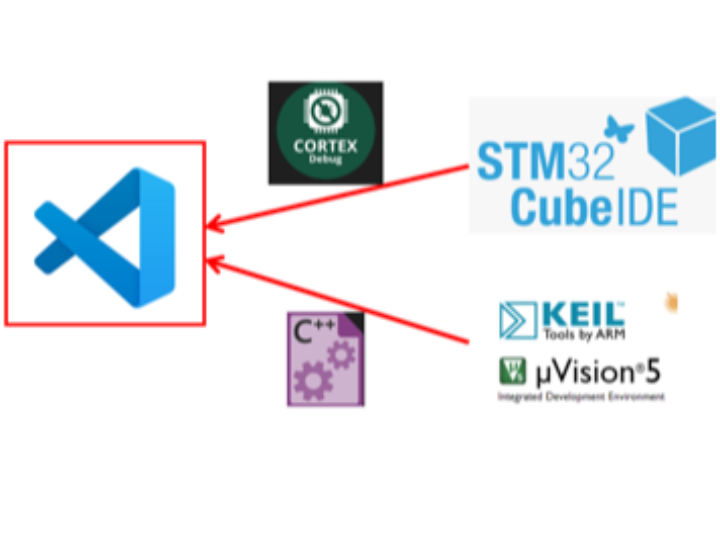
Debugging & Building an STM32CubeIDE Project in VS Code This article introduces how to build and debug STM32CubeIDE projects using VSCode. You will be doing a lot of development using our WIZnet chips and STM32 MCUs. Therefore, we want to introduce this project to you. VSCode is a lightweight yet powerful code editor that is loved by many developers. Through this article, we hope you learn how to use VSCode to make your STM32 project development process more efficient and convenient. Happy coding! Items needed for this project [Installation files within Windows] - Common Installation…
Keep reading with a free account
Guests can read 15 projects per visit. Log in or create a free account to read the full description, open the documents and join the comments.

