A Simple Guide to Building the WIZnet-PICO-C Library with Raspberry Pi Pico in VS Code
Here's a concise summary for your guide on building the WIZnet-PICO-C library using the Raspberry Pi Pico extension in VS Code
0
Components
Hardware components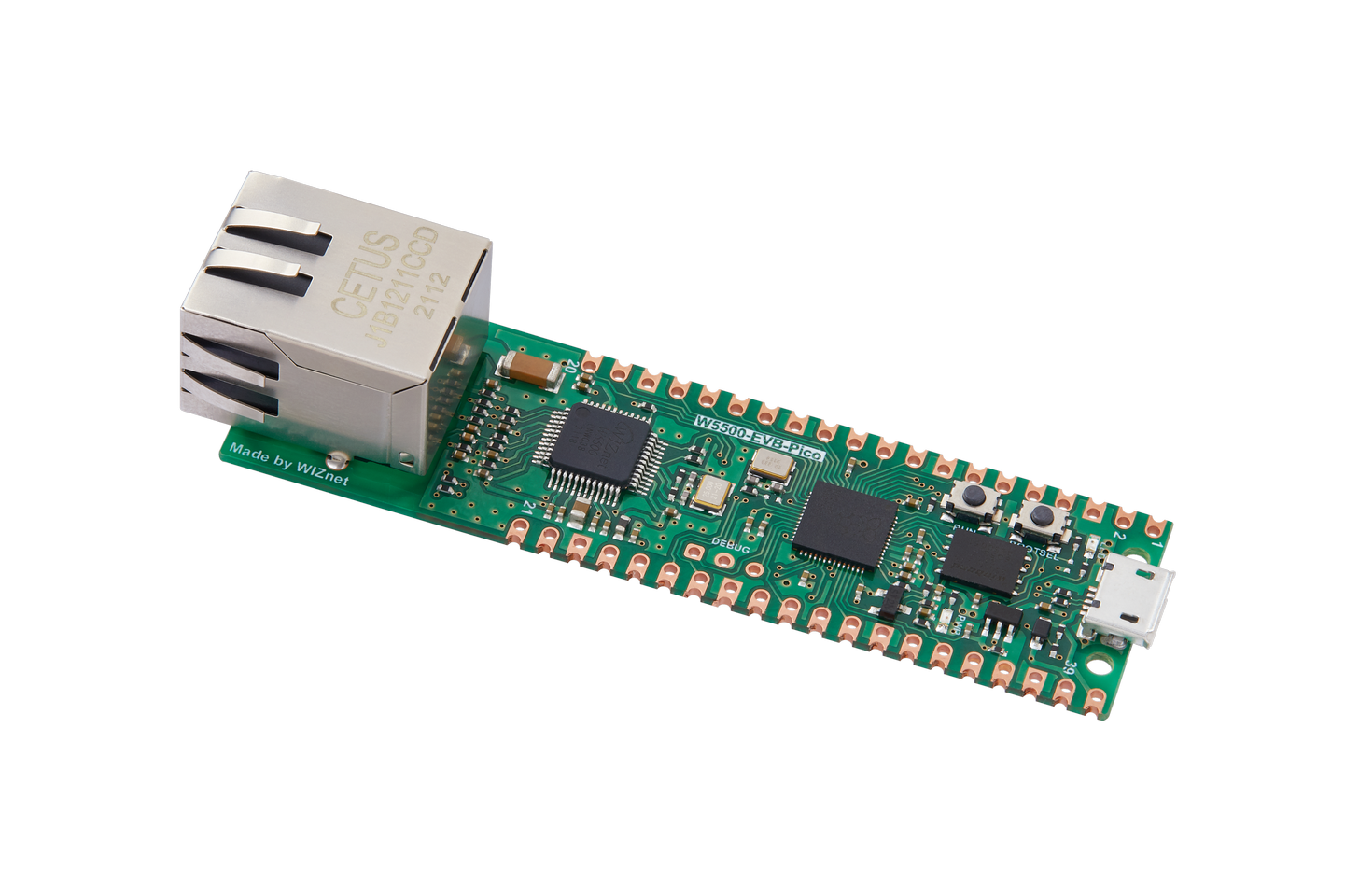
WIZnet - W5500-EVB-Pico
x 1

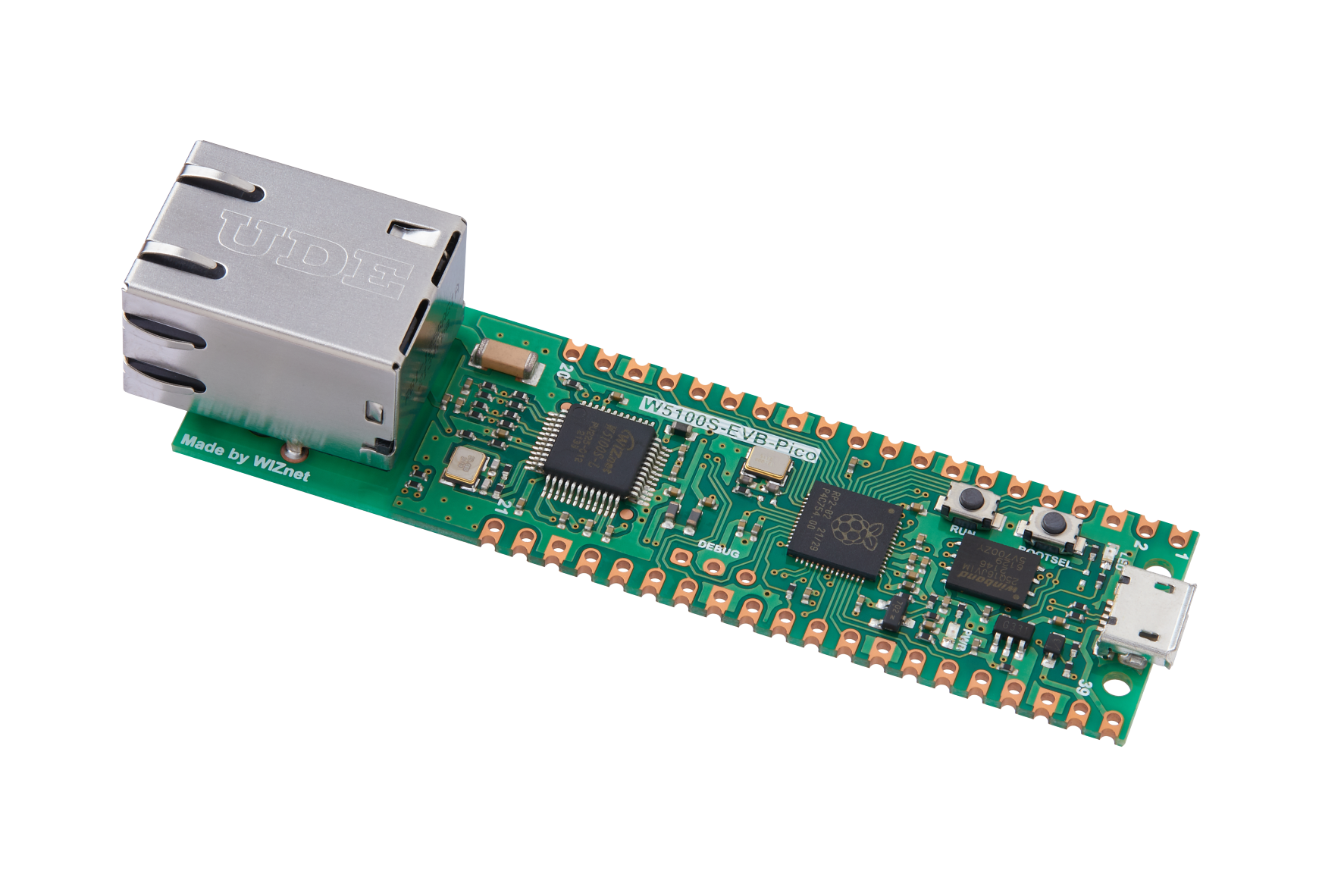
WIZnet - W5100S-EVB-Pico
x 1
WIZnet - W6100-EVB-Pico
x 1
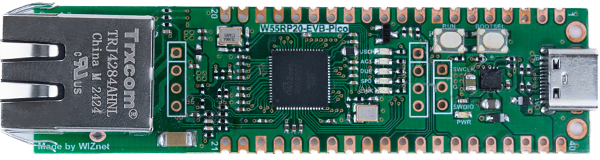
WIZnet - W55RP20-EVB-Pico
x 1
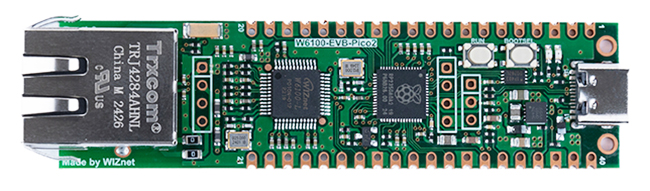
WIZnet - W6100-EVB-Pico2
x 1
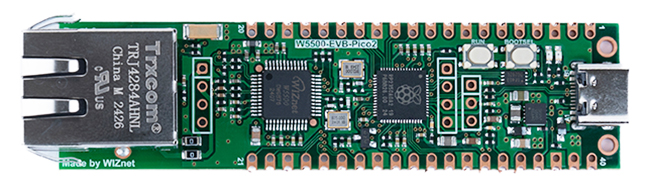
WIZnet - W5500-EVB-Pico2
x 1
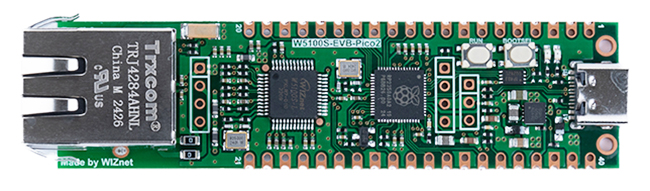
WIZnet - W5100S-EVB-Pico2
x 1

microsoft - VS Code
x 1
Project description
Before you begin this project, you need to install the WIZnet-PICO-C library from the link provided below. Please use the GitHub link below to download the library. [WIZnet-PICO-C Library] Step 1: Install the Libraryss First, make sure you've installed the WIZnet-PICO-C library from the GitHub link provided below. Step 2: Install the Raspberry Pi Pico Extension in VS Code Once the library is installed, open Visual Studio Code and go to the Extensions tab. Search for "Raspberry Pi Pico" and install the extension. Step 3: Import the Project After installing the extension, open the "Raspberry…
Keep reading with a free account
Guests can read 15 projects per visit. Log in or create a free account to read the full description, open the documents and join the comments.

