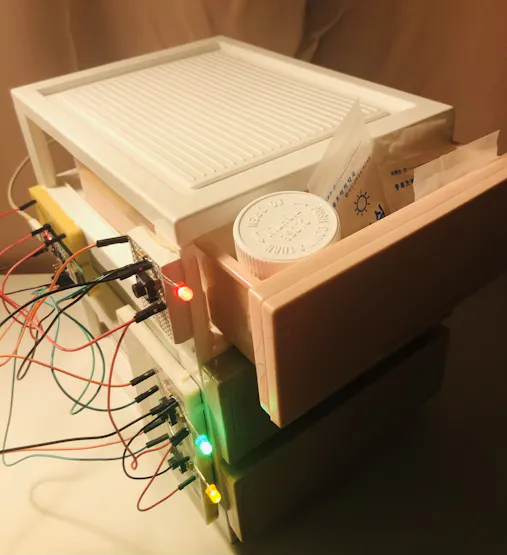
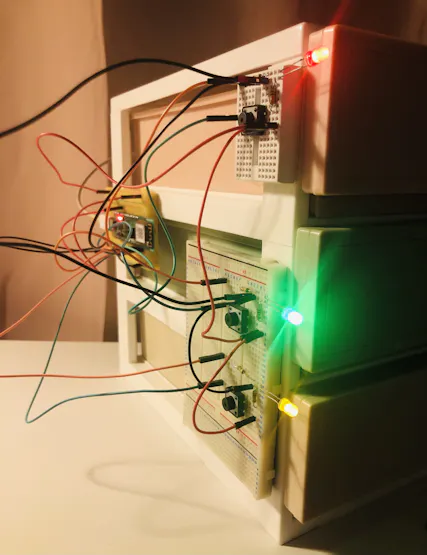
MedicBox using WizFi360-Pico
Smart Medication Management System with Alarm for Reminder
2
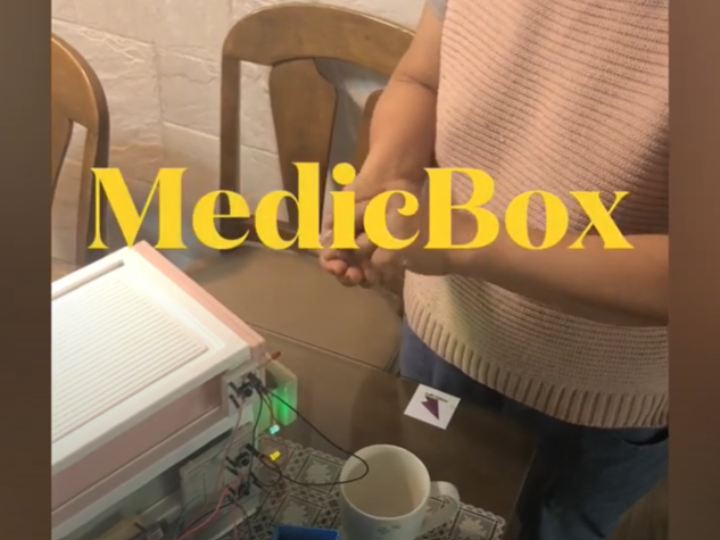
Components
Hardware components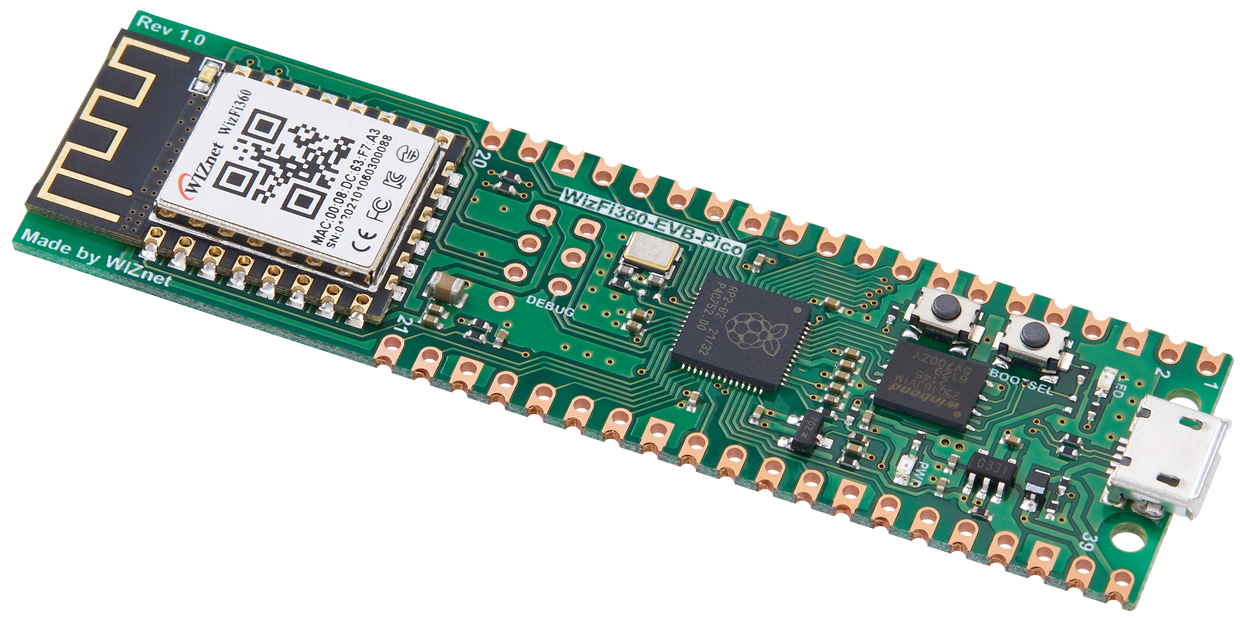
WIZnet - WizFi360-EVB-Pico
x 1
Microsoft - Azure IoT Hub
x 1

Project description
Purpose
Sometimes, I can't remember if I took the medicine, or I forget to take it at the desired time.
Vitamins and blood pressure pills, have to take every day, but sometimes you forget and don't take them.
Based on C language, It is a system that allows you to set the desired time and check whether you are taking the medicine.
Design
I was thinking about how to manage my morning, lunch, and dinner medications.
We needed at least three containers, and we needed a way for each container to be identified by an alarm or indicator light.
Especially, I planned to implement the function by controlling GPIO using wizfi360-pico.

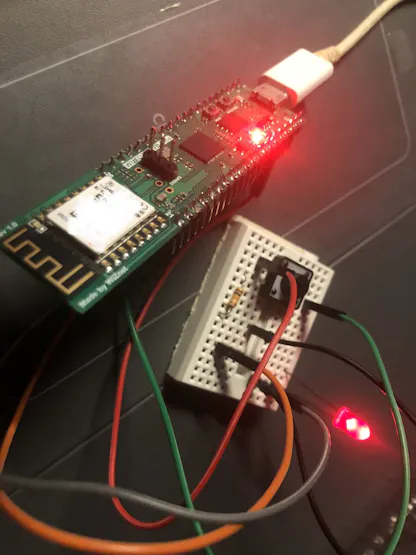
LED & Push Button
By using the LED and button, you can store various medications and check whether they are taken or not.
It is a simple operation process:
If the LED is on, take your medicine.When you have taken your medicine, press the button to turn off the LED.
For people who take various medications, 3 pairs of LEDs and buttons are configured as a controller.

First, configure a pair of LEDs and Buttons.

Azure IoT Hub
Using Azure IoT Hub, LED status can be checked remotely.
Using Azure IoT Hub service, I connected my flask-based personal server. You can check the status of the WizFi360-Pico device anytime, anywhere by connecting to a smartphone through this server.

Guides and References for connecting to Azure IoT Hub can be found in the repository below:
https://github.com/Wiznet/WizFi360-EVB-Pico-AZURE-C
Debugging is possible using picoprobe in Wizfi360-pico !