make loopback server with STM32f103vc and w5100s
make loopback server using STM32CubeMX with W5100S-EVB,
7
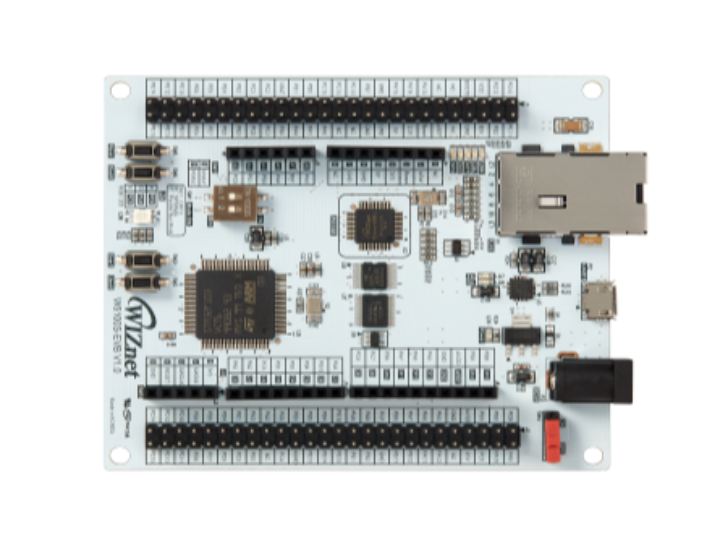
Components
Hardware components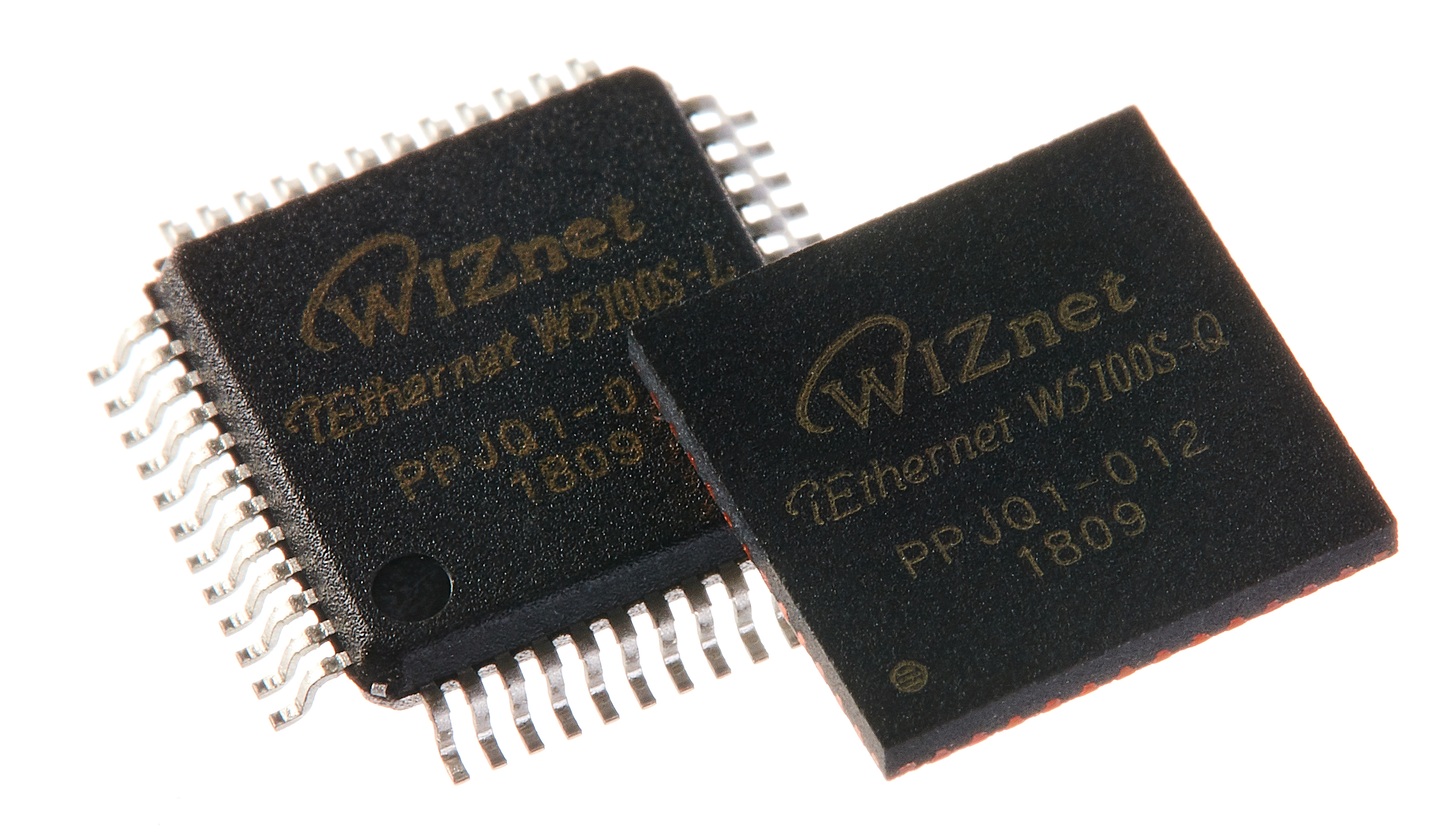
WIZnet - W5100S
x 1

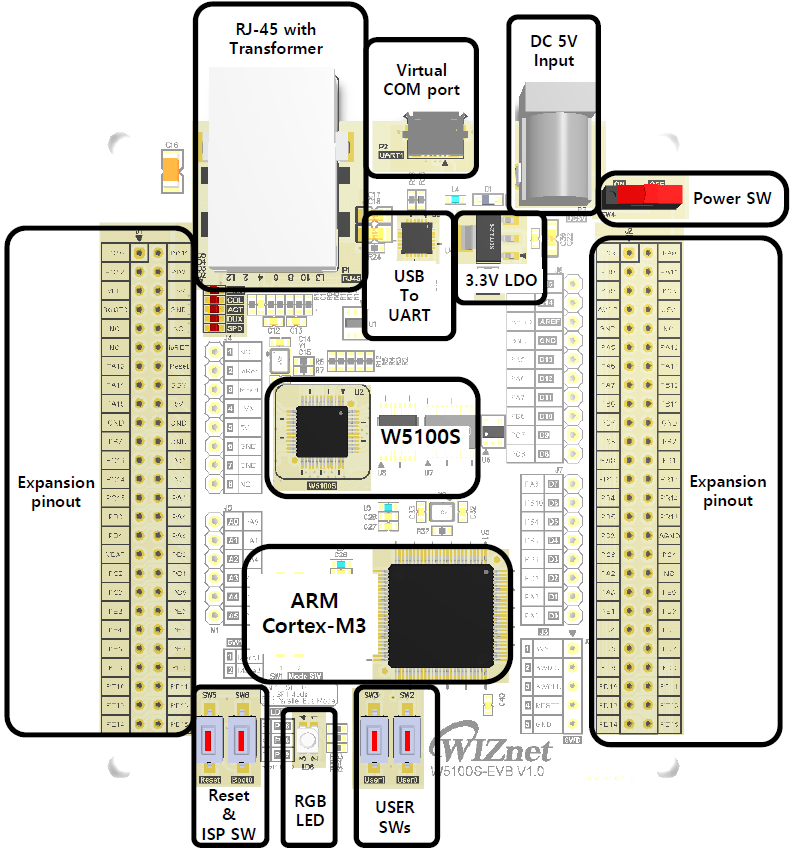
WIZnet - W5100S-EVB
x 1
Project description
Step 1: Prepare software
The following serial terminal programs are required for Loopback example test, download and install from below links.
Step 2: Prepare hardware
- Connect ethernet cable to W5100S-EVB ethernet port.
- Connect W5100S-EVB to desktop or laptop using 5 pin micro USB cable.
Step 3: Setup Loopback Example
To test the Loopback example, minor settings shall be done in code.
- If you want to test with the Loopback example using SPI, Set Mode switch [0 0]

- If you want to test with the Loopback example using B, Set Mode switch [0 1]
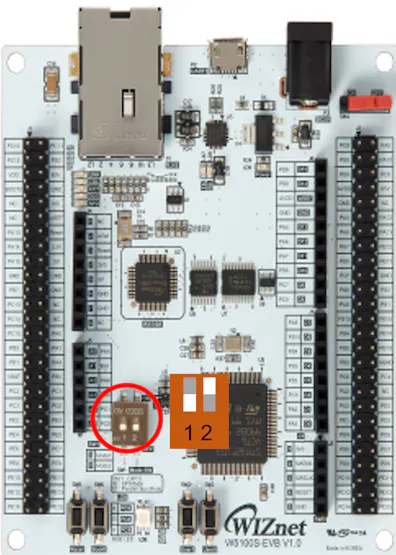
And if you want to using DMA, defined comment in main.h
/* Use BUS DMA */
//#define USE_DMA- Setup network configuration such as IP in 'main.c' which is the Loopback example in 'Core/Src/' directory.
/* Network */
static wiz_NetInfo g_net_info =
    {
        .mac ={0x00, 0x08, 0xDC, 0x12, 0x34, 0x56}, // MAC address
        .ip = {192, 168, 11, 2},                     // IP address
        .sn = {255, 255, 255, 0},                    // Subnet Mask
        .gw = {192, 168, 11, 1},                     // Gateway
        .dns = {8, 8, 8, 8},                         // DNS server
        .dhcp = NETINFO_STATIC                       // DHCP enable/disable
};- Setup loopback configuration in 'main.c' in 'Core/Src/' directory.
/* Port */
#define PORT_LOOP   5000
Step 4: Build
- After completing the Loopback example configuration, mouse right click to Project name and selsect 'Build Project'

- When the build is completed, 'xxx.hex' is generated in '\Debug' or \Release' directory.
Step 5: Upload and Run
Flash programming via UART
STMicroelectronics Flash loader demonstrator is a program to perform in-system - programming (ISP) of the MCU flash via its UART.Press the 'Boot0' push button
Switch on board until turn on the board after reset or power supply.
Set the settings on main window of Flash loader demonstrator program. The figure below shows the default configuration for W5100S-EVB

- refer to below pictures If you do not go to the next page in flash loader demonstrator, users try again this action. 'Press the 'Boot0' push button switch on board until turn on the board after reset or power supply.'

- After finish to flash programming and board reset, The MCU do running the program When the running to loopback program, as below picture serial debug message print out.

- Connect to the open loopback server using Hercules TCP client. When connecting to the loopback server, you need to enter is the IP that was configured in Step 3, the port is 5000 by default.
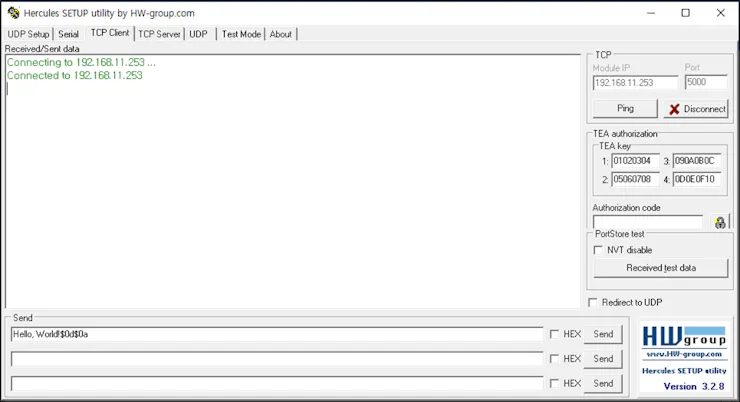
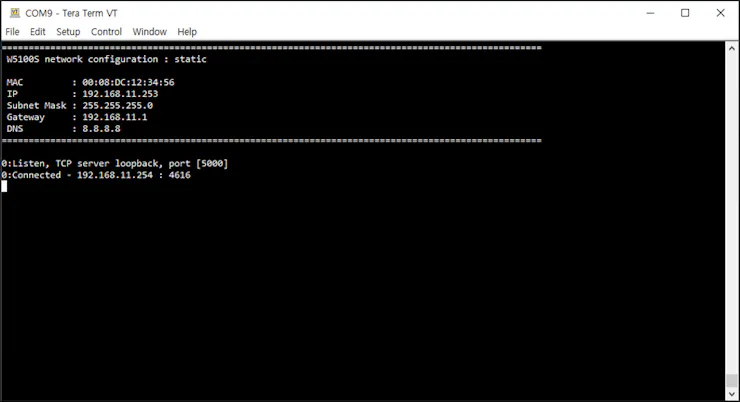
- Once connected if you send data to the loopback server, you should be able to receive back the sent message.


