PlatformIO + ESP32 + Ethernet + OTA Demo
PlatformIO + ESP32 + Ethernet + OTA Demo
5
Components
Hardware components
WIZnet - W5500
x 1

Project description
Prerequisites
Must have
- an ESP32 dev board
- a W5500 Ethernet shield or module
Those must be connected via the SPI bus (see default SPI connections)
for upoloading via this method, the system must have curl installed
for Windows, install via https://curl.haxx.se/windows/ and put it into your system's PATH variable so that you can call it from anywhere inside your cmd.exe. Reboot your system if necessary.
Initial Sketch Upload
Use the given esp32dev environment to first transport the initial OTA code to the ESP32 module.
This is already the default environment in the platformio.ini (default_envs = ...).
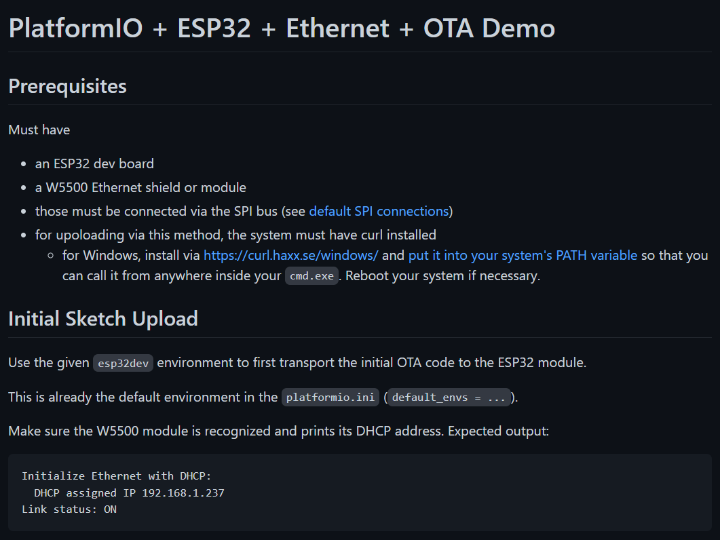
Make sure the W5500 module is recognized and prints its DHCP address. Expected output:
Initialize Ethernet with DHCP:
DHCP assigned IP 192.168.1.237
Link status: ON
If an error occurs, make sure you have
sufficiently good 3.3V power
all connections are sturdy and not loose
RESET of the W5500 module is connected to 3V3
Ethernet cable is connected
Also note down the IP address of the module.
Note that in the sketch, we initialize the authorization parmaters
ArduinoOTA.begin(Ethernet.localIP(), "Arduino", "password", InternalStorage);
With a username Arduino and password password.
OTA upload
To upload via OTA, review the upload parameters inside the platformio.ini. Inside the upload_flags parameter, make sure to adapt the username, password, IP address and port (if changed).
Then use the upload method of the esp32dev_ota environment. Either select the environment via the platformio.ini by changing the default_env, press the Upload button in the environment that VSCode shows or use the commandline to select the environment, e.g. via
pio run -e esp32dev_ota -t upload -v
This should invoke your system's CURL to push the sketch to the ESP
CURRENT: upload_protocol = custom
curl --request POST --data-binary @"C:\Users\Maxi\Desktop\esp32_eth_ota\.pio\build\esp32dev_ota\firmware.bin" http://arduino:password@192.168.1.237:65280/sketch
% Total % Received % Xferd Average Speed Time Time Time Current
Dload Upload Total Spent Left Speed
0 0 0 0 0 0 0 0 --:--:-- --:--:-- --:--:-- 0
0 302k 0 0 0 0 0 0 --:--:-- 0:00:01 --:--:-- 0
26 302k 0 0 26 81920 0 81920 0:00:03 0:00:01 0:00:02 57007
52 302k 0 0 52 160k 0 81920 0:00:03 0:00:02 0:00:01 62060
74 302k 0 0 74 224k 0 76458 0:00:04 0:00:03 0:00:01 67344
95 302k 0 0 95 288k 0 73728 0:00:04 0:00:04 --:--:-- 66707
100 302k 0 0 100 302k 0 61875 0:00:05 0:00:05 --:--:-- 62664
100 302k 0 0 100 302k 0 51562 0:00:06 0:00:06 --:--:-- 45067
100 302k 0 0 100 302k 0 51562 0:00:06 0:00:06 --:--:-- 37860
=============================== [SUCCESS] Took 15.30 seconds ===============
Environment Status Duration
------------- -------- ------------
esp32dev IGNORED
esp32dev_ota SUCCESS 00:00:15.296
==== 1 succeeded in 00:00:15.296 ====================
And thus we have a successful OTA upload.
Upload SPIFFS?
Arduino OTA has the possibility of uploading the SPIFFS via the /spiffs URL. This is not implemented in the PlatformIO integration, it only does sketch data. Feel free to expand.

