How to build WIZnet-ioNIC-micropython
"This content posts how to build WIZnet-ioNIC-micropython.
0
Components
Hardware components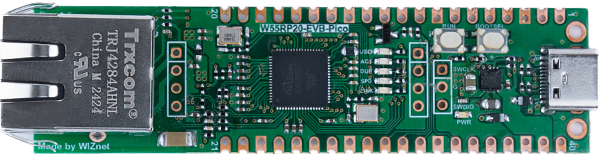
WIZnet - W55RP20-EVB-Pico
x 1


micropython - MicroPython
x 1
Project description
This content posts how to build WIZnet-ioNIC-micropython.
If you do not need to build WIZnet-ioNIC-micropython, please download firmware.uf2 for the W55RP20 from the link below.
https://github.com/WIZnet-ioNIC/WIZnet-ioNIC-micropython/releases
This guide was built on Raspberry Pi 5.
1. Clone Source Code
git clone --recurse-submodules https://github.com/WIZnet-ioNIC/WIZnet-ioNIC-micropython.git
2. Build Code
cd WIZnet-ioNIC-micropython/ports/rp2
make BOARD=W5500_EVB_PICO -j 4
3. Writing to W55RP20-EVB-PICO
While holding down the BOOTSEL button on the W55RP20-EVB-PICO, press and release the RUN button to enter removable disk mode.
Copy and paste the WIZnet-ioNIC/ports/rp2/build-W5500_EVB_PICO/firmware.uf2 file to the removable disk of the W55RP20-EVB-PICO.
4. Running example
Run the examples located in the WIZnet-ioNIC-micropython/WIZnet-ioNIC_examples path in Thonny.
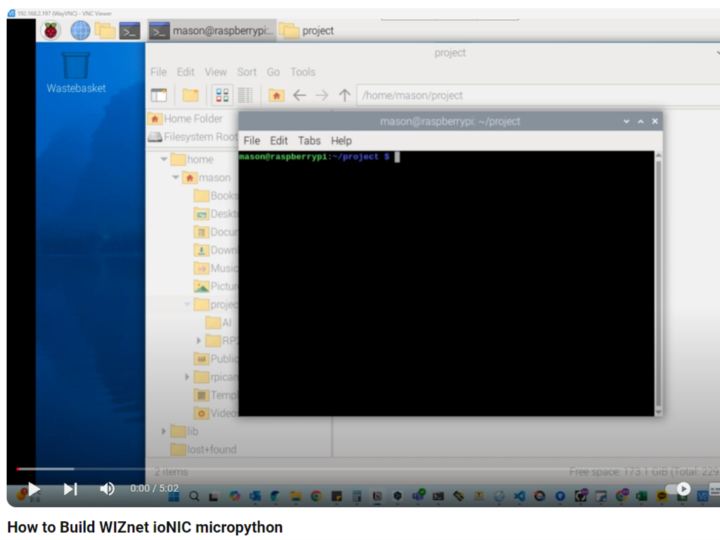
Please refer to the video below.


