W55RP20-EVB-PICO SNTP example
A simple MicroPython example implementing SNTP functionality for the W55RP20-EVB-Pico board
0
Components
Hardware components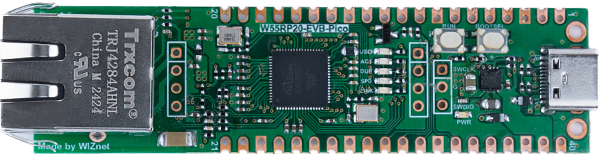
WIZnet - W55RP20-EVB-Pico
x 1

micropython - MicroPython
x 1
Project description
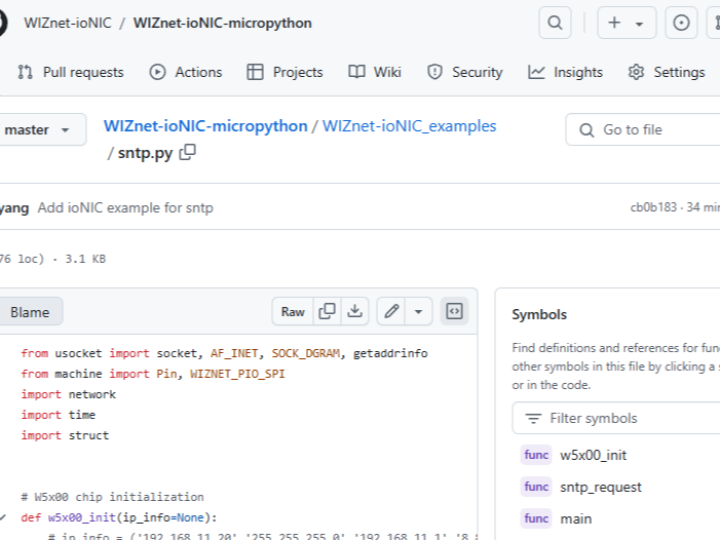
This code is in the WIZnet-ioNIC GitHub repository. This contents covers the setup and execution results.
https://github.com/WIZnet-ioNIC/WIZnet-ioNIC-micropython/blob/master/WIZnet-ioNIC_examples/sntp.py
Hardware Requirements
- W55RP20-EVB-PICO
- Desktop or Laptop
- USB Type-C Cable
Software Tools
- Thonny
Setup board
Download the boot image from the following link and extract the firmware.uf2 file: https://github.com/WIZnet-ioNIC/WIZnet-ioNIC-micropython/releases/download/v1.0.0/WIZnet-ioNIC-micropython_Bin.zip
Connect the board to your computer using a Micro-USB to USB-A cable.
Press following two button at a time
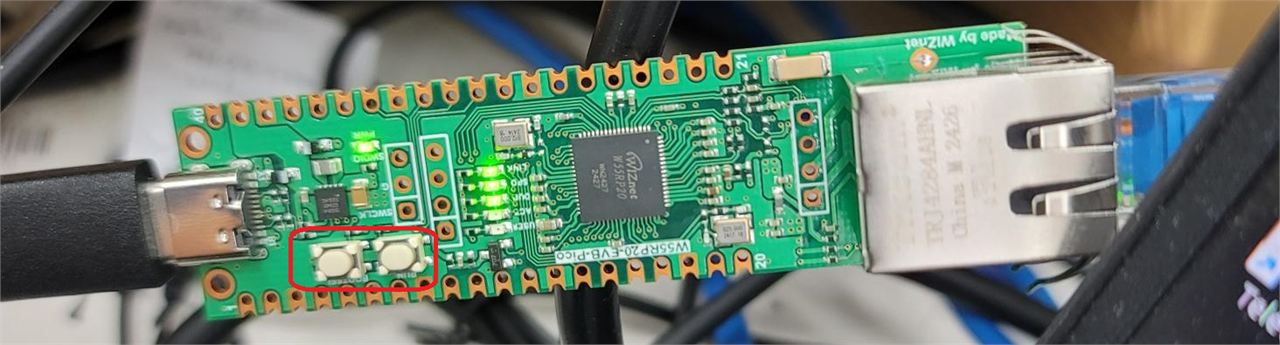
Once connected, the file explorer will open, displaying the root folder of the board.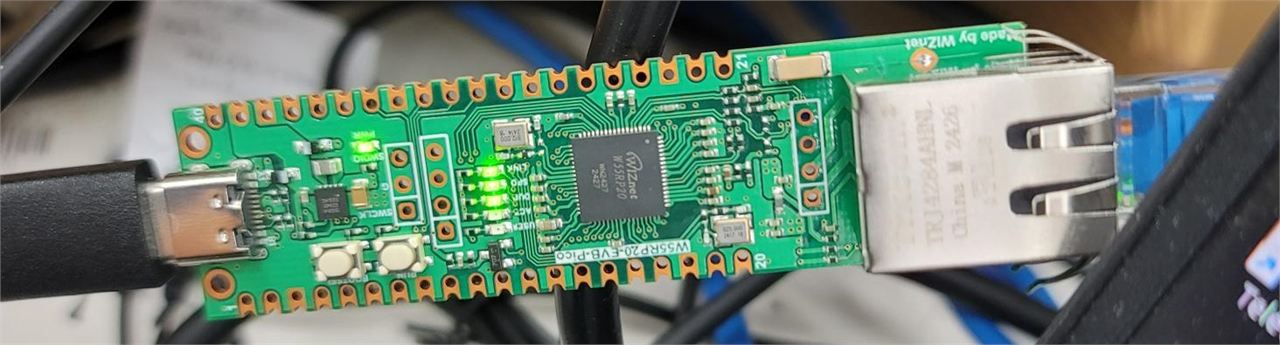
Drag and drop the firmware.uf2 file into the root folder. The Micropython firmware will automatically install on the board.
Run
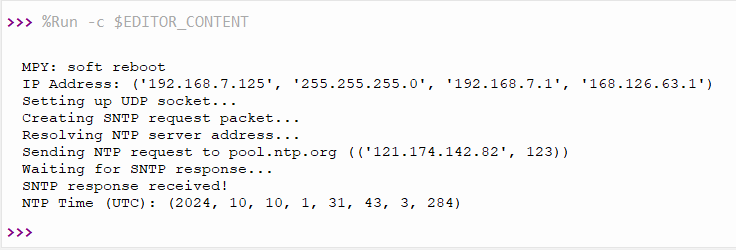
After installation, open Thonny. Create a new script and run the example file. You should see the current time fetched from the NTP server being printed as output.