W5500 + SHT30 + IOT platform
W5500 + SHT30 + IOT platform
7
Components
Hardware components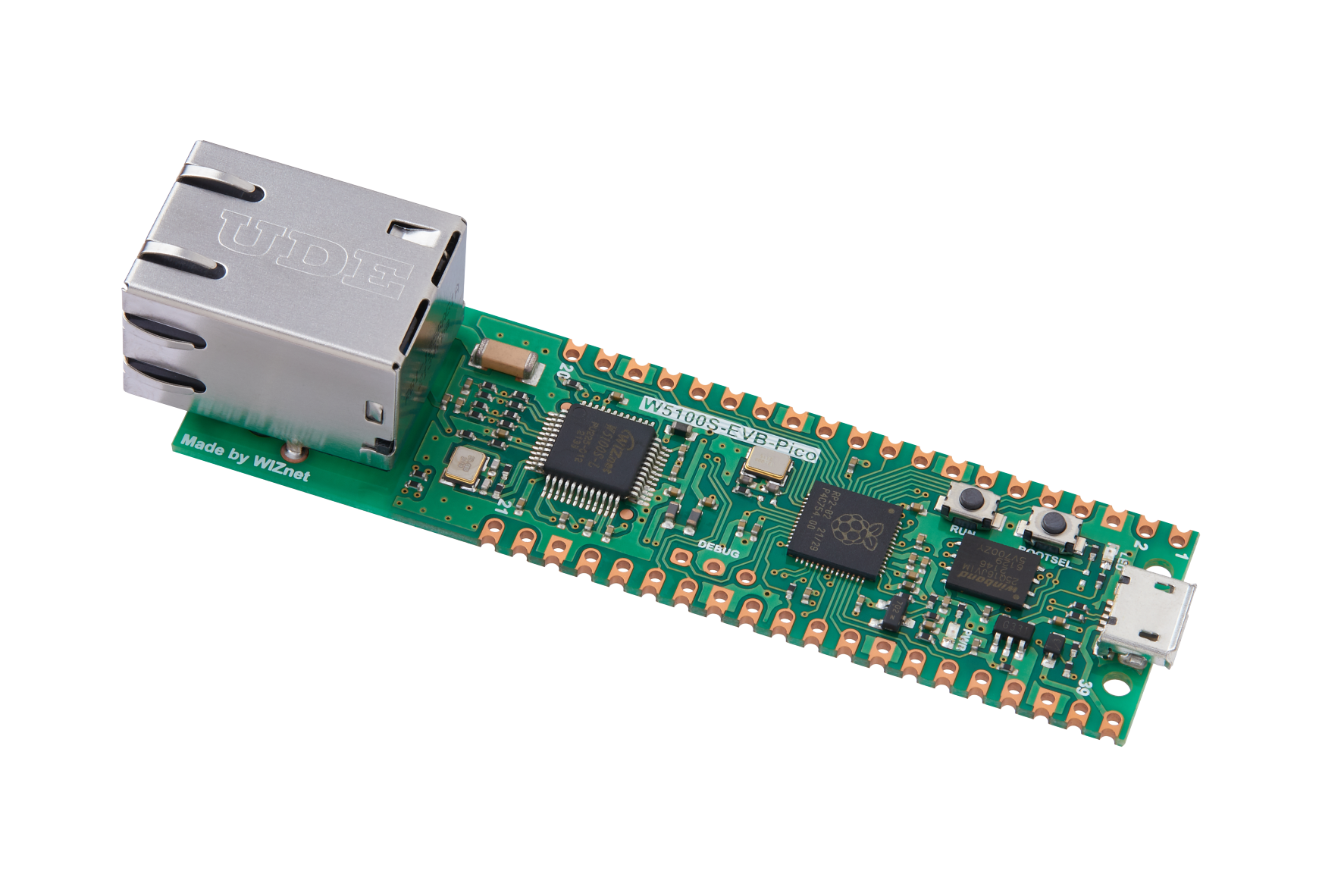
WIZnet - W5100S-EVB-Pico
x 1

Project description
Project
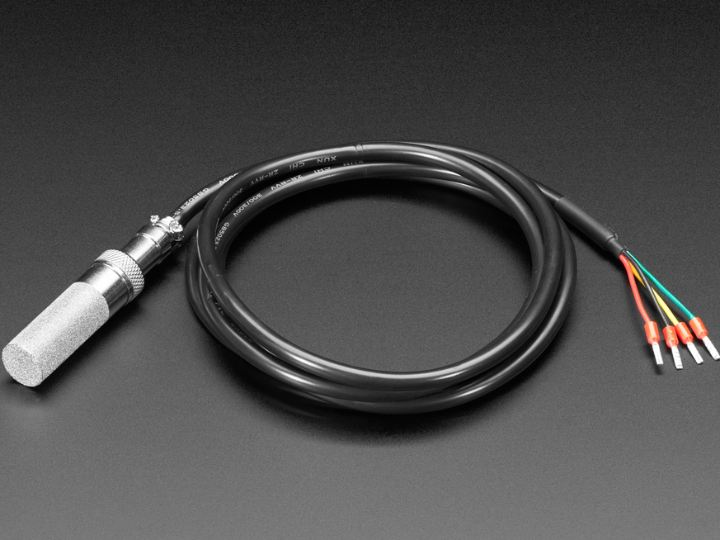
A Project used W5100S-EVB-PICO with SHT30 to develop a basic IOT application to connect with different kinds of IOT platform to allow different kind of people could use this application.
My previous idea is planning to use WizFi360-EVB-PICO. However, using Ethernet Solution could have a faster communication speed than WiFi solution.
The structure Should be showed as follow
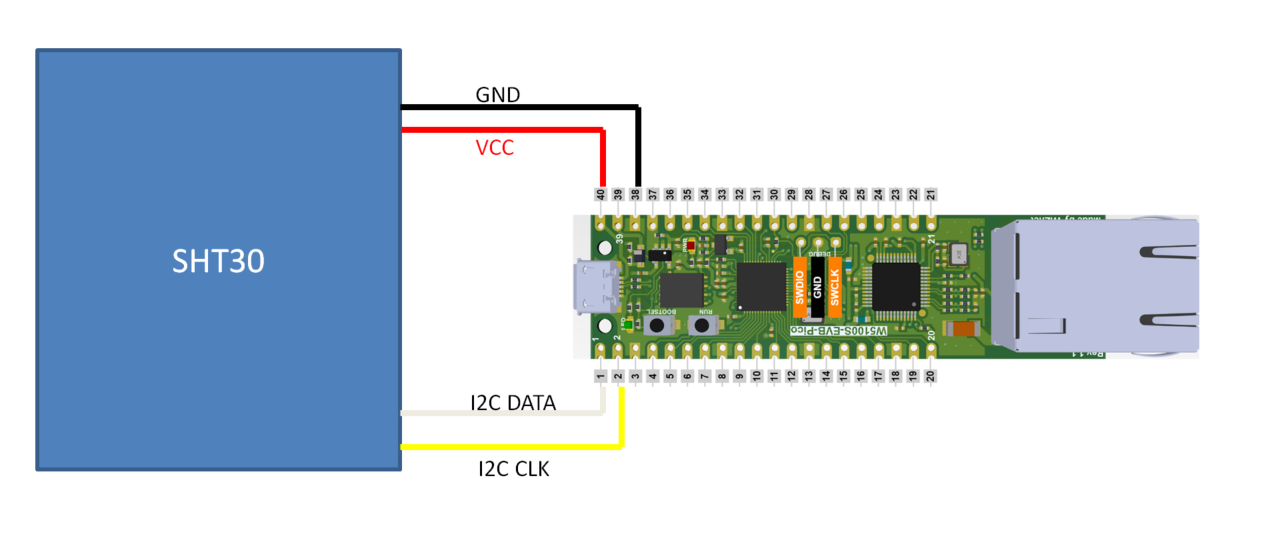
In this concept stage, I planning to develop this application using circuitpython.
Circuitpython has a lot of libraries that allows me to plug in different kinds of module to works right away.
By using WIZnet's W5100S-EVB-PICO circuitpython library, it will be easy for me to communicate with different IOT platforms.
For my plan, this application will used to communicate with adafruit io and Blynk.
Coding:
Reference coding provided by SHT30 using Chatgpt - Get inspired from these codes
import time
import board
import busio
import adafruit_sht31d

# Create I2C bus
i2c = busio.I2C(board.SCL, board.SDA)

# Create SHT30 sensor object
sht = adafruit_sht31d.SHT31D(i2c)

while True:
    # Read temperature and humidity
    temperature = sht.temperature
    humidity = sht.relative_humidity

    # Print values
    print("Temperature: {:.1f} C".format(temperature))
    print("Humidity: {:.1f} %".format(humidity))

    # Wait a second before taking another reading
    time.sleep(1)
Based on these information, I had modified codes and combine with Ron's adafruitio codes using W5100S-EVB-PICO. The following are part of my codes:
# Connect to Adafruit IO
print("Connecting to Adafruit IO...")
io.connect()
# # Subscribe to all messages on the led feed
io.subscribe("led")
print("Connected to Adafruit !!")
counter = 0
while True:
   io.loop()
   try:
       if counter >= 5:
           #send a new message
           temp_reading = sensor.temperature
           print("Publishing value {0} to feed: {1}".format(temp_reading, temp_feed))
           io.publish(temp_feed, temp_reading)
           humid_reading = sensor.relative_humidity
           print("Publishing value {0} to feed: {1}".format(humid_reading, humid_feed))
           io.publish(humid_feed, humid_reading)

           counter = 0

       else:
           time.sleep(1)
           counter = counter + 1

   except RuntimeError as error:
       # Errors happen fairly often, DHT's are hard to read, just keep going
       print(error.args[0])
       time.sleep(2.0)
       continue
   except Exception as error:
       dhtDevice.exit()
       raise error
For details, please refer to my github codes.
Results
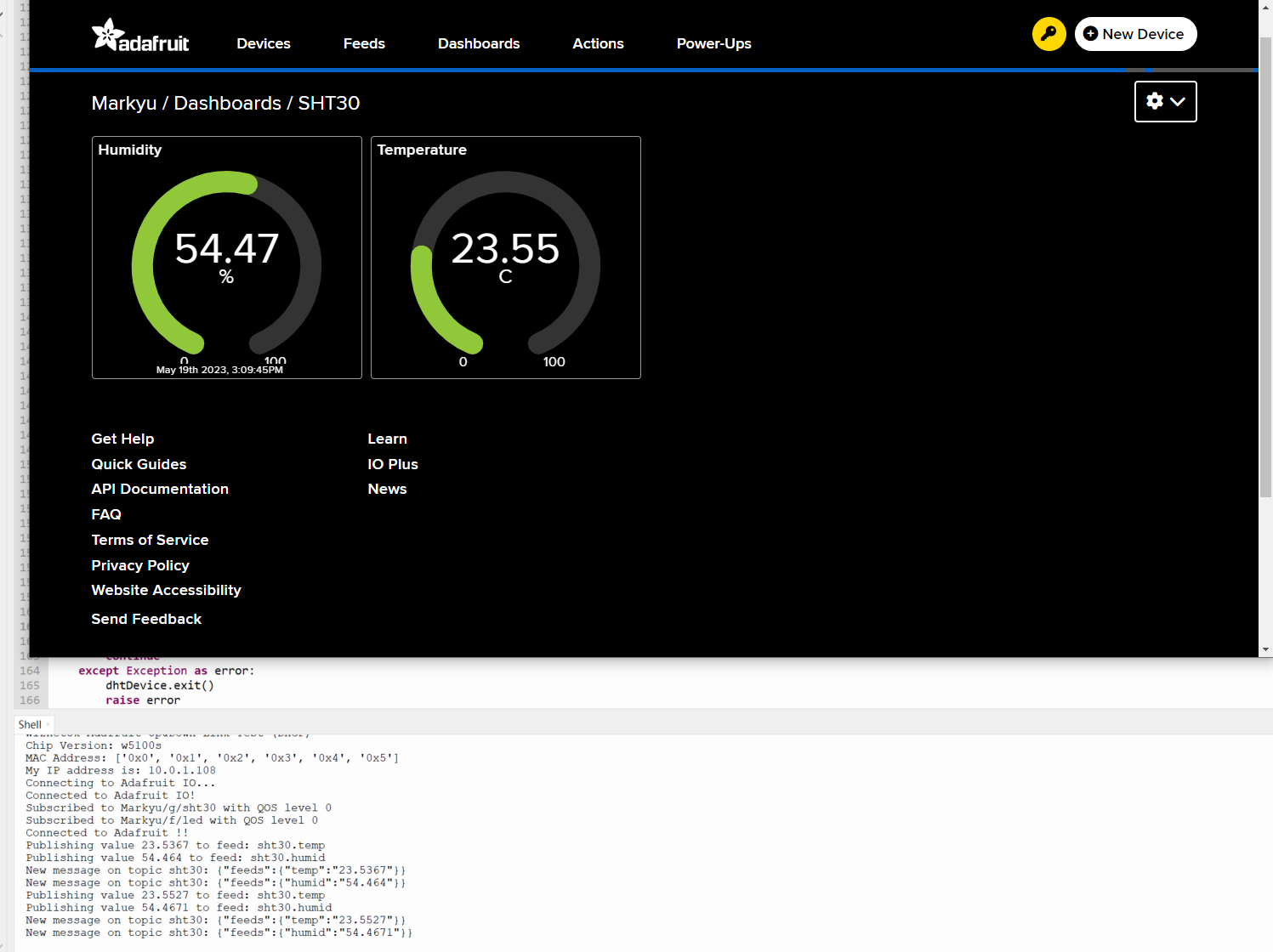
The following are the testing result from adafruitio and circuitpython result.