W5500 + SHT30 + Blynk
W5500 + SHT30 + Blynk
0
Components
Hardware components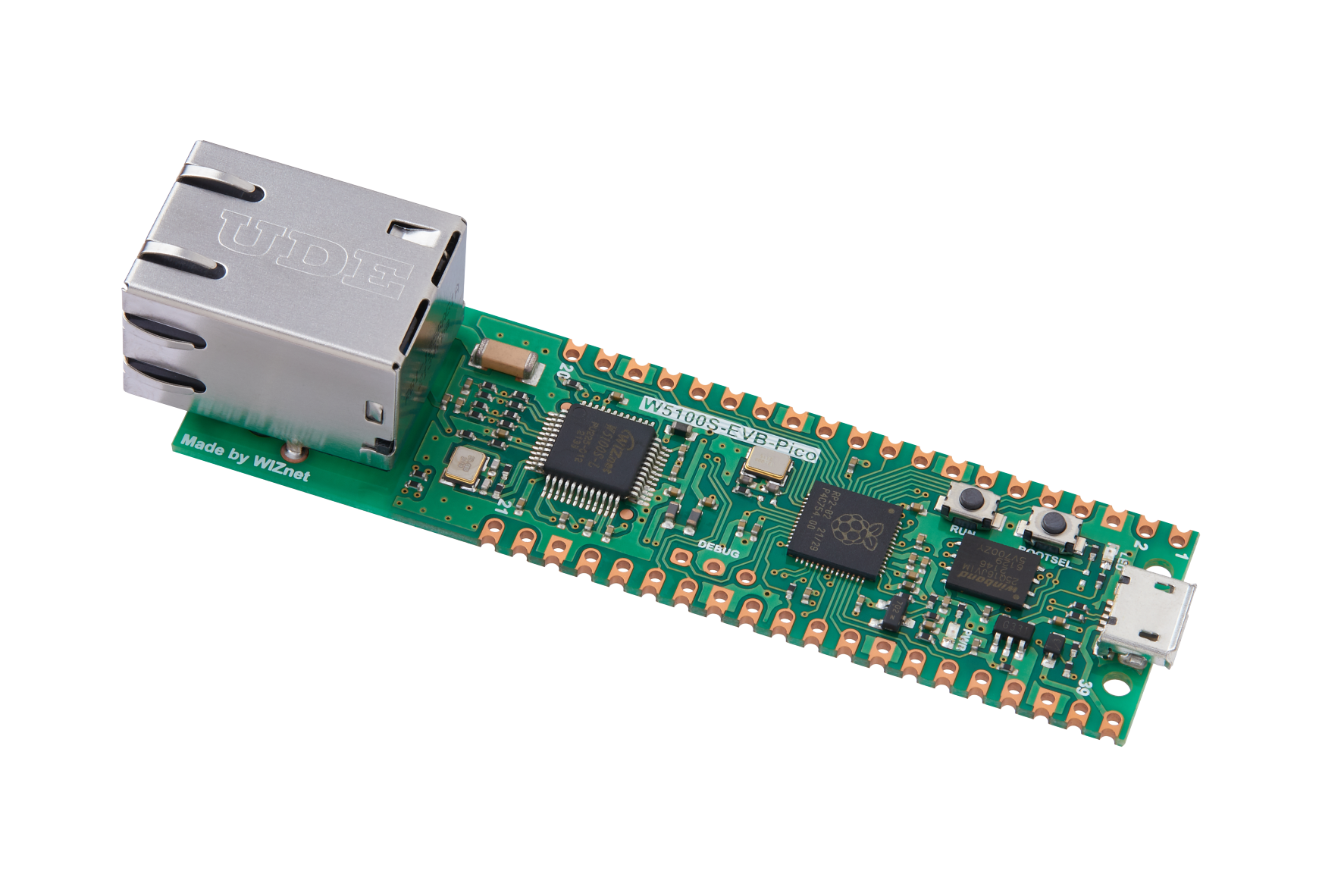
WIZnet - W5100S-EVB-Pico
x 1

Project description
Project
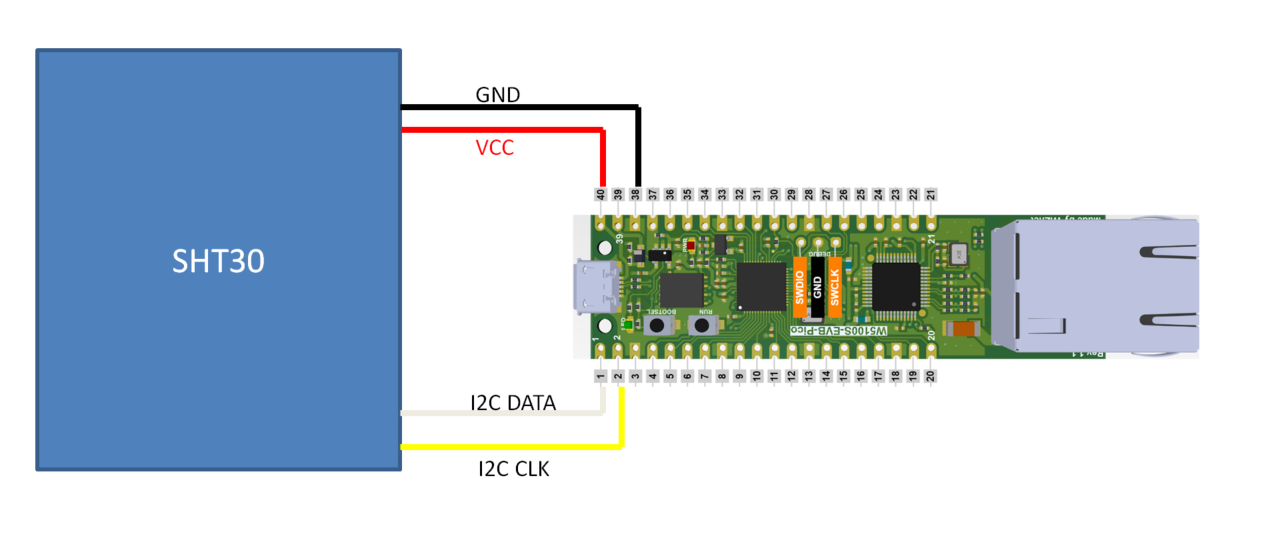
A Project used W5100S-EVB-PICO with SHT30 to communicate with Blynk.
In my preivous project, I had used this solution to communicate with adafruit IO.
Thus, I would like to create this application in another platform and I had chosen Blynk.
In this concept stage, I planning to develop this application using circuitpython.
Circuitpython has a lot of libraries that allows me to plug in different kinds of module to works right away.
However, it does not have any related codes for Blynk.
By the help of ChatGPT and Blynk's github library, I could easily solve this issue.
Coding:
Blynk Library function setups
class Blynk(BlynkLib.BlynkProtocol):
    def __init__(self, auth, **kwargs):
        self.insecure = kwargs.pop('insecure', True)
        self.server = kwargs.pop('server', 'blynk.cloud')
        self.port = kwargs.pop('port', 80 if self.insecure else 443)
        BlynkLib.BlynkProtocol.__init__(self, auth, **kwargs)
        #self.on('redirect', self.redirect)

    def _write(self, data):
        #print('<', data)
        client.send(data) #information that we send out
        # TODO: handle disconnect

    def run(self):
        data = b''
        try:
            data = client.recv() #information that we received from Blynk
            #print('>', data)
        except KeyboardInterrupt:
            raise
        #except socket.timeout:
            # No data received, call process to send ping messages when needed
            #pass
        except: # TODO: handle disconnect
            return
        self.process(data)
Based on these information, I had modified codes based on Blynk's python example and the help of ChatGPT to solve the programming barrier with W5100S-EVB-PICO and Blynk
blynk = Blynk(BLYNK_AUTH_TOKEN)
@blynk.on("V5")
def v5_write_handler(value):
    print('Current slider value: {}'.format(value[0]))

counter = 0

while True:
# Maintain DHCP lease (continue the DHCP setting while TCP is connected)
    eth.maintain_dhcp_lease()

    led.value = not led.value #showing the light is blinking
    time.sleep(0.1) #transmit data speed


    #During the connection with Blynk Cloud, you could modified in this section.
    if client.status == SNSR_SOCK_ESTABLISHED:
        blynk.run()
        blynk.virtual_write(4, str(sensor.temperature))
        blynk.virtual_write(6, str(sensor.relative_humidity))
        print ("Temp: {temp}, Humidity: {humid}".format(temp = str(sensor.temperature),
                                                        humid = str(sensor.relative_humidity))
               )
        time.sleep(1)
        counter +=1
    # Found out the connection has been disconnected from the server
    elif client.status == SNSR_SOCK_CLOSE_WAIT:
        client.disconnect() #close the connection
    # Socket has closed
    elif client.status == SNSR_SOCK_CLOSED:
        client.connect((client_ip, client_port), None)
For details, please refer to my github codes.
Results
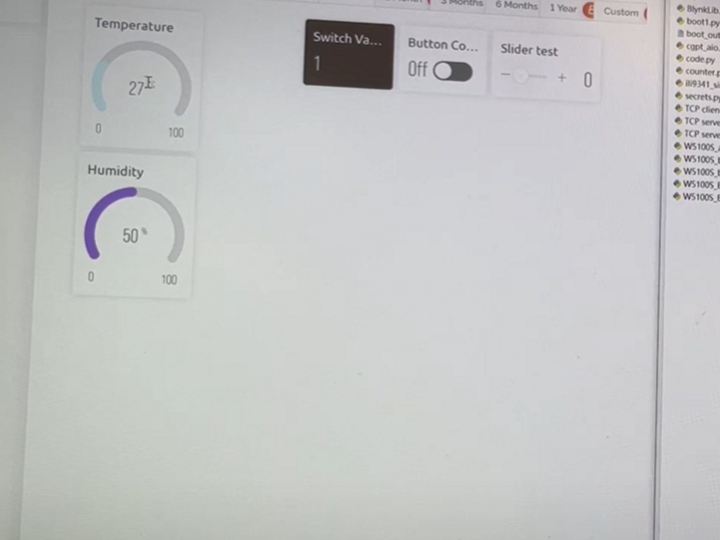
The following are the testing result from Blynk and circuitpython result.