How to connect to Azure IoT Central using W5100S-EVB-Pico
Using WIZnet's W5100S-EVB-Pico board can connect to Azure IoT Central with X.509 certificate
4
Components
Hardware components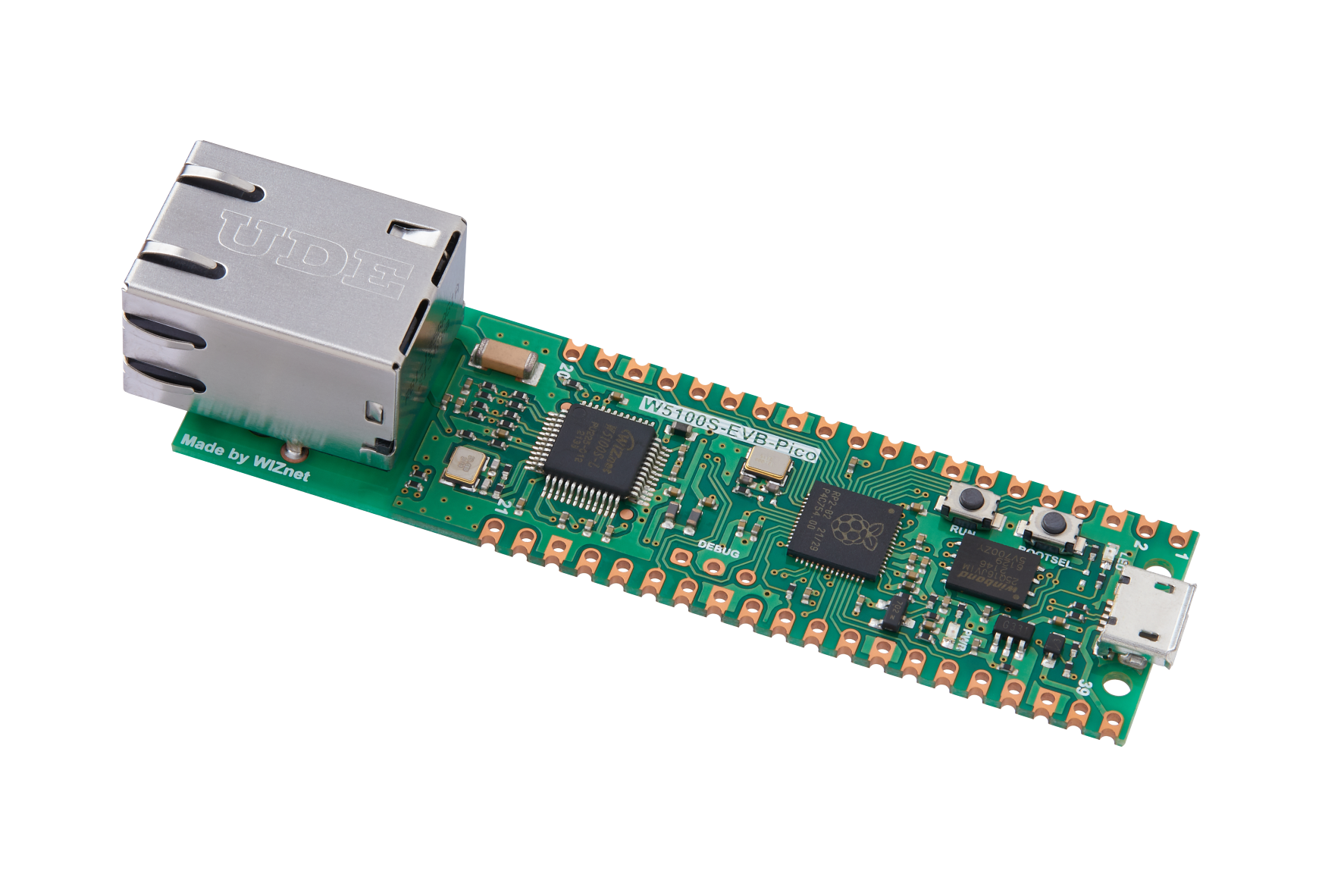
WIZnet - W5100S-EVB-Pico
x 1

Project description
Development environment (Windows 10, VS Code)
Information on setting up the development environment is in the official documentation (Getting Started Guide).
I refer to the Windows and Visual Studio Code environment part of the documentation.
The documentation can be found at the link below.
The development environment configuration is well described in the guide, so you can follow it according to your own development environment.
One thing to check is to install and use the Build Tool of Visual Studio 2019. If you run VS Code through VS Command Prompt, you can use the related tools.
At first, I tried to build without checking this part, but it kept failing, so I read the guide again and applied the contents.
Visual Studio Build Tools must be installed first.
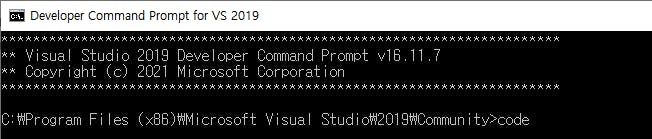
Run VS Code with Developer Command Prompt
To use Visual Studio’s build environment, run VS Code through the Developer Command Prompt for VS 2019 as follows:
This will open Visual Studio Code with all the correct environment variables set so that the toolchain is correctly configured.
VS Code settings
To build in VS Code settings, CMake and Pico SDK paths are set as follows.
"cmake.cmakePath": "C:Program FilesCMakebincmake.exe",
"cmake.configureSettings": {
    "PICO_SDK_PATH": "D:_RaspberryPi_Picopico-sdk"
},
Github Repository
The code used the RP2040-HAT-AZURE-C project provided by WIZnet.
Clone the project to the local PC using the git command.
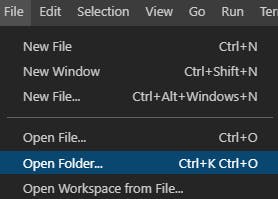
git clone https://github.com/Wiznet/RP2040-HAT-AZURE-CRun VS code through the Developer Command Prompt, and then open the project directory through the Open Folder menu.
IoT Central application setting
With the IoT Central trial plan (7 days), you can create and use applications without an Azure subscription.
The Azure Subscription is required after 7 days.
For more information, refer to the MS Azure Guide.

