Using W5100S-EVB-Pico HTTP Test
Using W5100S-EVB-Pico HTTP Test
0
Components
Hardware components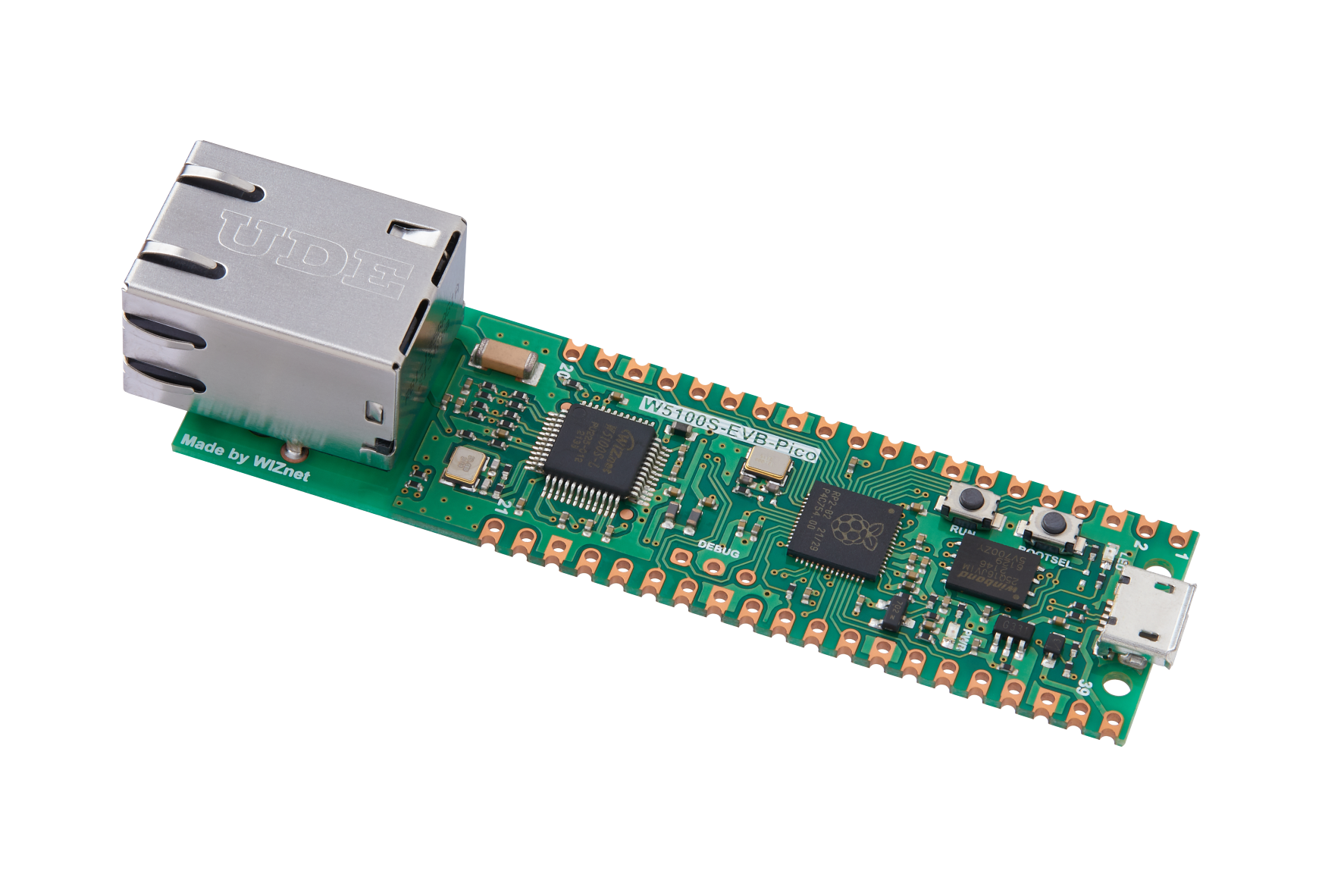
WIZnet - W5100S-EVB-Pico
x 1

Project description
- HTTP Client Test
- HTTP Server Test
Using W5100S-EVB-Pico HTTP Test
0
WIZnet - W5100S-EVB-Pico
x 1
Creating a New Project with W5100S-EVB-PICO Board and Custom Board Creation in Zephyr
Creating a New Project with W5100S-EVB-PICO Board and Custom Board Creation in Zephyr
TheoIm
Views 715

Comments 0
Auto-Negotiation analysis
W5100S, W5500 Auto-Negotiation analysis
jaden
Views 2672
Comments 0
W5100S-EVB-PICO with NLE
W5100S-EVB-PICO with NLE
ronpang
Views 2226
Comments 0
SSL communication encryption is achieved on W5100S-POE-EVB-PICO.I will introduce how to use W5100S access ChatGPT directly as an example.
W5100S-POE-EVB-PICO With SSL/TLS ( New ChatGPT API )
gavinchang
Views 8596
Comments 0
This project shows integration of Ethernet connectivity with the Raspberry Pi Pico and TensorFlow Lite Micro for efficient person detection
Smart Ethernet-enabled Person detector(RP2040, W5100S, TFLM)
viktor
Views 6166
Comments 0
12. MicroPython development for W5100S/W5500+RP2040<MQTT&old version OneNET example>
12. MicroPython development for W5100S/W5500+RP2040<MQTT&old version OneNET example>
ronpang
Views 340
Comments 0
11. MicroPython development for W5100S/W5500+RP2040<MQTT&Alibaba Cloud Example>
11. MicroPython development for W5100S/W5500+RP2040<MQTT&Alibaba Cloud Example>
ronpang
Views 326
Comments 0
Share projects and connect with makers.
Joined before the site update? first.
New to WIZnet Makers?
We sent a verification link to your address. Open it to activate your account, then log in.
Accounts from this email provider are reviewed by an administrator after verification. Approval usually takes one business day.
Already have an account?
Enter your email address. If it belongs to an account, we'll send a link to set a new password. Members who joined before the site update use this to set their password.
If an account uses that address, we sent a link to set a new password. The link works once and expires in 30 minutes.
Know your password?
Need an account?
