Real-time Web Based Temperature Monitoring
Real-time & refresh-less data acquisition by ajax technique. Arduino + Ethernet Shield + DS18B20 + PHP and AJAX
6
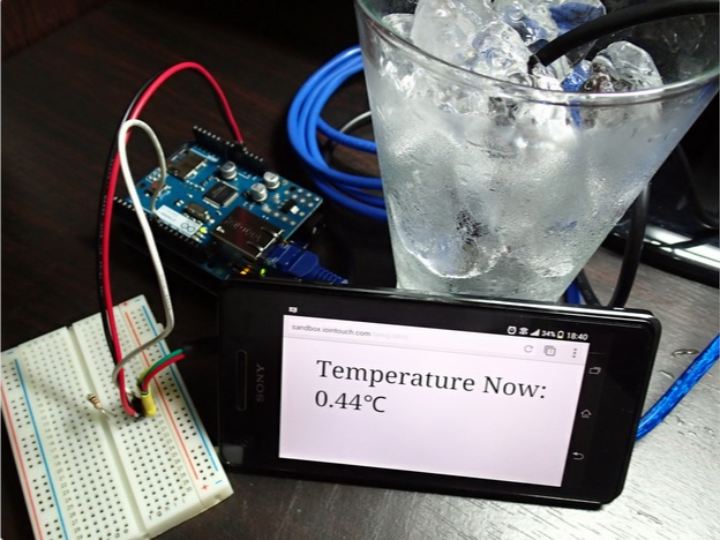
Components
Hardware components
DFRobot - Gravity: DS18B20 Temperature Sensor (Arduino Compatible)
x 1

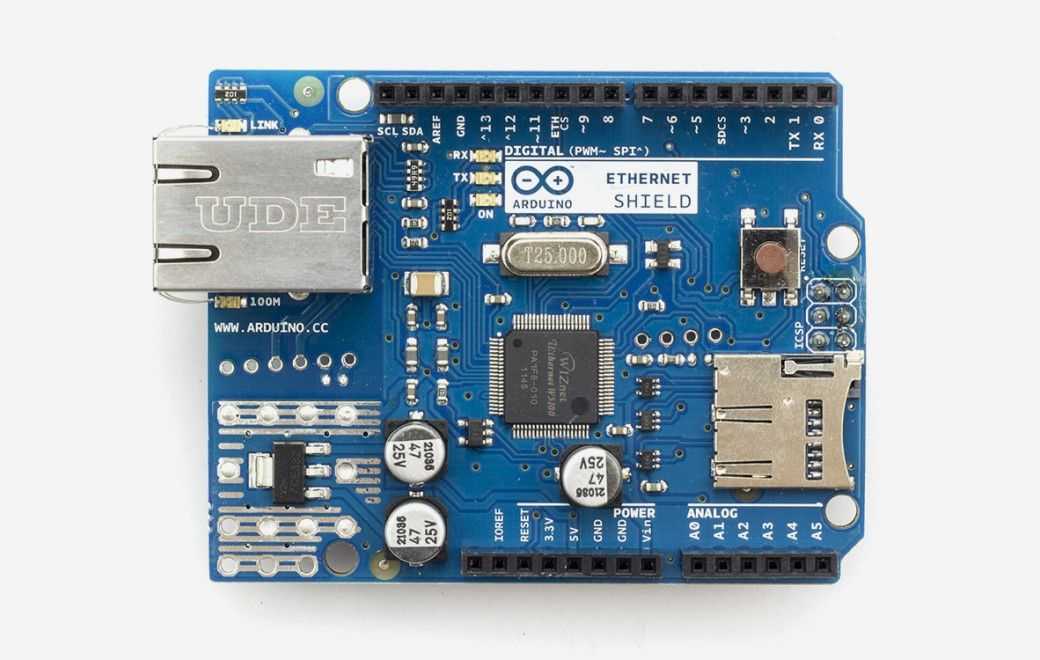
Arduino - Arduino Ethernet Shield
x 1
Project description
Connect from any place, By combining AJAX and PHP together you can get real-time temperature data without refreshing your web browser.
Components used :
1. Arduino Ethernet Shield
2. DS18B20 temperature sensor
3. Breadboard and Wire
4. Ethernet Cable with internet connection for Arduino
5. Web server that supports PHP (see more in Step 2)
Step 1: Start Wiring Things
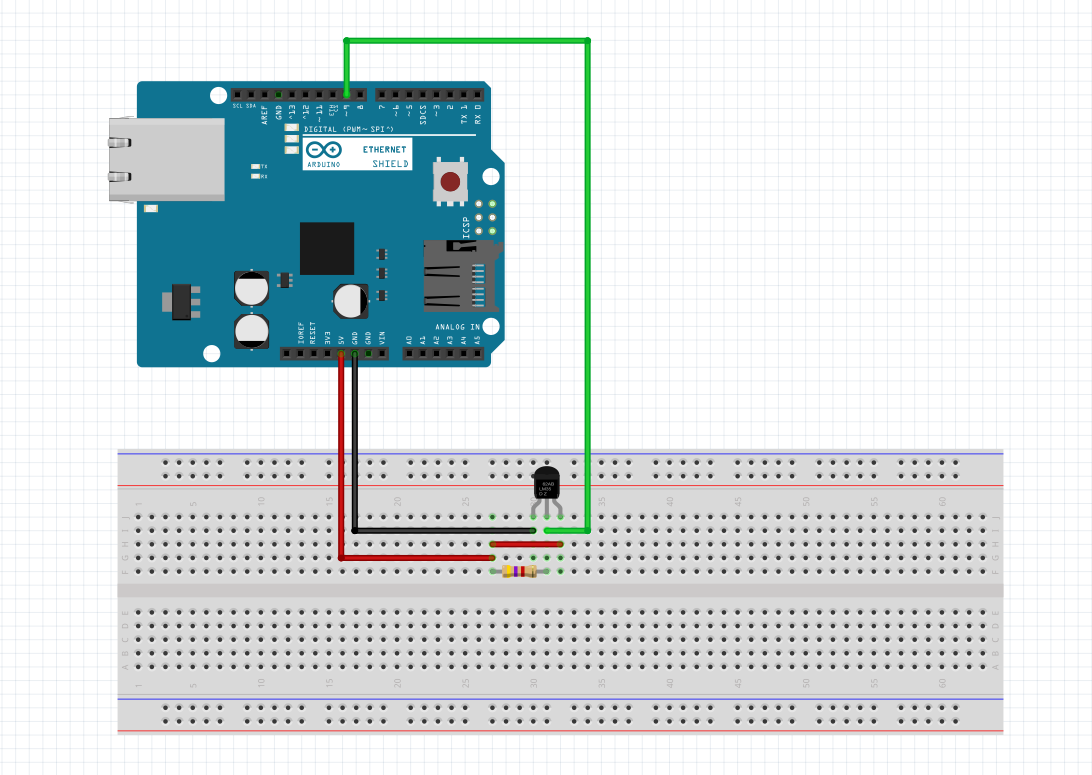
Let's Wiring following the image above,
In the video, they are using a sealed type of DS18B12 one-wire sensor for providing a waterproof feature since it's easy to demonstrate.
Step 2: Start Upload Files and get it running
You can get all code from this link http://www.iointouch.com/?p=18 at bottom of the page.
When you unzip the files, follow this step below :
1. upload files in folder PHP&HTML to the root of your web server, for local use or test you can config your PC as a web server that supports PHP by using Apache Server (plus with dynamic DNS you can get it online too). or if you want to get it online you need to get web hosting
To see more here. http://www.iointouch.com/?p=49
2. open Temp_Monitor.pde file using Arduino IDE, then
- Config static IP address to match with your network if you don't have DNS assigned from the router.
at line :
IPAddress IP(192,168,0,177); // set static local IP address DNS, gateway, and subnet if it is not assigned by DHCP
IPAddress dnServer(192, 168, 0, 1);
IPAddress gateway(192, 168, 0, 1);
IPAddress subnet(255, 255, 255, 0);
- Config your website address at line: "char server[] = "www.yourdomainname.com"; // Server URL"
and line : client.println("Host: www.yourdomainname.com"); // Server URL
Change it to your website address, Then Upload it into Arduino.
3. Open Serial Monitor from IDE to see. if things connect correctly server will respond
4. Open your website URL www.yourdomainname.com/temp.html and see the latest temp data online.
(for locally hosted server call http://127.0.0.1 or your ip address)
