Arduino Web Server with Webpage Stored on SD Card
Arduino Web Server with Webpage Stored on SD Card
0
Components
Hardware components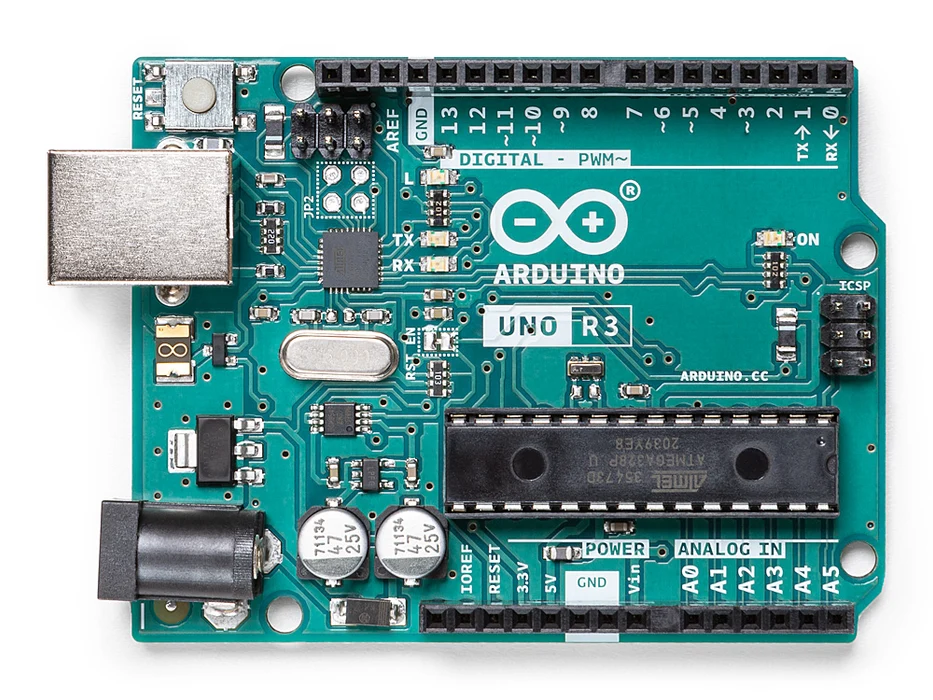
Arduino - Arduino UNO
x 1

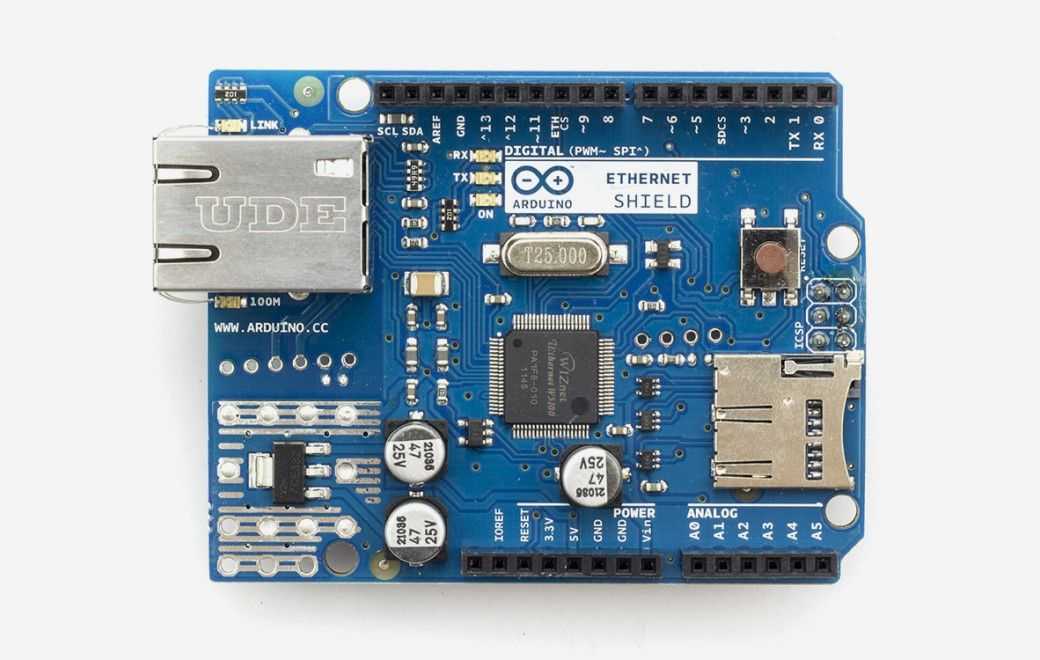
Arduino - Arduino Ethernet Shield
x 1
Project description
C++ sketch:
//------------------------------------------------
//Arduino Web Server via Ethernet Shield & SD Card
//------------------------------------------------
#include <SPI.h>
#include <Ethernet.h>
#include <SD.h>
//------------------------------------------------
byte mac[] = {0x90, 0xA2, 0xDA, 0x00, 0x4A, 0xE0};
EthernetServer server(80);
//------------------------------------------------
File HMTL_file;
//=================================================================
void setup()
{
? Serial.begin(9600);
? //---------------------------------------------------------
? Serial.println("Initializing SD card...");
? if(!SD.begin(4))
? {
? ? Serial.println("SD card initialization failed!");
? ? return;
? }
? Serial.println("SD card initialized.");
? //---------------------------------------------------------
? if(!SD.exists("webpage.htm"))
? {
? ? Serial.println("webpage.htm file not found!");
? ? return;
? }
? Serial.println("webpage.htm file found");
? //---------------------------------------------------------
? Ethernet.begin(mac);
? server.begin();
? Serial.print("Server Started...nLocal IP: ");
? Serial.println(Ethernet.localIP());
}
//=================================================================
void loop()
{
? EthernetClient client = server.available();
? if(client)
? {
? ? boolean currentLineIsBlank = true;
? ? while(client.connected())
? ? {
? ? ? if(client.available())
? ? ? {
? ? ? ? char c = client.read();
? ? ? ? if(c == 'n' && currentLineIsBlank)
? ? ? ? {
? ? ? ? ? //send HTTP response header to client
? ? ? ? ? client.println("HTTP/1.1 200 OKnrContent-Type: text/htmlnrnr");
? ? ? ? ? //-------------------------------------------------------------------
? ? ? ? ? //send HTTP file to client
? ? ? ? ? HMTL_file = SD.open("webpage.htm");
? ? ? ? ? if(HMTL_file)
? ? ? ? ? {
? ? ? ? ? ? while(HMTL_file.available()) client.write(HMTL_file.read());
? ? ? ? ? ? HMTL_file.close();
? ? ? ? ? }
? ? ? ? ? break;
? ? ? ? }
? ? ? ? //---------------------------------------------------------------------
? ? ? ? if (c == 'n') currentLineIsBlank = true;
? ? ? ? else if(c != 'r') currentLineIsBlank = false;
? ? ? }
? ? }
? ? delay(10);
? ? client.stop();
? }
}
HTML code stored in file "webpage.htm":
<!DOCTYPE html>
<html>
<head>
? <title>Arduino Web Server</title>
</head>
<style>
? body {font-family: "Calibri"; background-color: yellow}
? h1? ?{color: blue; text-align:center; font-size: 80px}
? h2? ?{color: black; font-size: 40px}
? h3? ?{color: red; text-align:center; font-size: 20px}
</style>
<body>
? <h1>
? ? Arduino Web Server<br>
? ? via Ethernet Shield & SD Card<br>
? </h1>
? <h2>
? ? <a href="https://www.arduino.cc/en/Main/ArduinoEthernetShieldV1">Arduino Ethernet Shield:</a><br>
? ? <ul>
? ? ? <li>Requires an Arduino board (not included)<br></li>
? ? ? <li>Operating voltage 5V (supplied from the Arduino Board)<br></li>
? ? ? <li>Ethernet Controller: W5100 with internal 16K buffer<br></li>
? ? ? <li>Connection speed: 10/100Mb<br></li>
? ? ? <li>Connection with Arduino on SPI port<br></li>
? ? </ul>
? ? <center>
? ? ? Ethernet Shield Arduino Uno Connection<br><br>
? ? ? <img src="https://alselectro.files.wordpress.com/2016/02/ethernet1.jpg"><br>
? ? </center>
? </h2>
? <h3>
? ? <p>Anas Kuzechie, Sept 2021</p>
? </h3>
</body>
</html>
Youtube Video :?https://www.youtube.com/watch?v=Nn6HuLtUSEU

