Accessing WIZ110SR Serial to TCP-IP Converter ARDUINO WIFI
Accessing WIZ110SR Serial to TCP-IP Converter ARDUINO WIFI
0
Components
Hardware components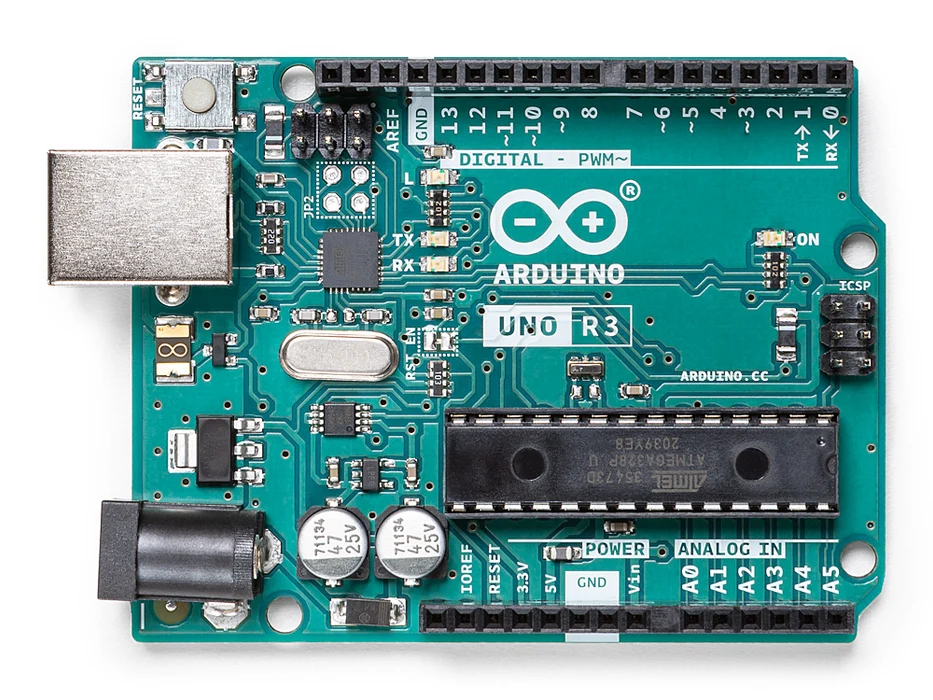
Arduino - Arduino UNO
x 1

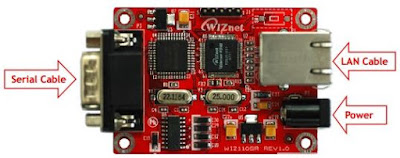
WIZ110SR Module Module
x 1
RS232 module Module
x 1
Project description
Accessing WIZ110SR Serial to TCP-IP Converter ARDUINO WIFI
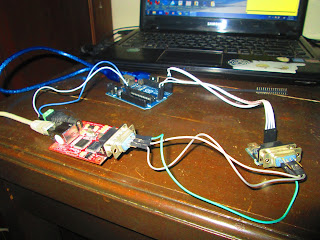
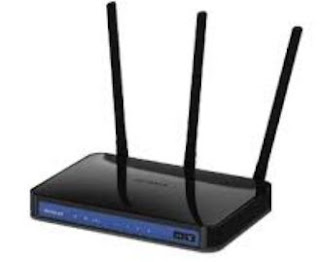
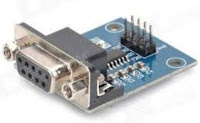
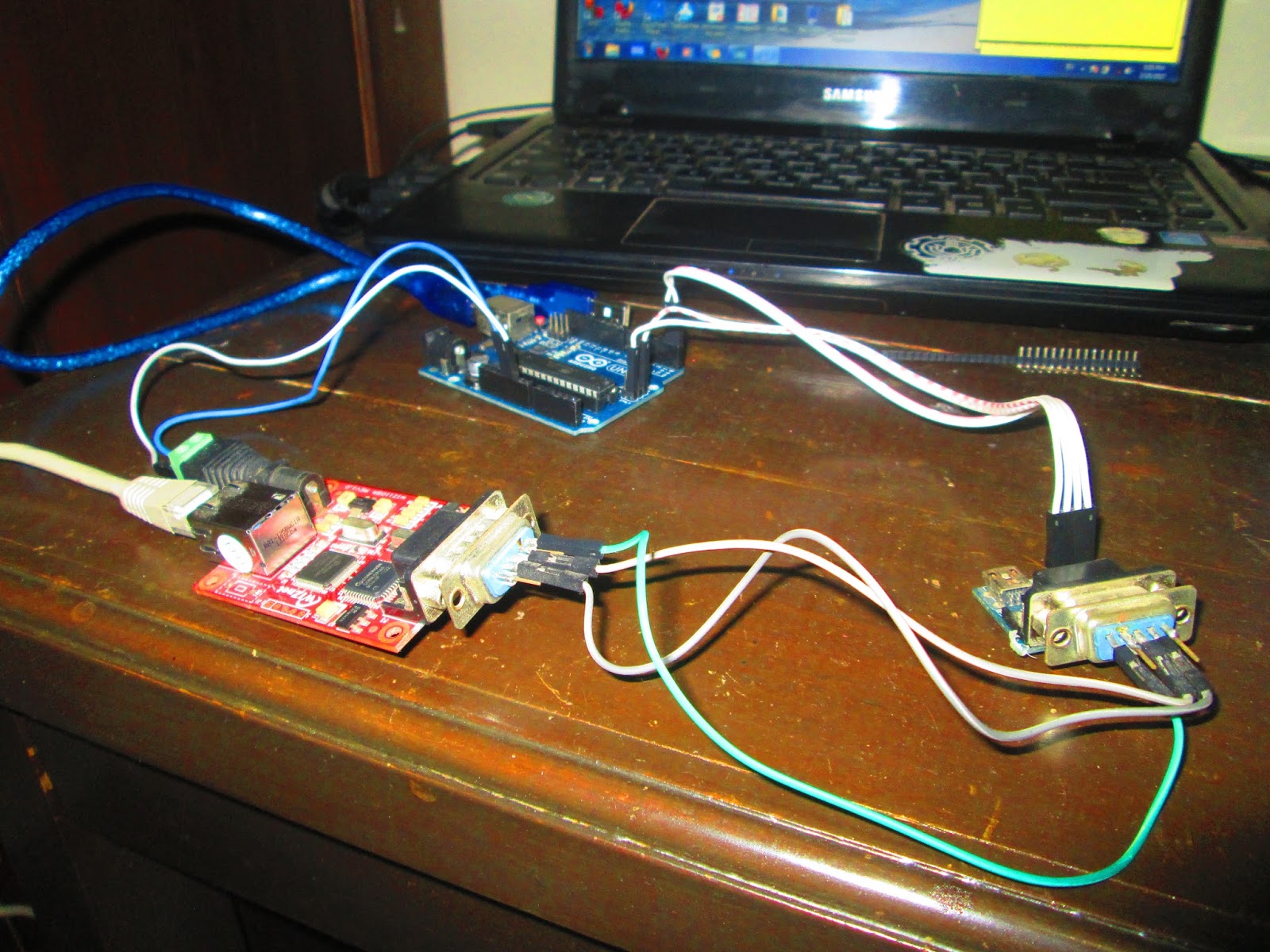
??????? On this occasion I will explain about how to access WIZ110SR using Arduino, as it is known that WIZ110SR is a module whose function is to convert TTL serial data to TCP-IP so that the mode is changed to protocol, the advantage of this mode is that data transmission can be remote and uses RJ45 so that it can be connected to a router if you want to broadcast data using wifi.?The thing to note is that first setting the WIZ110SR module using the tools provided or using the default application, then setting the IP and PORT, in this example it is explained how to send sensor data using Arduino serial via wifi / tcp-ip media.?for more details, the following is the scheme and program.
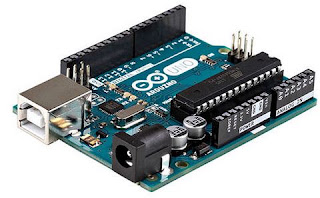
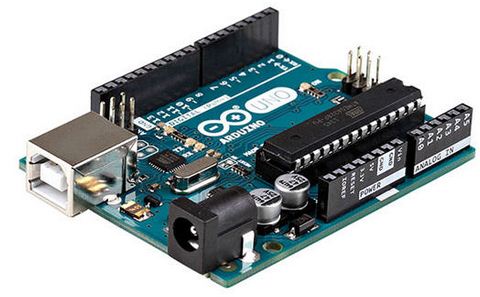
a.?Arduino Uno
?
b.?WIZ110SR Modul Module?
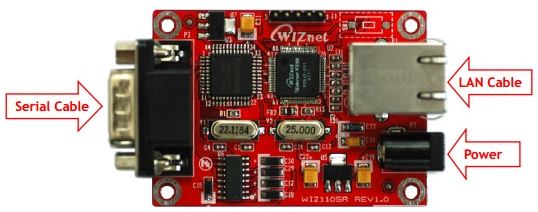
c.?Router
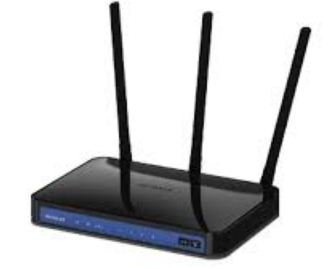
?
d.?RS232 module Modul
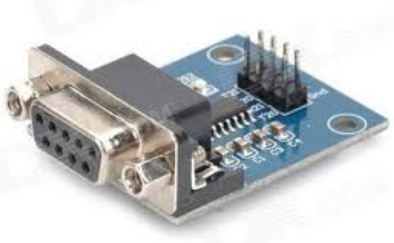
e.?Arduino IDE Program Programs
void setup() {
? // initialize serial communication at 9600 bits per second:
Serial.begin(9600);
}// the loop routine runs over and over again forever:
void loop() {
? // read the input on analog pin 0:
int sensorValue = analogRead(A0);
// print out the value you read:
Serial.println(sensorValue);
delay(1000);?// delay in between reads for stability
}
f.?RESULT VIDEO

