Ethernet to PWM speaker part 1
Use TCP to send sound commands to the device to generate PWM to sound to the speaker.
2
Components
Hardware components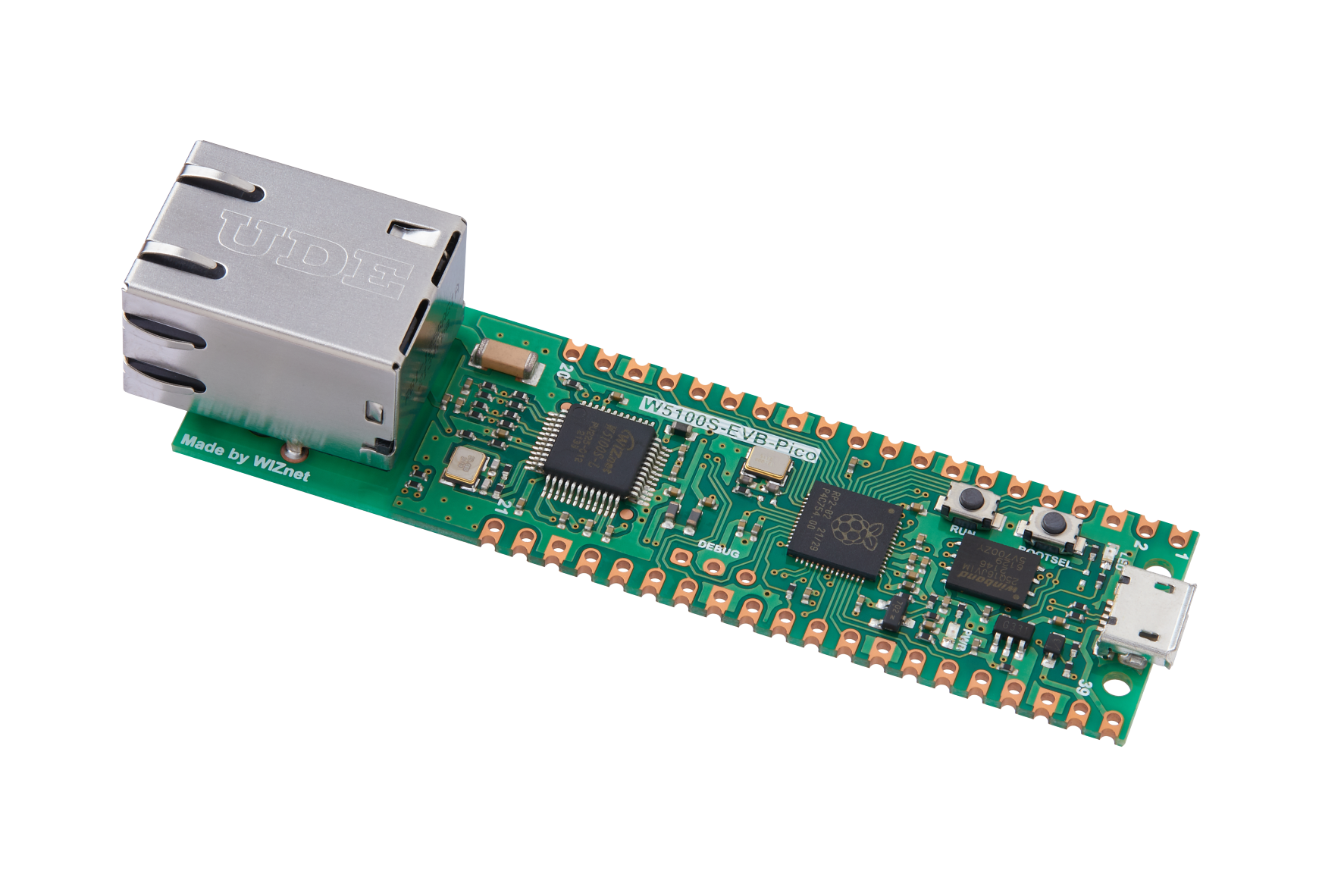
WIZnet - W5100S-EVB-Pico
x 1

Project description
Story
I want to complete a ethernet speaker project, but it seems to be very big, so I divide it into several parts to complete. This is part 1.
1. Download and install Thonny https://thonny.org/
2. Follow https://github.com/Wiznet/RP2040-HAT-CircuitPython install circuitPython and setup W5100S-EVB-Pico
3. Run examples/Network/W5x00_Echo_Demo_TCP.py test your network
4. generate different PWM tone follow
https://docs.circuitpython.org/en/latest/shared-bindings/audiopwmio/index.html
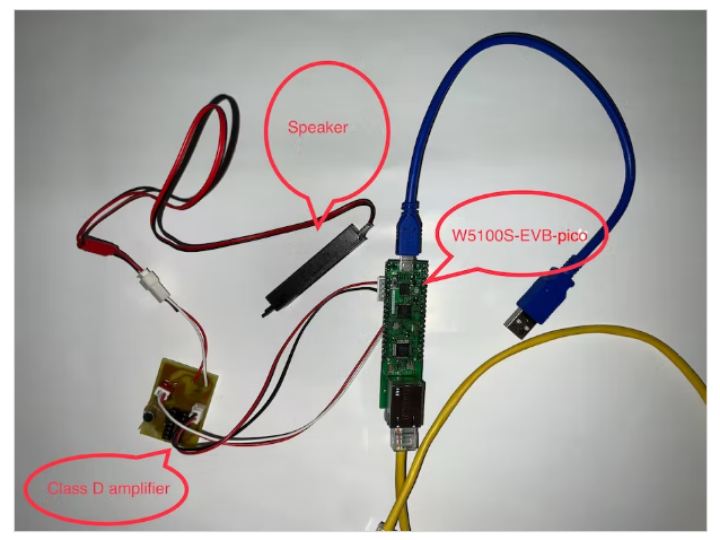
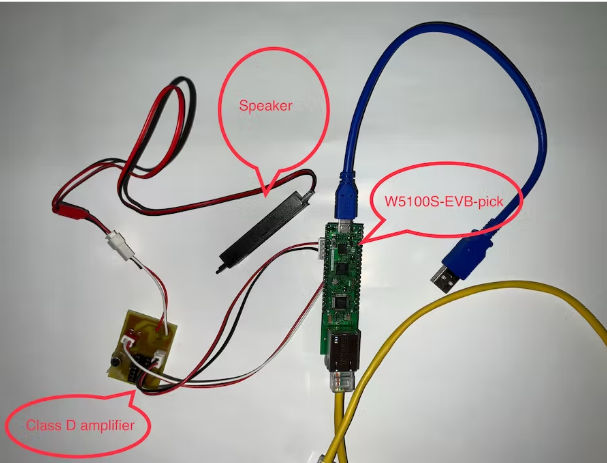
5. connect W5100S-EVB-Pico and class D amp and speaker.
6. run python app and use TCP client tool connect to your W5100S-EVB-Pico.

I use windows cmd connect to TCP server

7. key in 1~7 test the Ethernet to PWM speaker.


