Managing remote PC shutdown issues in a remote work environment
Turn on a remote PC using WOL.
3
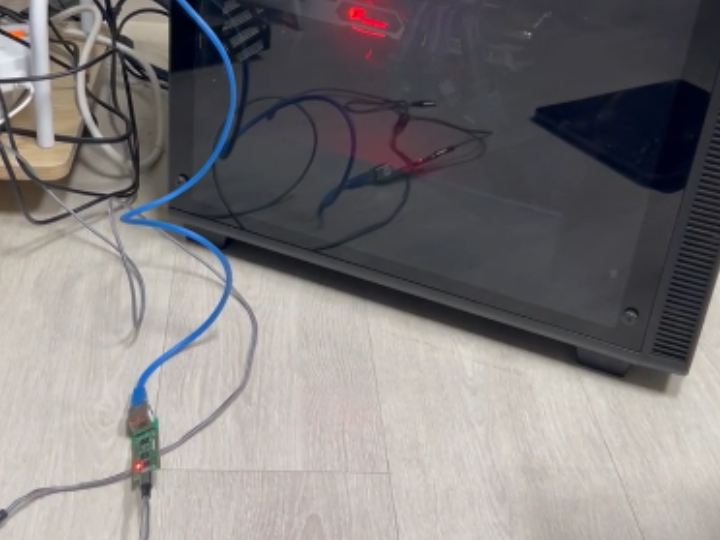
Components
Hardware components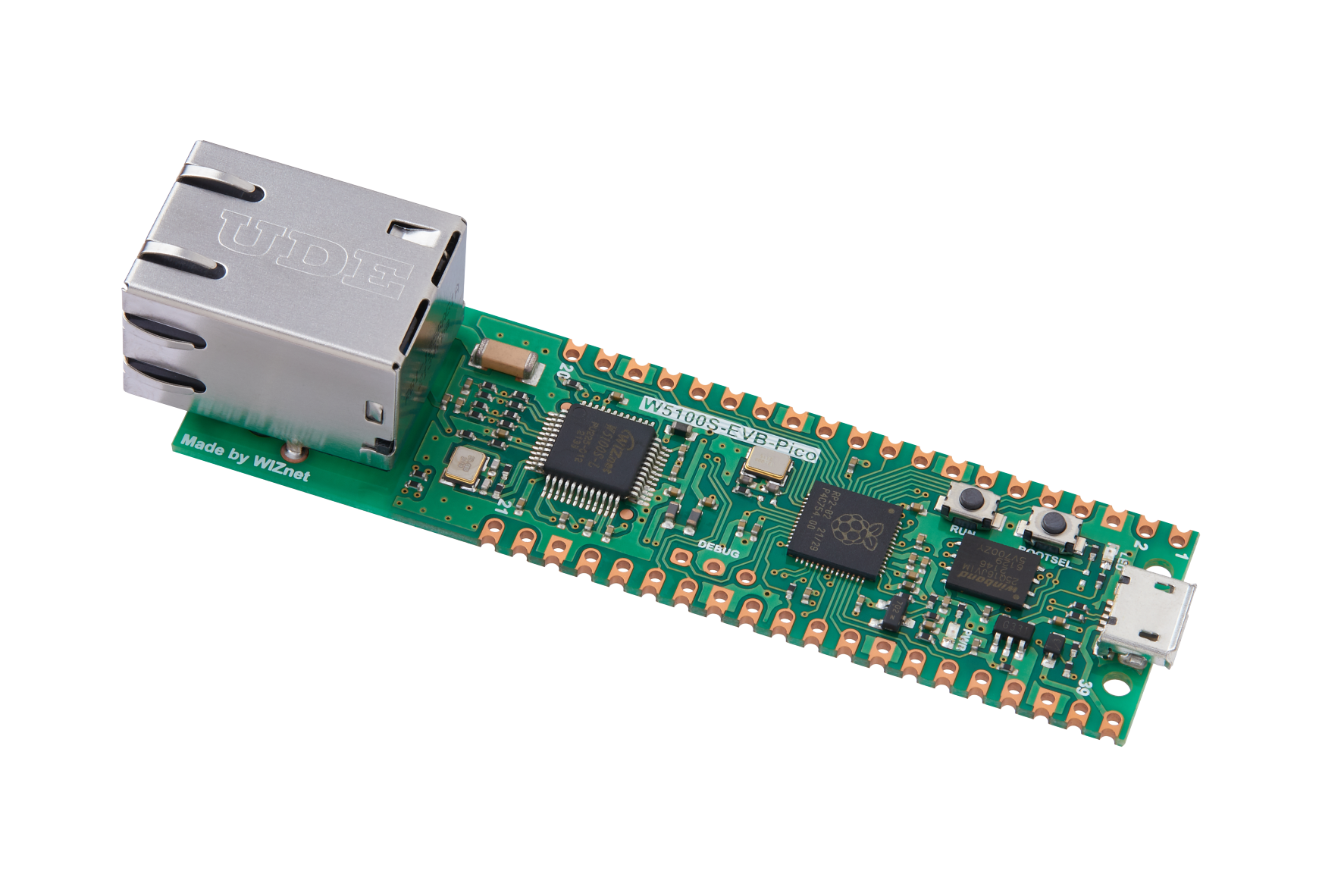
WIZnet - W5100S-EVB-Pico
x 1

Project description
The COVID-19 pandemic has irrevocably changed the way we work, with a paradigm shift from office desks to working from home. With remote work becoming the new normal, this has created a problem: when remote computers are powered off, they can't be powered back on.
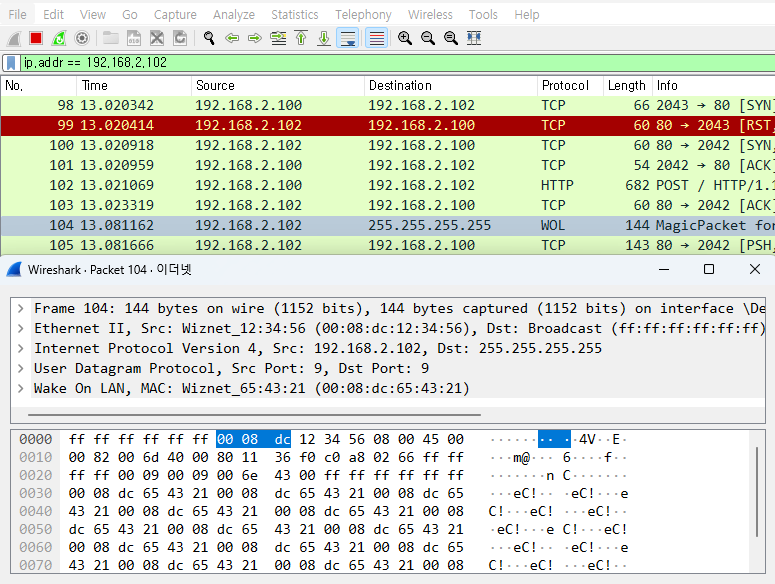
To solve this issue, this project uses the W5100S-EVB-Pico to send a WOL Packet to a powered off PC to turn it on.
When you access the IP of the W5100S-EVB-Pico with a web browser on an external device, you will see the screen below.
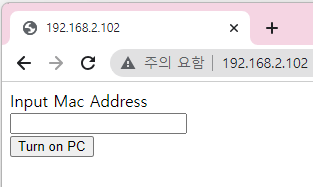
Then input the your PC's mac address and press the "Turn on PC" button, it will check the format of the mac address and send a WOL Packet.
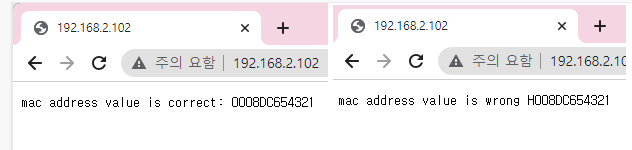
Demo Video:
https://youtube.com/shorts/b-f_h_neymU?feature=share
In this demo, we're working on the Local network.
You can also turn on your PC from an external network if you use port forwarding or a public IP.


