Monitor CO gas levels with Beebotte
This tutorial presents how Beebotte can be used to monitor Carbon-monoxide levels in the air.
5
Components
Hardware components
DFRobot - Carbon Monoxide Sensor (MQ7)
x 1

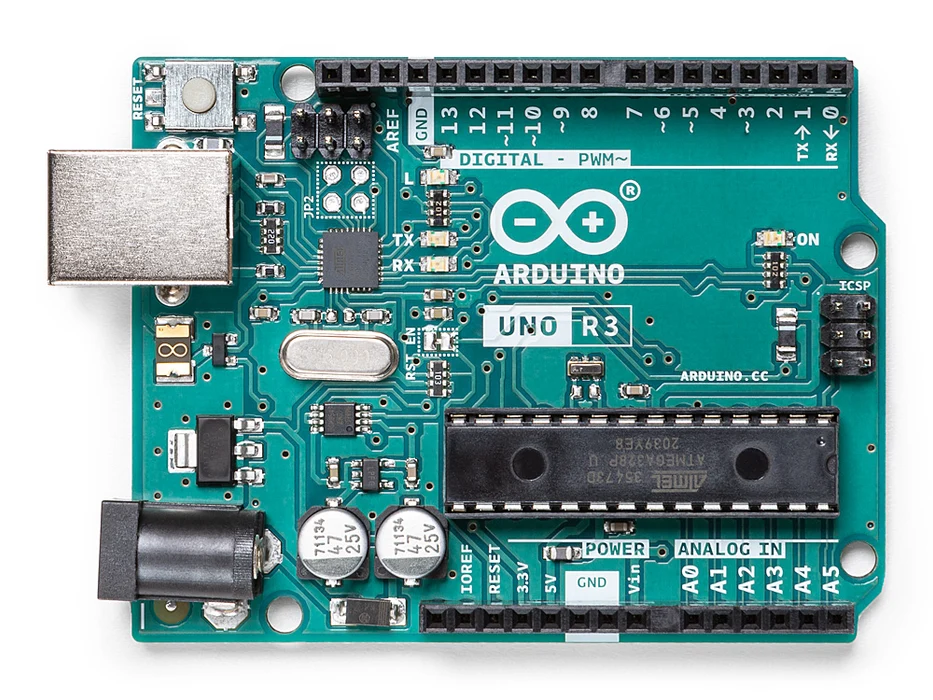
Arduino - Arduino UNO
x 1
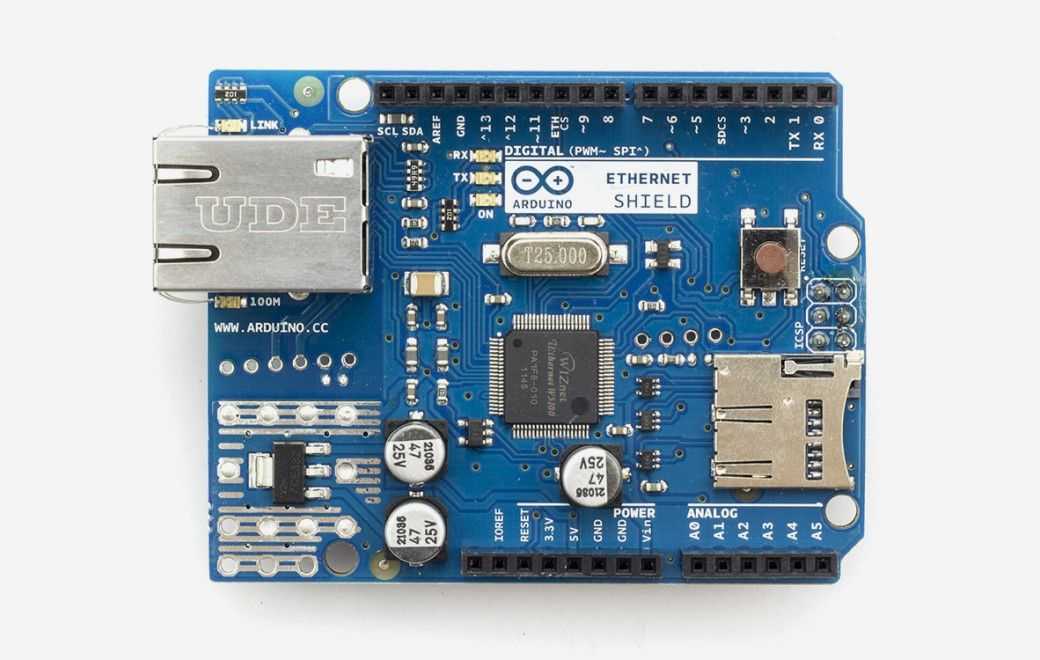
Arduino - Arduino Ethernet Shield
x 1

Arduino - Arduino IDE
x 1
Project description
Wiring
In this tutorial, we will use a ready made MQ-7 sensor module. If you wish to build your own module, you can buy the required parts and solder them to a PCB (this is beyond the scope of this tutorial).
The MQ-7 module has 4 pins:
- Analog Output AOUT: Gives an analog voltage output in proportion to the amount of CO level the sensor detects.
- Digital Output DOUT: If the analog voltage reaches a certain threshold, it will set the digital pin DOUT to high. Once DOUT pin is high, the arduino will trigger the LED to turn on.
- Ground GND
- 5V VCC
In this example, we will send AOUT and DOUT values to Beebotte to be able to monitor CO levels from anywhere using a Dashboard.
Follow the wiring diagram below to setup your hardware:

Sending data to Beebotte
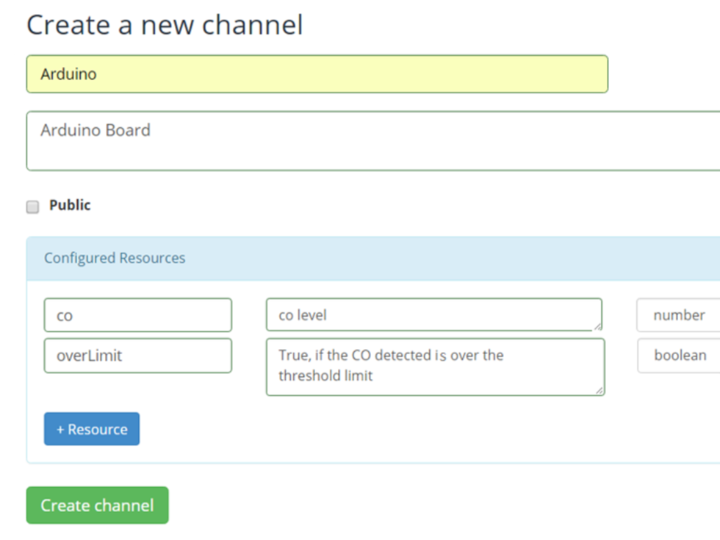
will use BeebotteMQTT endpoint to send sensor data to the created channel. We need to specify the channel token, and to indicate the names of the channel and resources.Include dependencies:
#include <SPI.h>
#include <Ethernet.h>
#include <PubSubClient.h>
#include <ArduinoJson.h>
