LED control with Arduino, Beebotte
This tutorial presents how Beebotte can be used to control a led connected to an Arduino board.
6
Components
Hardware components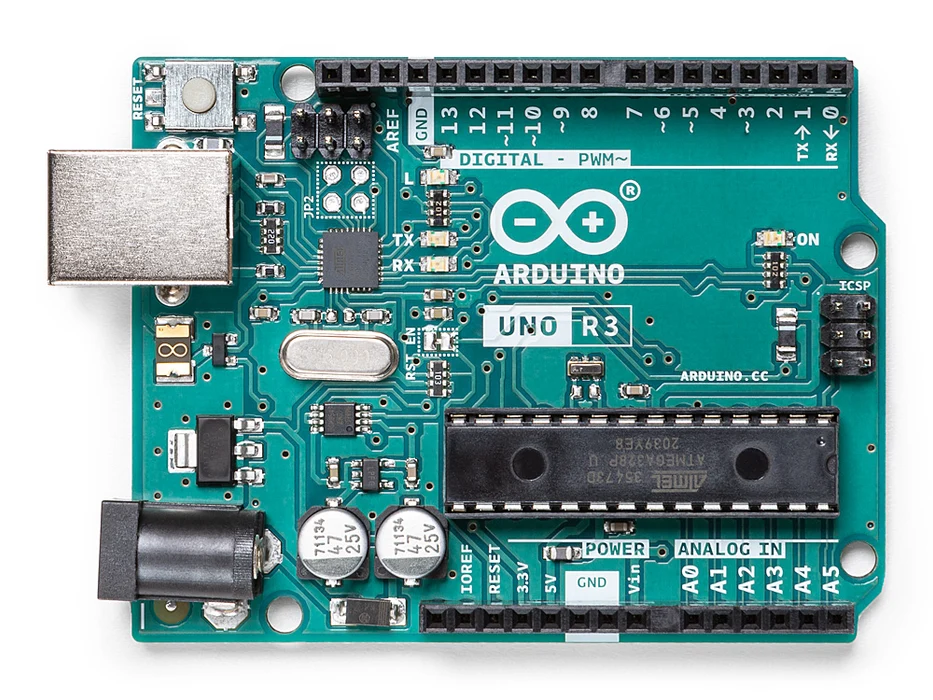
Arduino - Arduino UNO
x 1

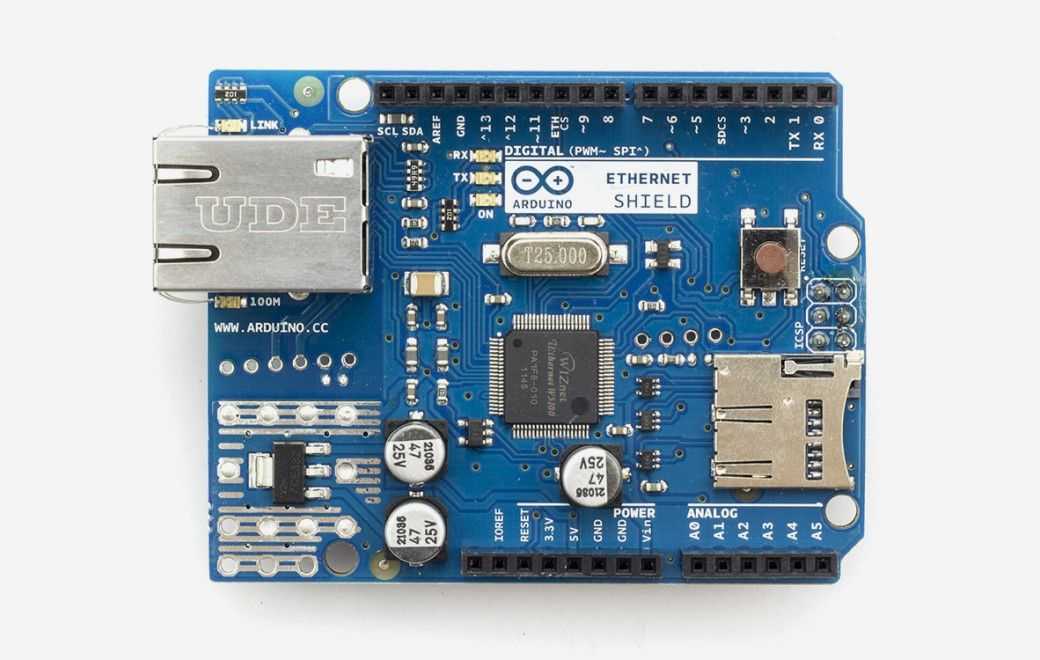
Arduino - Arduino Ethernet Shield
x 1

Arduino - Arduino IDE
x 1
beebotte - beebotte
x 1
Project description
Required Hardware
We need the following hardware in order to complete this tutorial:
- Arduino UNO board or equivalent
- Arduino Ethernet Shield to connect to the Internet
- Breadboard (tiny one is enough)
- LED
- 220 Ω resistance
- Jumper wires
Subscribing to led control messages
Include dependencies:
#include <SPI.h>
#include <Ethernet.h>
#include <PubSubClient.h>
#include <ArduinoJson.h>
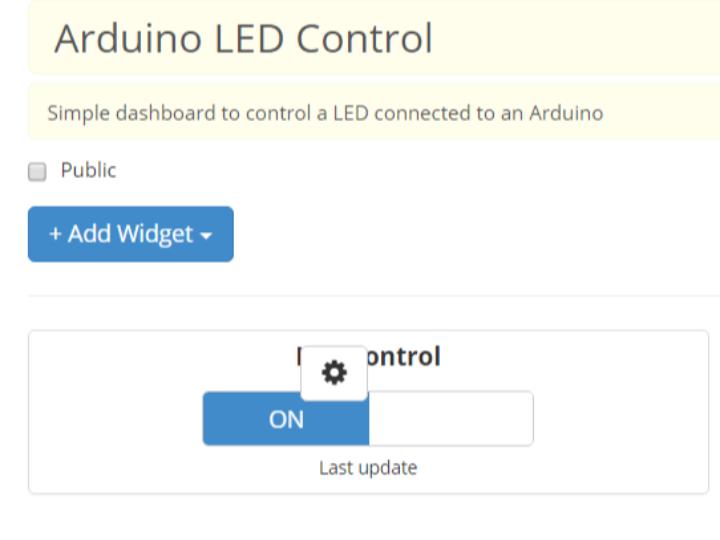
Creating a Dashboard with a control widget
In your account page, go to My Dashboards and click Create Dashboard; enter a friendly name and a short description for your dashboard then add an ON/OFF Widget. Indicate the channel and resource you want to control with this widget. Voilà.

