Ethernet easy plug&play Plug&play Ethernet client for Industruino
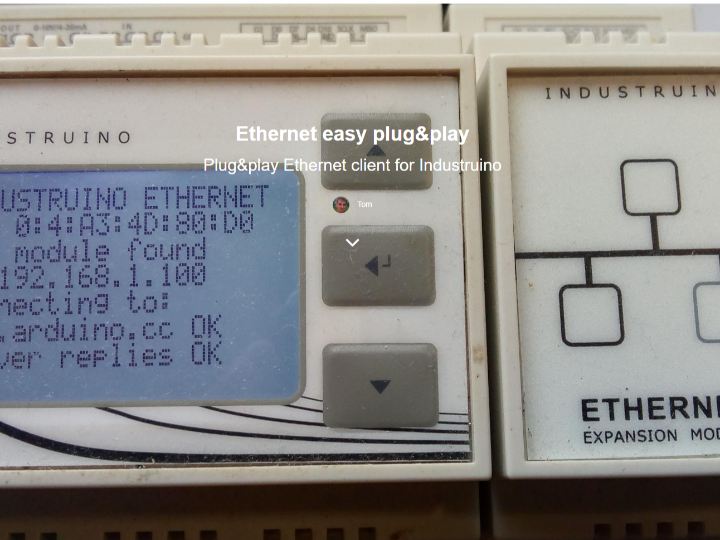
This post aims to get you started with the Industruino Ethernet module with a plug&play example sketch.
4
Components
Hardware components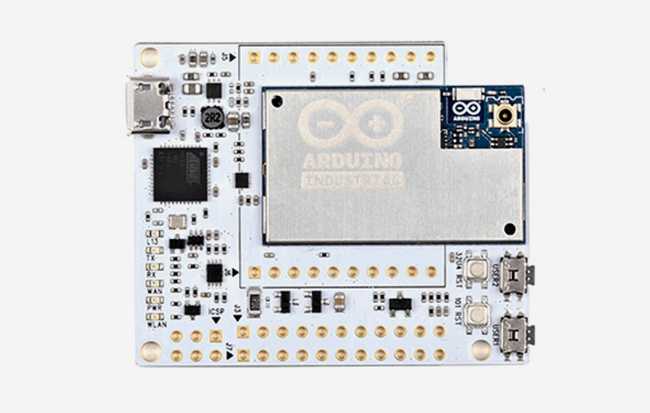
Arduino - Arduino Industrial 101
x 1

Project description
This post aims to get you started with the Industruino Ethernet module with a plug&play example sketch. It uses a common HTTP GET request that can be easily modified for any API, or any specific TCP communication. The sketch requires 3 libraries:
- Ethernet2 this needs to be the Industruino version, as the SPI speed needs to be set to 4MHz
- UC1701 for the Industruino LCD
- Adafruit_SleepyDog for watchdog reset functionality
The sketch does the following:
- Enable the watchdog timer with an interval of 20 seconds: if the code hangs for some reason so the watchdog does not get reset within 20 seconds, the unit reboots
- MAC address: the Industruino D21G has a unique MAC address stored in the EEPROM of the RTC, this 8-byte MAC is retrieved and formatted to 6 bytes for IPv4
- Check ETH module: the Ethernet module has 8KB non-volatile FRAM memory; we use this to check whether the module is connected by writing/reading a flag at address 0 of the FRAM
- Start Ethernet: we can use a fixed IP address, or request via DHCP, using the parameter USE_DHCP at the top of the sketch
- Connect to server: the sketch loop makes a connection to the TCP_SERVER at port TCP_SERVER_PORT
- HTTP GET request: if a connection is established, the sketch retrieves www.arduino.cc/latest.txt and looks for the '200 OK' reply
- If the connection to the server fails, Ethernet is restarted
- At the start of the loop, the watchdog timer is reset
In case the ETH module is not connected, the sketch stops, which triggers a watchdog reset after 20 seconds.
In case USE_DHCP is set to 1 but no IP address is assigned by a DHCP server, the sketch also stops, and the watchdog will trigger a reset.
Open the Serial Monitor to see diagnostics, and most info is also displayed on the LCD.
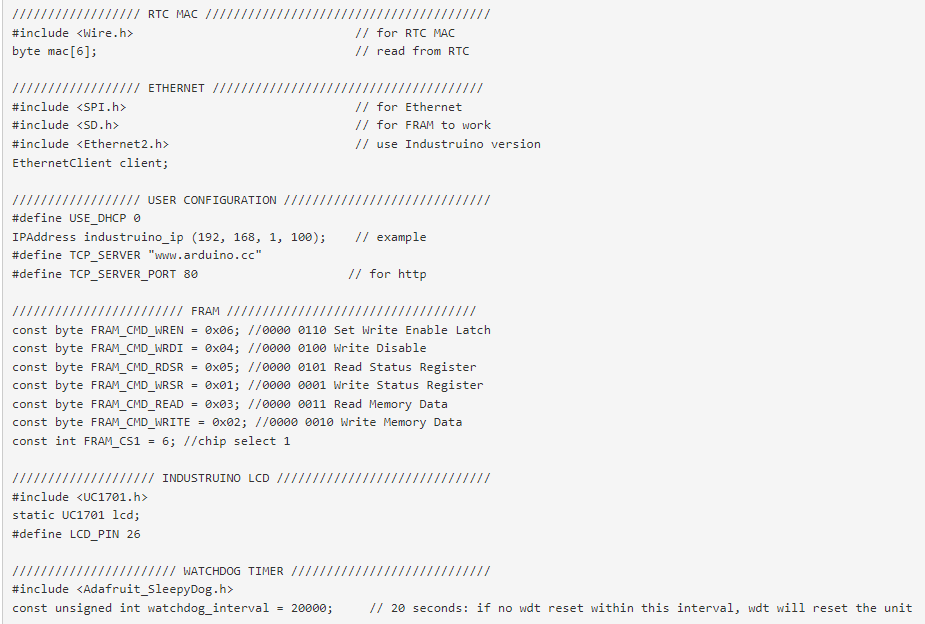
Below is the code, also on github.