MicroMod Ethernet Function Board - W5500 Hookup Guide
an Ethernet network including Power-over-Ethernet with the SparkFun MicroMod Ethernet Function Board - W5500.
4
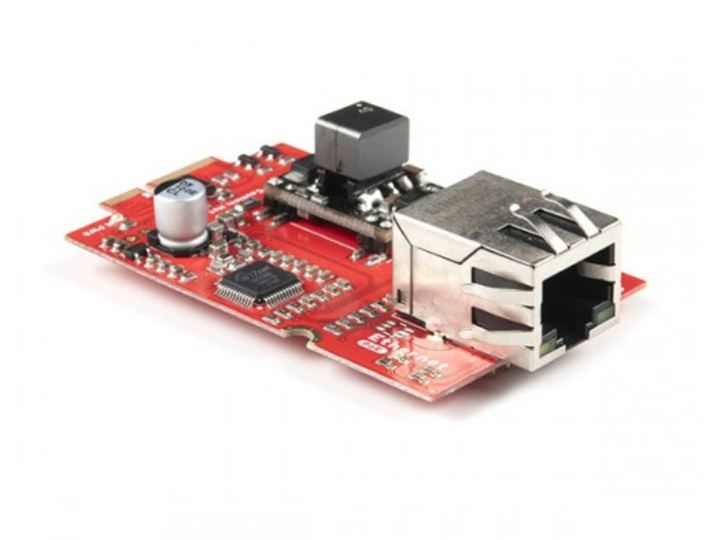
Components
Hardware components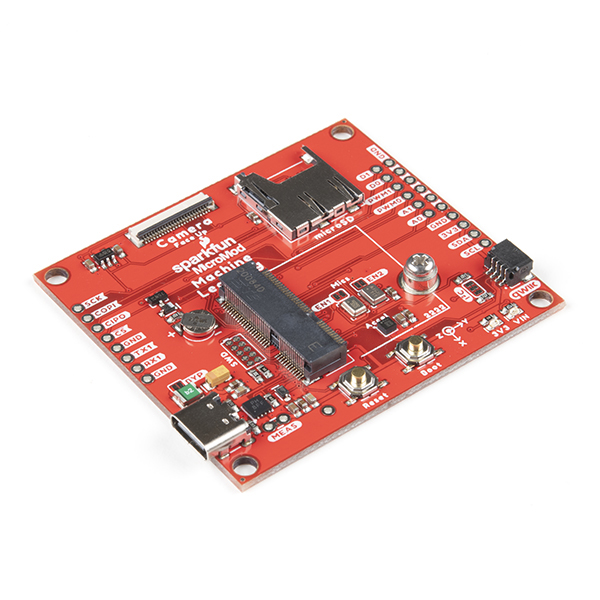
SparkFun - SparkFun MicroMod Machine Learning Carrier Board
x 1

Project description
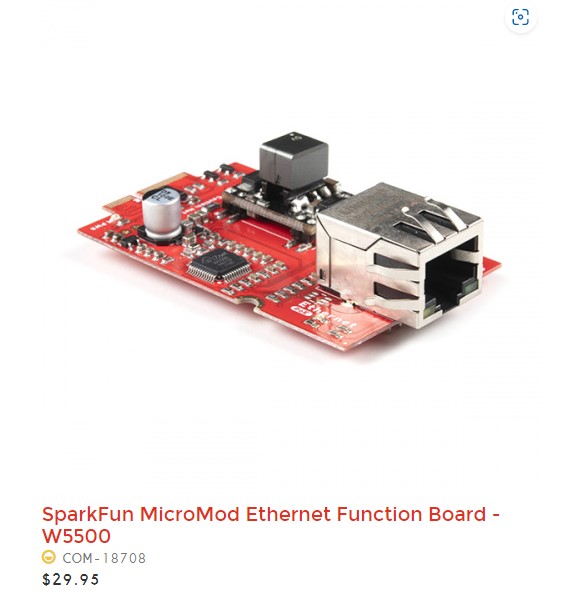
The tutorial covers hardware hookup, software setup, and an example code for retrieving data from a web server using the HTTP protocol. The tutorial provides clear instructions and helpful tips for troubleshooting issues. The guide is a great resource for anyone interested in using the MicroMod system and the W5500 Ethernet controller
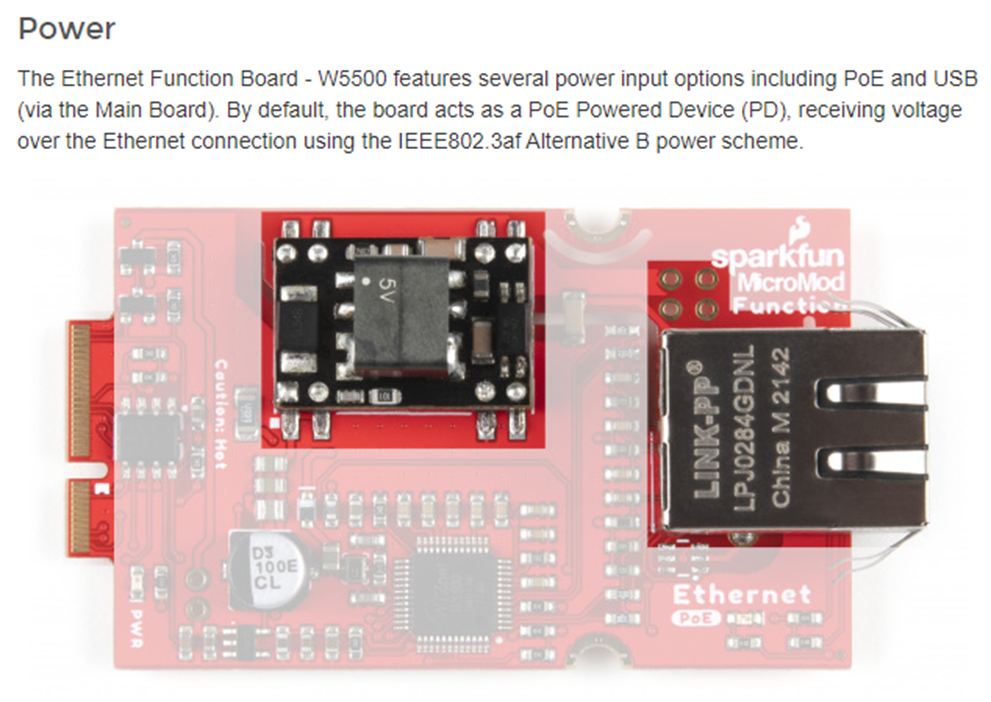
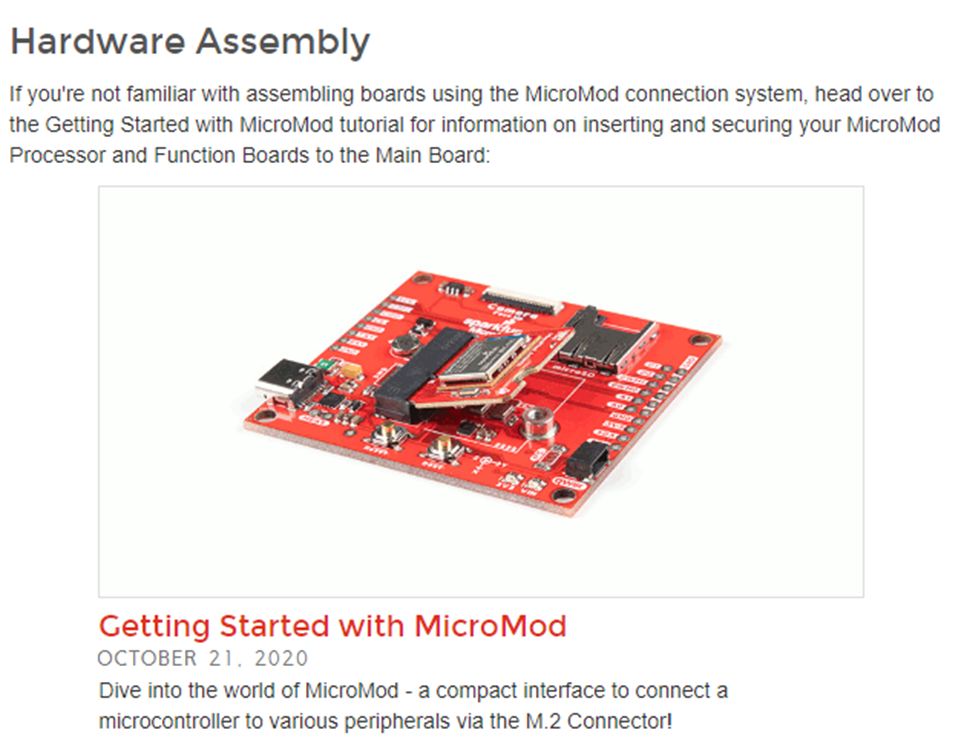
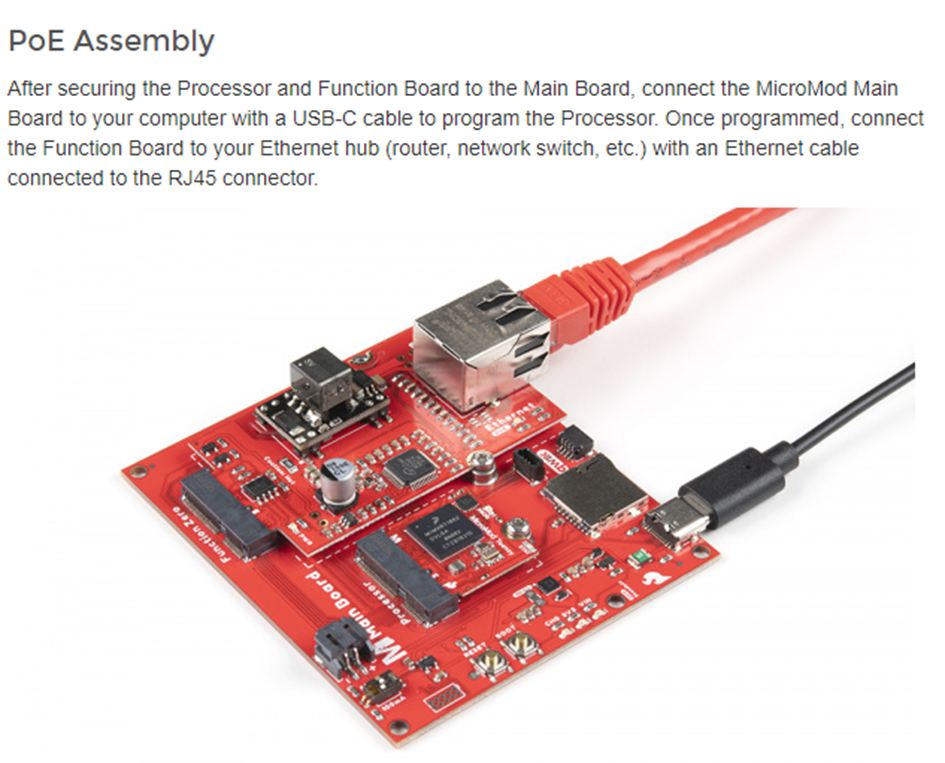
Hardware Hookup: This section explains how to connect the MicroMod Ethernet Function Board to a MicroMod main board, which is a modular system for building custom electronics projects. The tutorial provides detailed instructions and photos for connecting the boards, as well as information about the pinout and power requirements of the Ethernet Function Board.
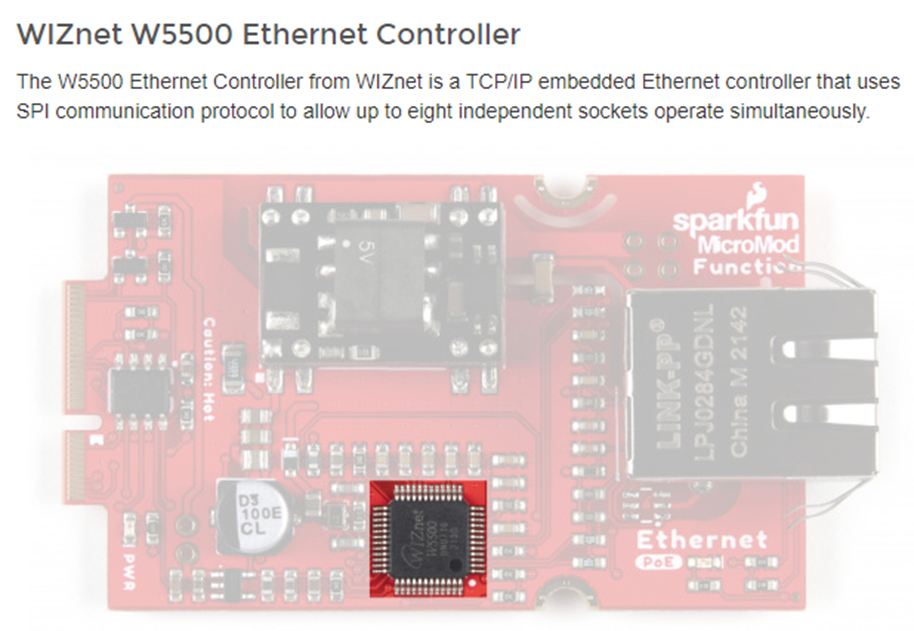
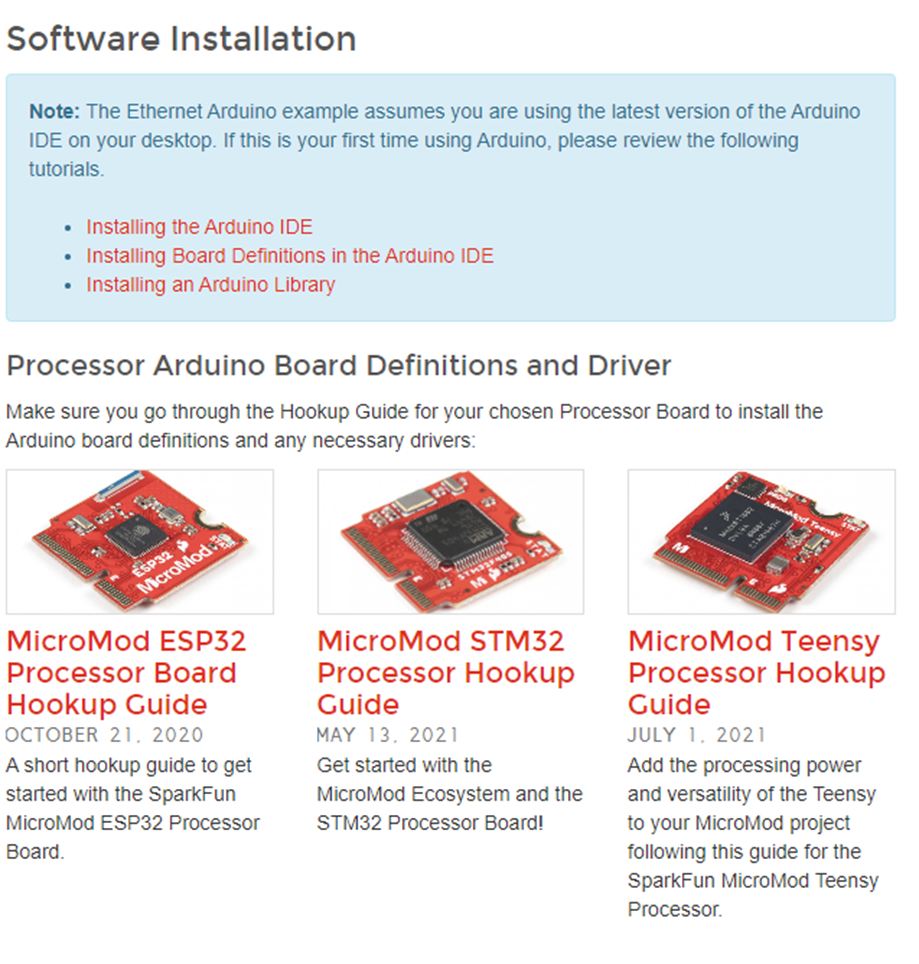
Software Setup: This section covers the software you'll need to use the Ethernet Function Board. It provides instructions for downloading and installing the necessary Arduino libraries, as well as an overview of the example code provided by SparkFun.
Example Code: This section walks through an example program that uses the Ethernet Function Board to retrieve data from a web server using the HTTP protocol. The tutorial provides a detailed explanation of each line of code, as well as tips for troubleshooting common issues.
void setup() {
 //Ethernet.init(CS); //SAMD51
 Ethernet.init(10); //Teensy
 //Ethernet.init(5); //ESP32
 //Ethernet.init(A4); //STM32
/*
Web client
This sketch connects to a website (http://www.google.com)
using an Arduino Wiznet Ethernet shield.
Circuit:
* Ethernet shield attached to pins 10, 11, 12, 13
created 18 Dec 2009
by David A. Mellis
modified 9 Apr 2012
by Tom Igoe, based on work by Adrian McEwen
*/
#include <SPI.h>
#include <Ethernet.h>
// Enter a MAC address for your controller below.
// Newer Ethernet shields have a MAC address printed on a sticker on the shield
byte mac[] = { 0xDE, 0xAD, 0xBE, 0xEF, 0xFE, 0xED };
// if you don't want to use DNS (and reduce your sketch size)
// use the numeric IP instead of the name for the server:
//IPAddress server(74,125,232,128); // numeric IP for Google (no DNS)
char server[] = "www.google.com"; // name address for Google (using DNS)
// Set the static IP address to use if the DHCP fails to assign
IPAddress ip(192, 168, 0, 177);
IPAddress myDns(192, 168, 0, 1);
// Initialize the Ethernet client library
// with the IP address and port of the server
// that you want to connect to (port 80 is default for HTTP):
EthernetClient client;
// Variables to measure the speed
unsigned long beginMicros, endMicros;
unsigned long byteCount = 0;
bool printWebData = false; // set to false for better speed measurement
void setup() {
//Ethernet.init(CS); //SAMD51
Ethernet.init(10); //Teensy
//Ethernet.init(5); //ESP32
//Ethernet.init(A4); //STM32
Serial.begin(115200);
delay(4000);
// start the Ethernet connection:
Serial.println("Initialize Ethernet with DHCP:");
if (Ethernet.begin(mac) == 0) {
Serial.println("Failed to configure Ethernet using DHCP");
// Check for Ethernet hardware present
if (Ethernet.hardwareStatus() == EthernetNoHardware) {
Serial.println("Ethernet shield was not found. Sorry, can't run without hardware. :(");
while (true) {
delay(1000);
Serial.println("Not detected");
delay(1); // do nothing, no point running without Ethernet hardware
}
}
if (Ethernet.linkStatus() == LinkOFF) {
Serial.println("Ethernet cable is not connected.");
}
// try to congifure using IP address instead of DHCP:
Ethernet.begin(mac, ip, myDns);
} else {
Serial.print(" DHCP assigned IP ");
Serial.println(Ethernet.localIP());
}
// give the Ethernet shield a second to initialize:
delay(1000);
Serial.print("connecting to ");
Serial.print(server);
Serial.println("...");
// if you get a connection, report back via serial:
if (client.connect(server, 80)) {
Serial.print("connected to ");
Serial.println(client.remoteIP());
// Make a HTTP request:
client.println("GET /search?q=arduino HTTP/1.1");
client.println("Host: www.google.com");
client.println("Connection: close");
client.println();
} else {
// if you didn't get a connection to the server:
Serial.println("connection failed");
}
beginMicros = micros();
}
void loop() {
// if there are incoming bytes available
// from the server, read them and print them:
int len = client.available();
if (len > 0) {
// byte buffer[80];
byte buffer[512 * 4];
if (len > sizeof(buffer)) len = sizeof(buffer);
client.read(buffer, len);
if (printWebData) {
Serial.write(buffer, len); // show in the serial monitor (slows some boards)
}
byteCount = byteCount + len;
}
// if the server's disconnected, stop the client:
if (!client.connected()) {
endMicros = micros();
Serial.println();
Serial.println("disconnecting.");
client.stop();
Serial.print("Received ");
Serial.print(byteCount);
Serial.print(" bytes in ");
float seconds = (float)(endMicros - beginMicros) / 1000000.0;
Serial.print(seconds, 4);
float rate = (float)byteCount / seconds / 1000.0;
Serial.print(", rate = ");
Serial.print(rate);
Serial.print(" kbytes/second");
Serial.println();
// do nothing forevermore:
while (true) {
delay(1);
}
}
}
