Ethernet controller W5300. IPRAW mode
IPRAW is data transfer using a layer lower than TCP and UDP.
3
Components
Hardware components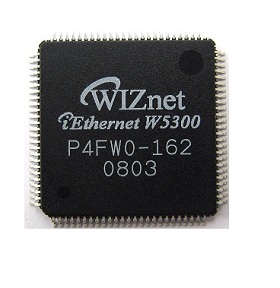
WIZnet - W5300
x 1

STMicroelectronics - STM32F405
x 1
Project description
Original link is https://blog.radiotech.kz/stm32/ethernet-kontroller-w5300-ipraw-rezhim/
and posted in the Czech language.
IPRAW is data transfer using a layer lower than TCP and UDP. IPRAW supports protocols such as ICMP (0x01), IGMP (0x02) which can be specified by protocol number (Sn_PROTOR). As I warn you last time, here we are considering an arbitrary package as an example. Of course, you choose your protocol.
What do you need:
— WIZ830MJ;
— STM32F4-Discovery;
— Keil;
- Wireshark (+ WinPcap);
— Colasoft Packet Builder.
The WIZ830MJ connection table to STM32F4-Discovery and part of the register addresses were given in the article Part 3. W5300 Ethernet Controller. Initialization. Ping
Additional register addresses are listed in Part 4: W5300 Ethernet Controller. MACRAW mode
Initializing STM32F4 and W5300
The STM32F4 initialization (GPIO and TIM6) and W5300 initialization (SHAR, GAR, SUBR, SIPR) procedures were shown in Part 3. W5300 Ethernet Controller. Initialization. ping
socket initialization
We start, as usual, by opening a socket. I chose socket 0, you can choose any of the 8 sockets that will smile at you.
Before initializing the socket, you must specify the MAC address and IP address of the destination:
Next, we write the S0_PROTOR register in accordance with the protocol chosen (ICMP - 0x01, IGMP - 0x02, TCP - 0x06, UDP - 0x11). Also, the protocol number must be set before the socket is opened.
Broadcast
First, by reading the S0_TX_FSR2 register, we check for free memory in the W5300 transmitter memory. We open the data recording cycle. In the registers S0_TX_WRSR and S0_TX_WRSR2 we write the size of the data being sent. Attention!!! It must be specified in bytes. Write the SEND command to the command register.
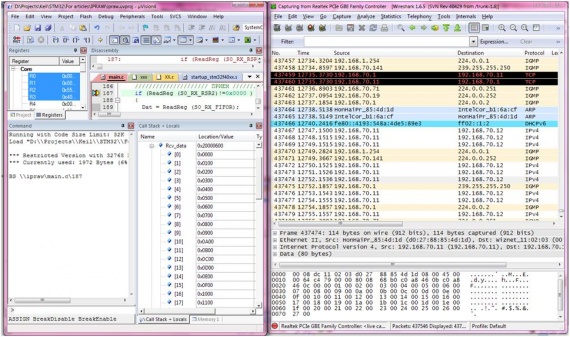
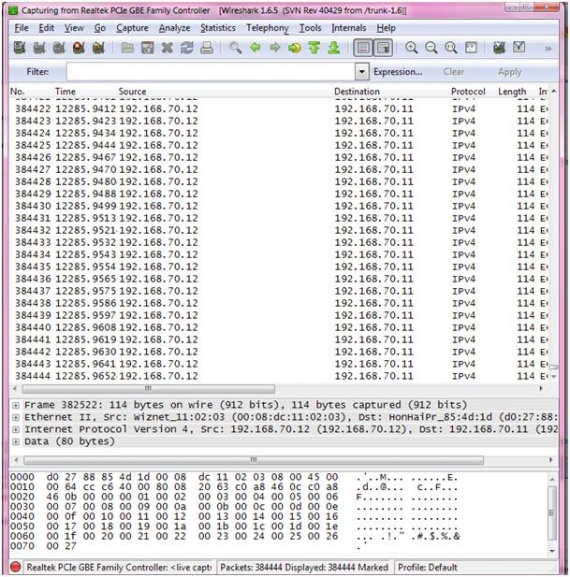
We catch packets on a computer with a sniffer.
Reception
The received IP packet according to the datasheet has the following structure: 4 bytes IP address of the destination and 2 bytes data size.

In order to receive an IPRAW packet, we monitor the S0_RX_RSR2 register, which signals to us that data has been received. We read 4 bytes of the IP address and the size of the data in bytes, we consider how much it will be in words. We read the data into an array and send the RECV command to the S0_CR command register.
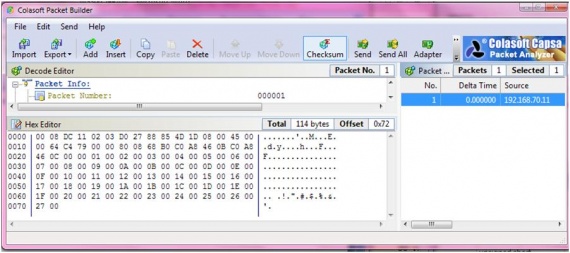
We send a package like this using the Packet Builder. To do this, click on the Send button.
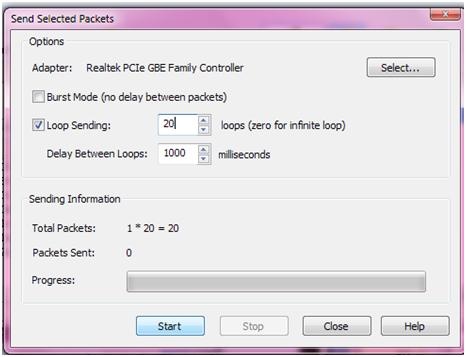
In the window that appears, select LoopSending, the number is 20 times.
In debug mode, we look at the data in Rcv_data. The sniffer shows the same data.