Ivypots
Ivypotsis an autonomous pole garden ,it is made for all people that want to grow some plants without paying for an expensives tools.
7
Components
Hardware components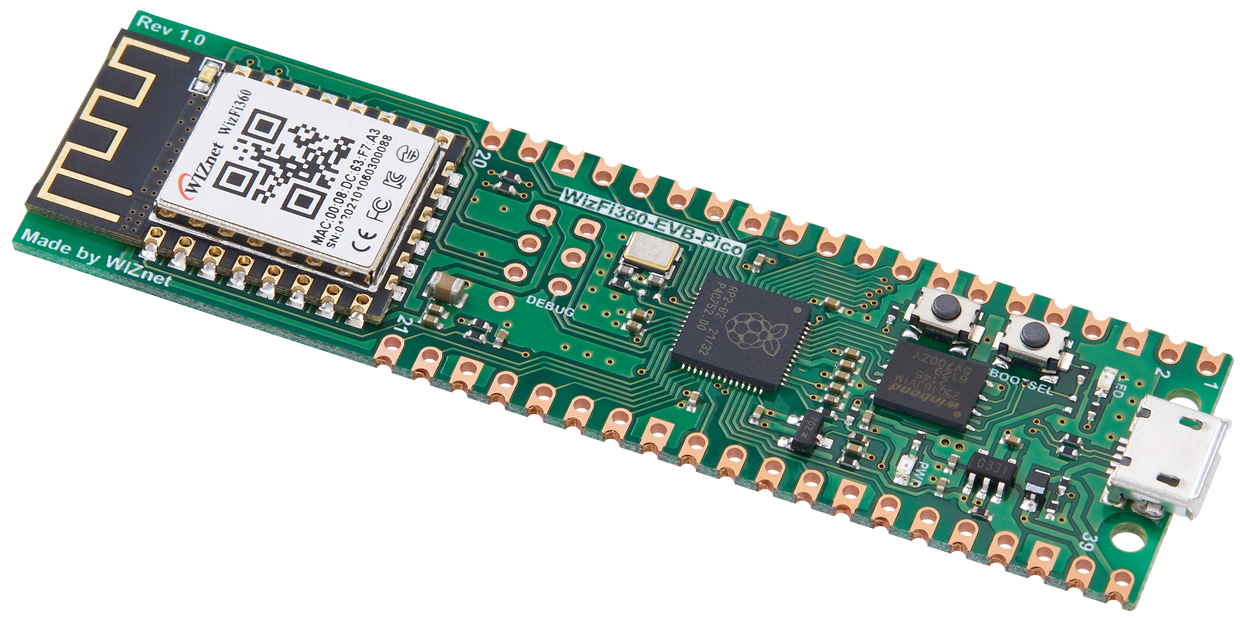
WIZnet - WizFi360-EVB-Pico
x 1

Arduino - Arduino IDE
x 1

Project description
Ivypots
Ivypots is a solution for peoples who want to grow indoors vegetables, without worrying about How Often & How Much Watering Houseplants . We use the Peltier Effect to generate water from the humidity to finally be able to use it for watering your plants. Then we use our library to analyze the plants to determine how much and how often the plants need to be watered to give you the best possible.
Ivypots is an autonomous pole garden ,it is made for all people that want to grow some plants without paying for an expensives tools.
To use the WizFi360 Arduino library, the development environment must be configured to use the Arduino platform.
Please note that in this guide examples were configured and tested using Arduino IDE in a Windows environment.
Before starting, download and install the Arduino IDE from the link below.
Arduino IDE
Additionally, if you are using WizFi360-EVB-Pico, minor settings are required in the Arduino IDE.
WizFi360-EVB-Pico is an development board based on RP2040, and you need to add a package to use the development board based on RP2040.
① Run the Arduino IDE
② Open Preferences
You can open it through 'File → Preferences' in the menu bar of Arduino IDE.
③ Add next link to Additional Boards Manager URL
https://github.com/earlephilhower/arduino-pico/releases/download/global/package_rp2040_index.json
Add Boards Manager URLs Code :
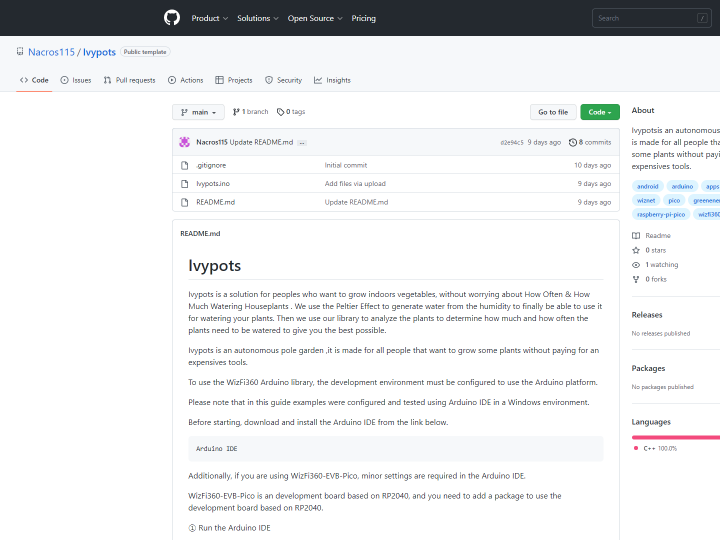
③ Then Navigate to My Github: https://github.com/Nacros115/Ivypots
④ Click "Code"
⑤ Click "Download ZIP"
⑥ Once that is done, open the zip files, search for Ivypots.ino and open it.
⑦ Connect your device and select the right port
⑧ Finally, transfer the program to the Wizfi360-EVB-Pico.


