Setting up a Network Camera using W5300
Printing camera image and processing video
2
Components
Hardware components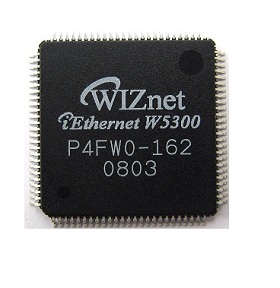
WIZnet - W5300
x 1

Project description
DETAILS
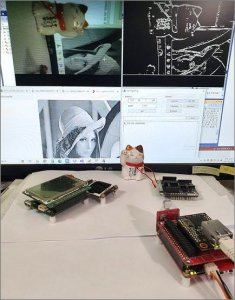
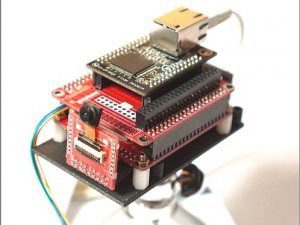
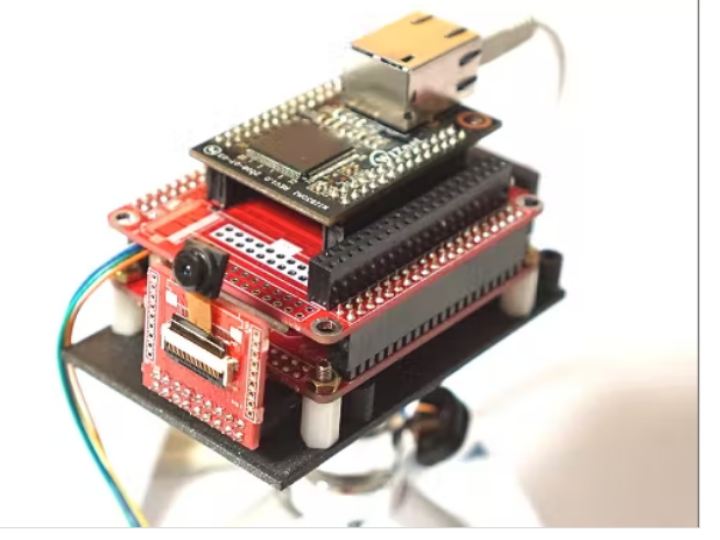
Using the camera interface DCMI of STM32, we will obtain camera images, send images to the network, and write a program that can receive images from PC host programs and process them.
W5300 allows TCP transmission of more than 60 Mbps, meaning that we will be able to transmit 10 640x480x2 Byte RAW (RGB565) images per second. The reason for using RAW Data is to ensure that there is no loss in image processing as much as possible.
Let’s create a network camera that will send 10 frames per second of RAW image with resolution 640×480 and do simple video processing.