Boom barrier and Traffic light control with Arduino via Ethernet
Boom barrier and Traffic light control with Arduino via Ethernet
0
Components
Hardware components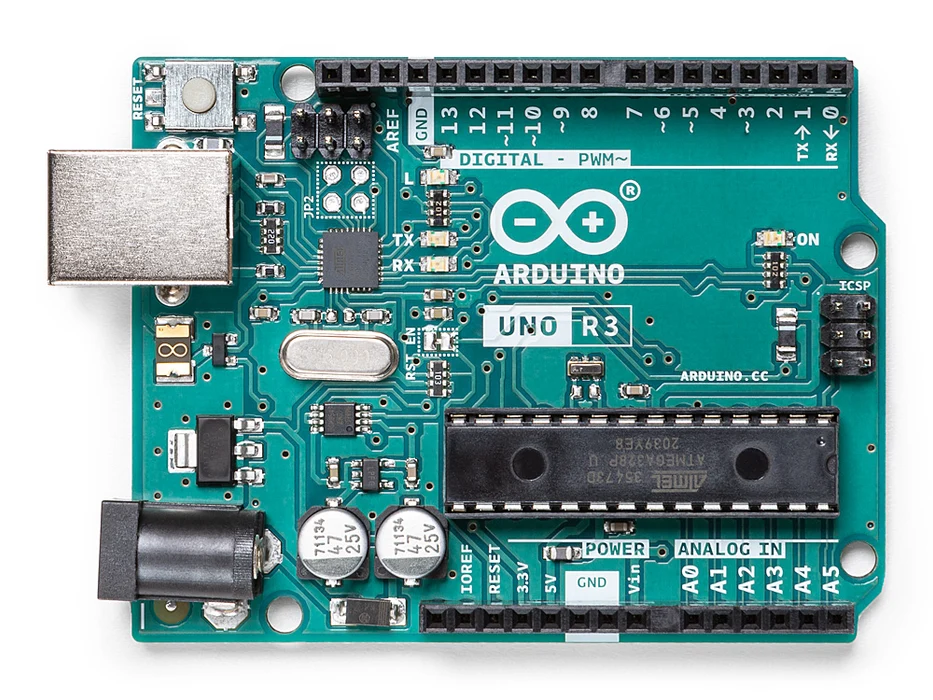
Arduino - Arduino UNO
x 1

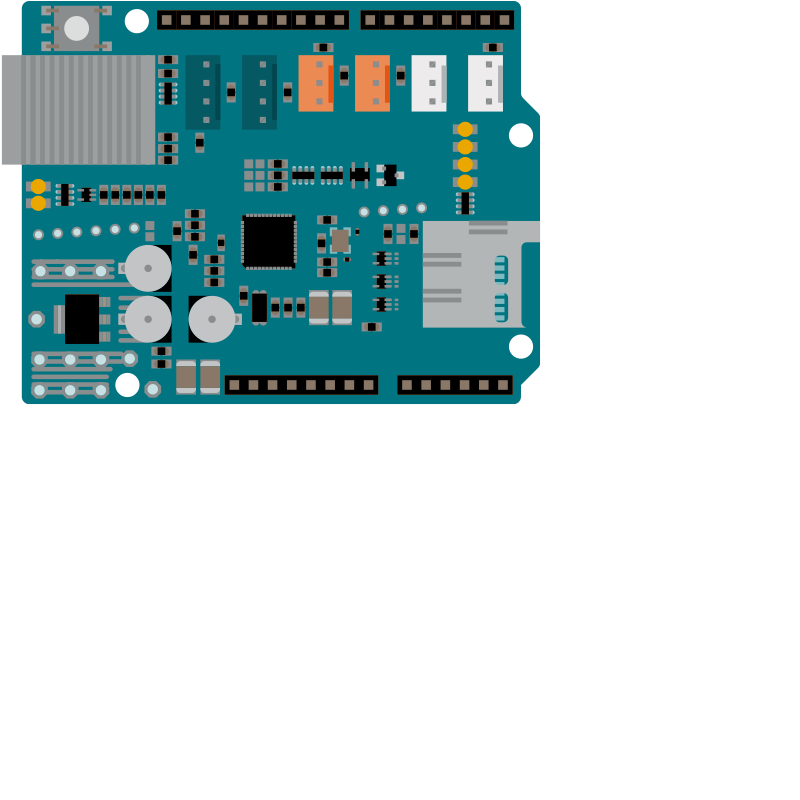
Arduino - Arduino Ethernet Shield 2
x 1
2 CHANNEL 5V RELAY BOARD MODULE RELAY EXPANSION BOARD
x 1
Project description
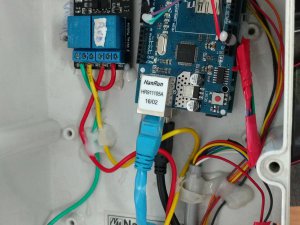
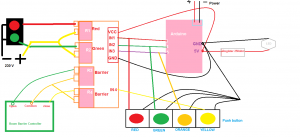 code:
#include <SPI.h> // needed for Arduino versions later than 0018
#include <Ethernet.h> // Ethernet board connected - Uses A0, A1, (D2 or D4), D10, D11, D12, D13
#include <EthernetUdp.h> // UDP library from: 12/30/2008
byte mac[] = { 0x90, 0xA2, 0xDA, 0x0D, 0x78, 0xE0 }; // <------- PUT YOUR MAC Address Here
byte ip[] = { 10, 195, 82, 251 }; // <------- PUT YOUR IP Address Here
unsigned int localPort = 8888; // Local IP port to listen on
byte gateway[] = { 10, 195, 82, 1 }; // <------- PUT YOUR ROUTERS IP Address to which your shield is connected Here
byte subnet[] = { 255, 255, 255, 0 }; // <------- It will be as it is in most of the cases
EthernetServer server(80); // <------- It's Defaulf Server Port for Ethernet Shield
char packetBuffer[UDP_TX_PACKET_MAX_SIZE]; // buffer to hold incoming packet
EthernetUDP Udp; // An EthernetUDP instance to let us send and receive packets over UDP
int PinA = 3; // Switch Pin 5
int PinB = 4;
int PinC = 5; // Switch Pin 6
void setup() { // run setup only once on boot
Ethernet.begin(mac, ip, gateway, subnet);
server.begin();
Udp.begin(localPort); // Start UDP Connection
pinMode(PinA, OUTPUT); // attach the pin
pinMode(PinB, OUTPUT);
pinMode(PinC, OUTPUT); // attach the pin
digitalWrite(PinA, LOW);
digitalWrite(PinB, HIGH);
digitalWrite(PinC, HIGH);
} // end of setup
void loop() // Start Running System
{
int packetSize = Udp.parsePacket(); // if there's data available, read a packet
if(packetSize)
{
int read = Udp.read(packetBuffer,UDP_TX_PACKET_MAX_SIZE); // read the packet into packetBufffer
packetBuffer[read] = 0;
char ch = packetBuffer[0];
switch(ch)
{
case '0': // if 0 is sent via udp then do this -->>
digitalWrite(PinA, LOW); // Turn PinA Off
break; // end of case 0
case '1': // if 1 is sent via udp then do this -->>
digitalWrite(PinA, HIGH); // Turn PinA On
break; // end of case 1
case '2': // if 2 is sent via udp then do this -->>
digitalWrite(PinB, LOW); // Turn PinB Off
break; // end of case 2
case '3': // if 3 is sent via udp then do this -->>
digitalWrite(PinB, HIGH); // Turn PinB On
break; // end of case 3
case '4': // if 3 is sent via udp then do this -->>
digitalWrite(PinC, LOW); // Turn PinB On
break; // end of case 3
case '5': // if 3 is sent via udp then do this -->>
digitalWrite(PinC, HIGH); // Turn PinB On
break; // end of case 3
default : // if recived info via udp and not found in the case do this -->>
break; // end of case not found
}
}
delay(15); // waits 15ms for udp input wait ...
} // end system run, but now loop and start system run again?
code:
#include <SPI.h> // needed for Arduino versions later than 0018
#include <Ethernet.h> // Ethernet board connected - Uses A0, A1, (D2 or D4), D10, D11, D12, D13
#include <EthernetUdp.h> // UDP library from: 12/30/2008
byte mac[] = { 0x90, 0xA2, 0xDA, 0x0D, 0x78, 0xE0 }; // <------- PUT YOUR MAC Address Here
byte ip[] = { 10, 195, 82, 251 }; // <------- PUT YOUR IP Address Here
unsigned int localPort = 8888; // Local IP port to listen on
byte gateway[] = { 10, 195, 82, 1 }; // <------- PUT YOUR ROUTERS IP Address to which your shield is connected Here
byte subnet[] = { 255, 255, 255, 0 }; // <------- It will be as it is in most of the cases
EthernetServer server(80); // <------- It's Defaulf Server Port for Ethernet Shield
char packetBuffer[UDP_TX_PACKET_MAX_SIZE]; // buffer to hold incoming packet
EthernetUDP Udp; // An EthernetUDP instance to let us send and receive packets over UDP
int PinA = 3; // Switch Pin 5
int PinB = 4;
int PinC = 5; // Switch Pin 6
void setup() { // run setup only once on boot
Ethernet.begin(mac, ip, gateway, subnet);
server.begin();
Udp.begin(localPort); // Start UDP Connection
pinMode(PinA, OUTPUT); // attach the pin
pinMode(PinB, OUTPUT);
pinMode(PinC, OUTPUT); // attach the pin
digitalWrite(PinA, LOW);
digitalWrite(PinB, HIGH);
digitalWrite(PinC, HIGH);
} // end of setup
void loop() // Start Running System
{
int packetSize = Udp.parsePacket(); // if there's data available, read a packet
if(packetSize)
{
int read = Udp.read(packetBuffer,UDP_TX_PACKET_MAX_SIZE); // read the packet into packetBufffer
packetBuffer[read] = 0;
char ch = packetBuffer[0];
switch(ch)
{
case '0': // if 0 is sent via udp then do this -->>
digitalWrite(PinA, LOW); // Turn PinA Off
break; // end of case 0
case '1': // if 1 is sent via udp then do this -->>
digitalWrite(PinA, HIGH); // Turn PinA On
break; // end of case 1
case '2': // if 2 is sent via udp then do this -->>
digitalWrite(PinB, LOW); // Turn PinB Off
break; // end of case 2
case '3': // if 3 is sent via udp then do this -->>
digitalWrite(PinB, HIGH); // Turn PinB On
break; // end of case 3
case '4': // if 3 is sent via udp then do this -->>
digitalWrite(PinC, LOW); // Turn PinB On
break; // end of case 3
case '5': // if 3 is sent via udp then do this -->>
digitalWrite(PinC, HIGH); // Turn PinB On
break; // end of case 3
default : // if recived info via udp and not found in the case do this -->>
break; // end of case not found
}
}
delay(15); // waits 15ms for udp input wait ...
} // end system run, but now loop and start system run again?
