pBoxOS2
This project uses a Raspberry Pico microcontroller to control the temperature, fan, and light of a 3D printer enclosure.
1
Project description
pBoxOS2
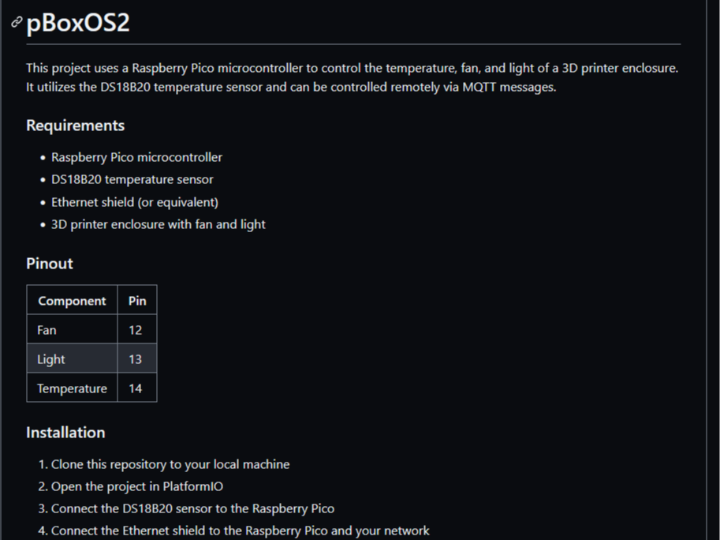
This project uses a Raspberry Pico microcontroller to control the temperature, fan, and light of a 3D printer enclosure. It utilizes the DS18B20 temperature sensor and can be controlled remotely via MQTT messages.
Requirements
- Raspberry Pico microcontroller
- DS18B20 temperature sensor
- Ethernet shield (or equivalent)
- 3D printer enclosure with fan and light
Pinout
| Component | Pin |
|---|---|
| Fan | 12 |
| Light | 13 |
| Temperature | 14 |
Installation
- Clone this repository to your local machine
- Open the project in PlatformIO
- Connect the DS18B20 sensor to the Raspberry Pico
- Connect the Ethernet shield to the Raspberry Pico and your network
- Upload the project to your Raspberry Pico using PlatformIO
