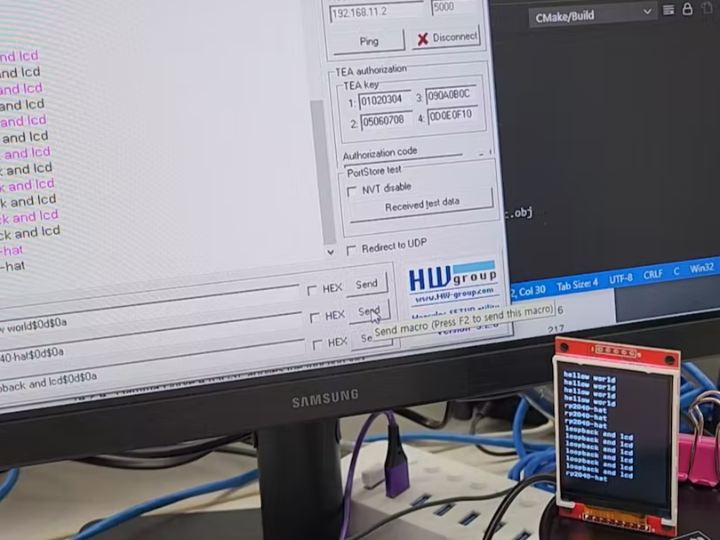
Loopback server and Scroll up LCD for W5100-EVB-Pico
Loopback server and Scroll up LCD for W5100-EVB-Pico
11
Components
Hardware components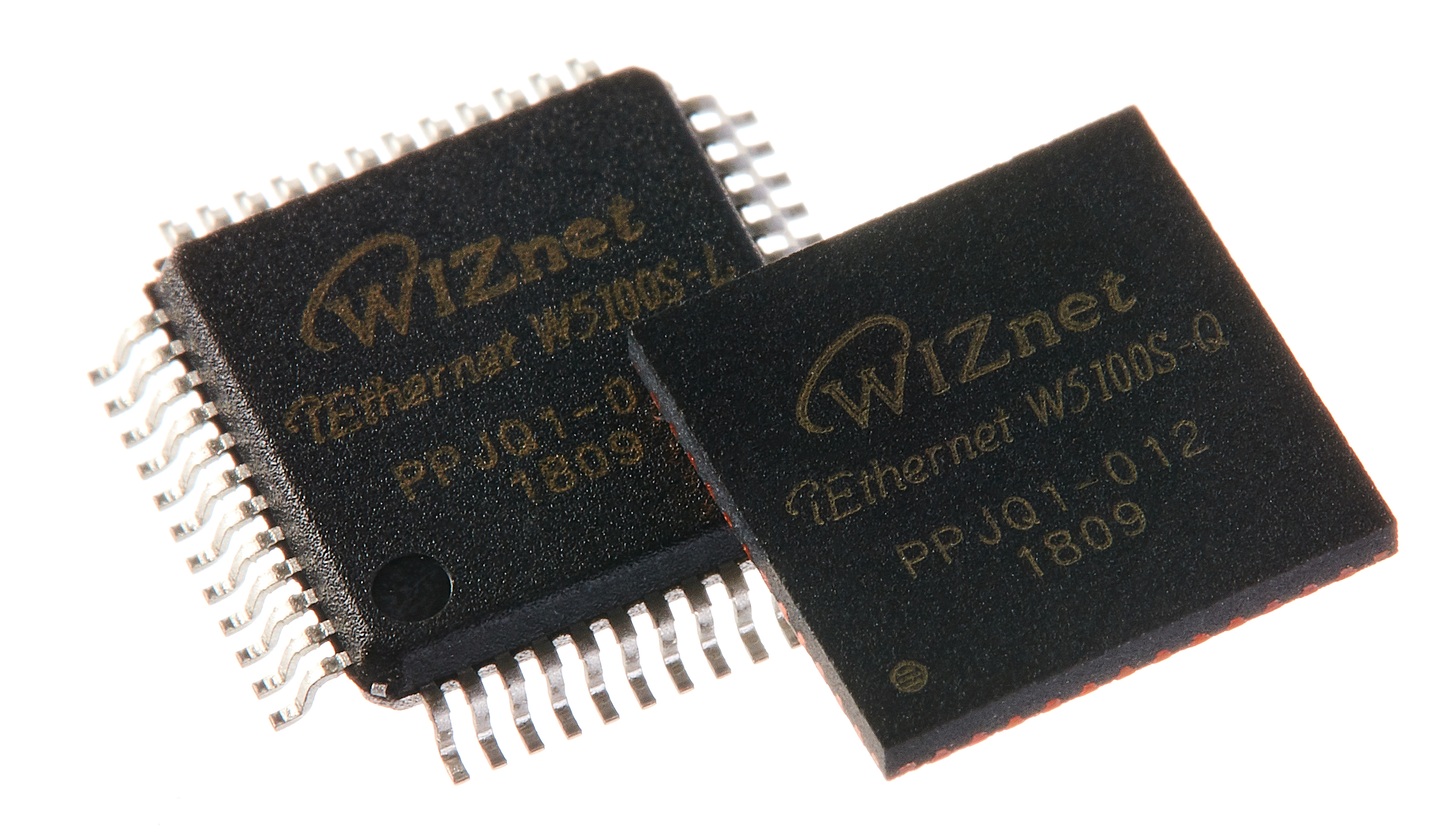
WIZnet - W5100S
x 1

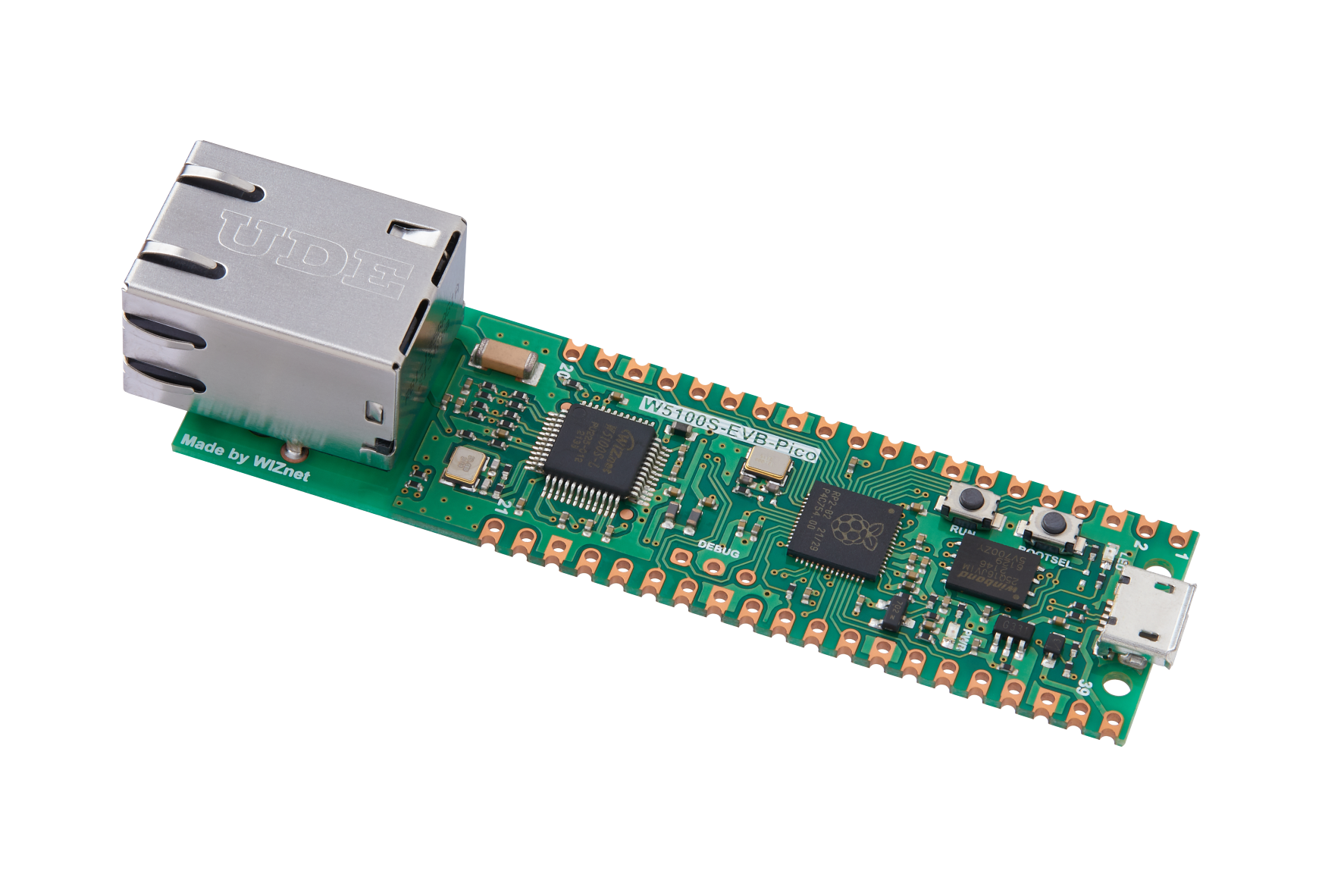
WIZnet - W5100S-EVB-Pico
x 1
Project description
Step 1.
The LCD uses SPI1, and Pinmap is as follows.
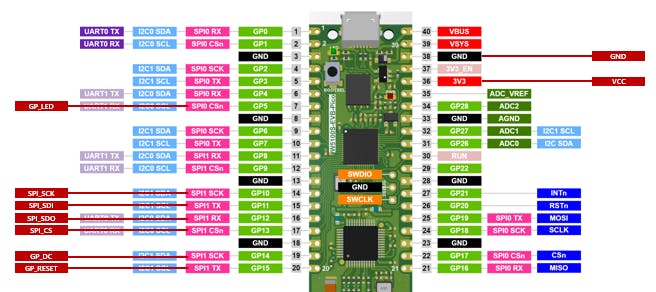
To use another pinmap, modify this code in [loopback/ILI9340/ILI9340.c]
*SPI0 is a setup for the W5100, so cannot be used.
#define SPI_LCD_PORT            spi1
#define PIN_LCD_SCK  	        10
#define PIN_LCD_MOSI 	        11
#define PIN_LCD_MISO 	        12
#define PIN_LCD_CS   	        13
#define PIN_LCD_DC    	        14
#define PIN_LCD_RESET   	15
#define PIN_LCD_LED	        5
#define ILI9340_SPI_SPEED	5000 * 1000
Step 2
Download the source of w5100-EVB-Pico from the wiznet official site.
https://github.com/Wiznet/RP2040-HAT-C
For detailed setting, see the Please refer to git page [getting started]
Step 3
Change existing file to attached file.
https://github.com/scarletwiz/W5100_EVB_PICO_LCD
Zip Directory [rp2040-hat-lcd\examples\loopback]
to RP2040 Directory [RP2040-HAT-C\examples\loopback]
Zip Directory [rp2040-hat-lcd\libraries\ioLibrary_Driver\Application\loopback]
to RP2040 Directory [RP2040-HAT-C\libraries\ioLibrary_Driver\Application\loopback]
modify cmake file for don't rollback of loopback lib
[RP2040-HAT-C\rp2040_hat_c-patch.cmake]
# Delete untracked files in ioLibrary_Driver
if(EXISTS "${IOLIBRARY_DRIVER_SRC_DIR}/.git")
message("cleaning ioLibrary_Driver...")
#execute_process(COMMAND ${GIT_EXECUTABLE} -C ${IOLIBRARY_DRIVER_SRC_DIR} clean -fdx)
#execute_process(COMMAND ${GIT_EXECUTABLE} -C ${IOLIBRARY_DRIVER_SRC_DIR} reset --hard)
message("ioLibrary_Driver cleaned")
endif()
EXT
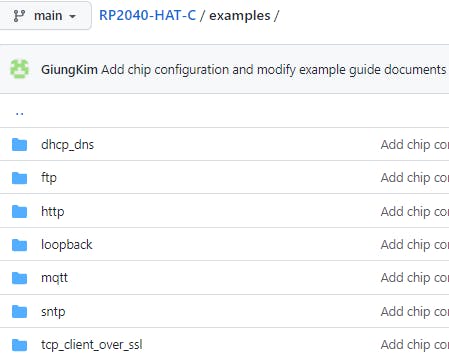
Wiznet provides several examples of Ethernet.
You will be able to create various programs by combining my lcd sources with other examples.
*use AWS example
https://github.com/Wiznet/RP2040-HAT-AWS-C
* use AZURE example

