W5100S-EVB-Pico with IR Sensor
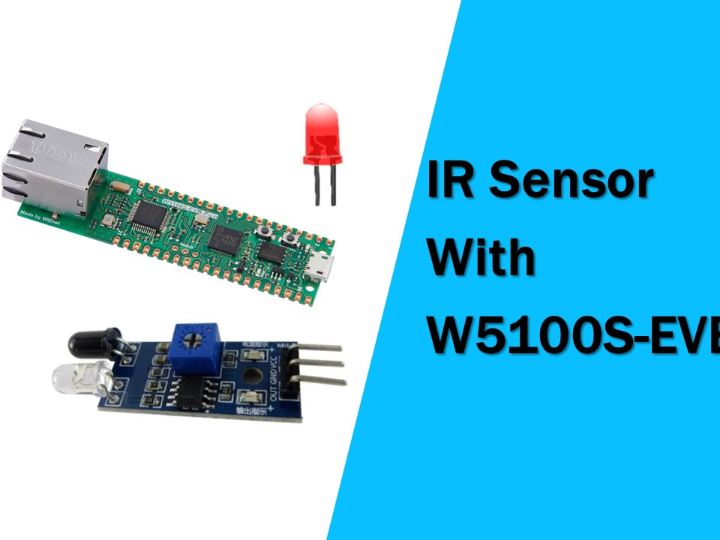
In this project, I will introduce how to control an IR sensor using the W5100S-EVB-Pico.
1
Components
Hardware components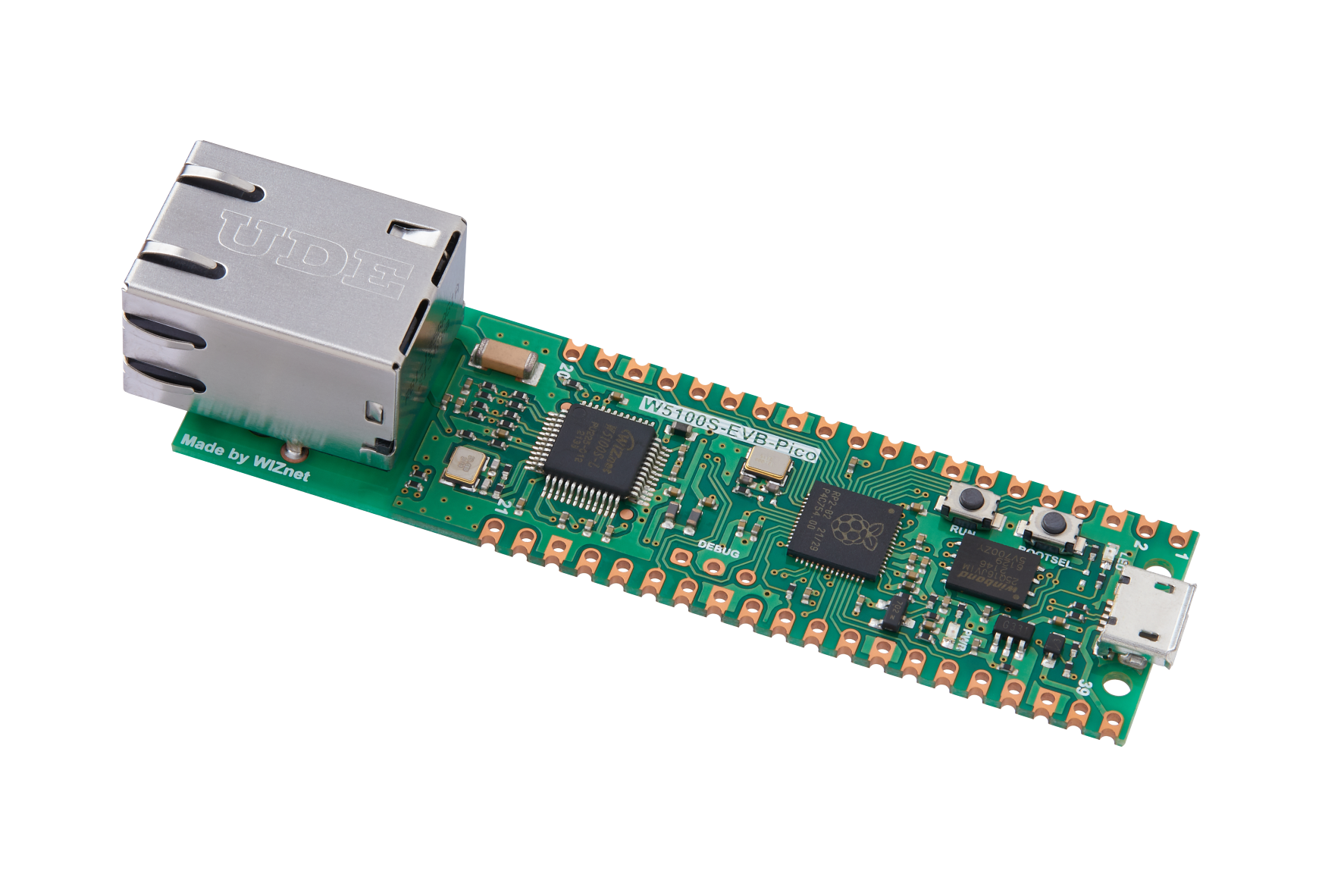
WIZnet - W5100S-EVB-Pico
x 1


Arduino - Arduino IDE
x 1
Project description
In this project, we will introduce how to control an IR sensor using the W5100S-EVB-Pico.
Supplies needed:
- W5100S-EVB-Pico
- IR Sensor Module
- Jumper wires
- An LED
- Resistor
The IR sensor module is an infrared sensor that detects and outputs human movement. You can use it to control the LEDs.
Below is the schematic for this project.

The IR sensor module is connected to pin D2 of the W5100S-EVB-Pico, and the LED is connected to pin D8.
Below is the source code for this project.
void setup(){
	pinMode(2, INPUT);
	pinMode(8, OUTPUT);
	Serial.begin(9600);
}

void loop(){
	if(digitalRead(2) == HIGH){
		digitalWrite(8, HIGH);
		Serial.println("IR Sensor detected motion!");
		delay(1000);
	}
	else{
		digitalWrite(8, LOW);
	}
}
The above code does not use the Ethernet module, but directly processes the output signal of the IR sensor module to control the LED. When the output signal of the IR Sensor module is HIGH, it turns on the LED and outputs the message "IR Sensor detected motion!" to the Serial monitor. If the output signal is LOW, the LED is turned off.
Through this project, you can learn how to control an IR sensor using the W5100S-EVB-Pico.

