W5100S-EVB-Pico with the Node-RED
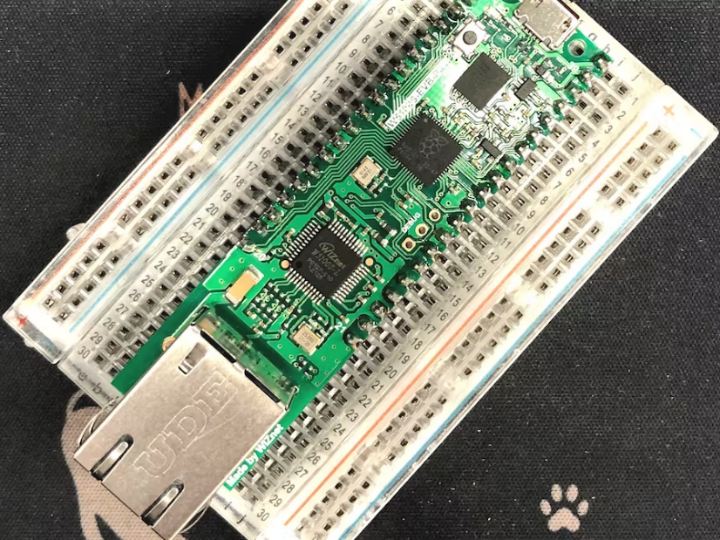
The W5100S-EVB-Pico has the same role as the Raspberry Pi Pico platform and includes W5100S, so the Ethernet function is basically included.
8
Components
Hardware components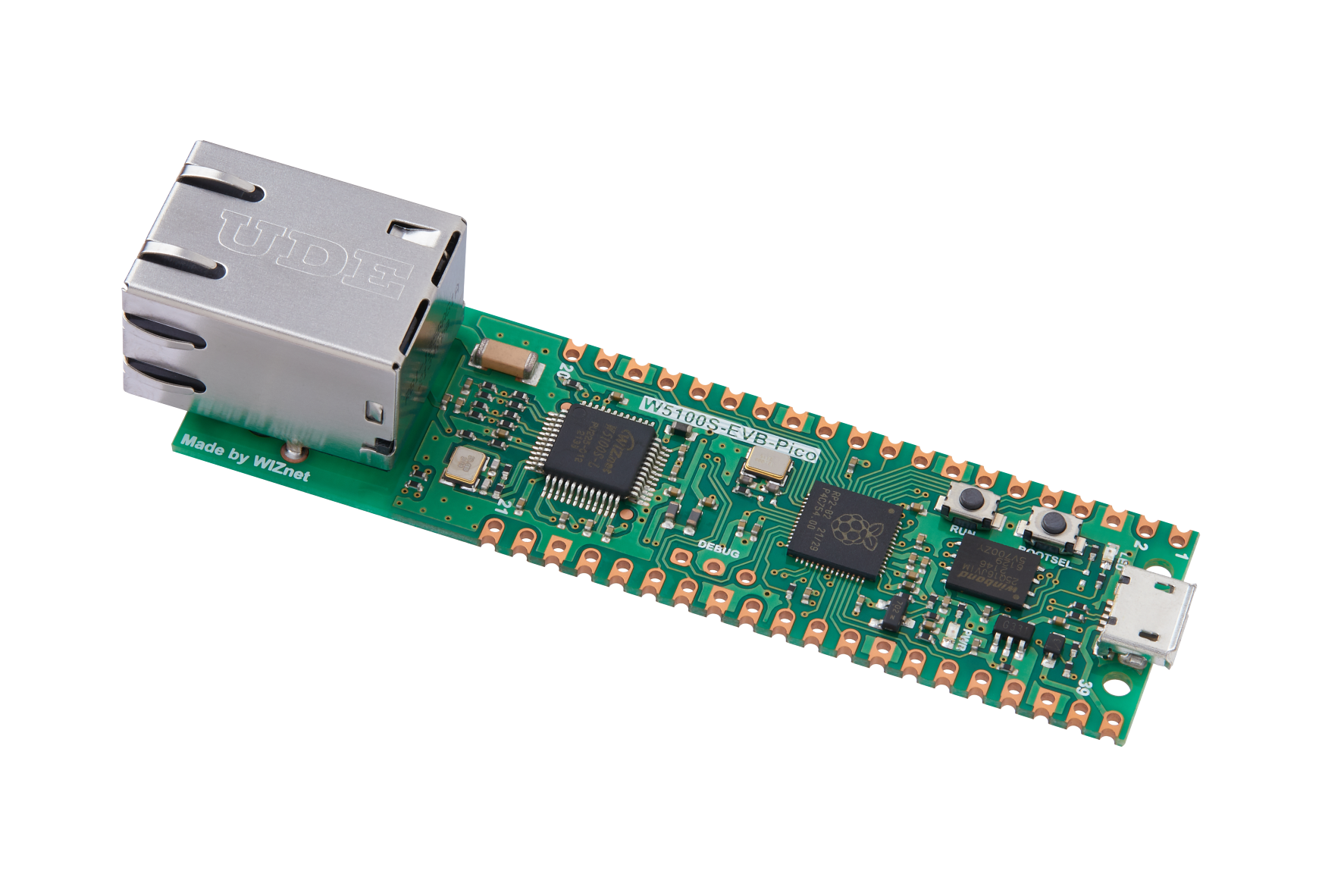
WIZnet - W5100S-EVB-Pico
x 1

node-red - Node-RED
x 1

Arduino - Arduino IDE
x 1
Project description
The W5100S-EVB-Pico has the same role as the Raspberry Pi Pico platform and includes W5100S, so the Ethernet function is basically included.
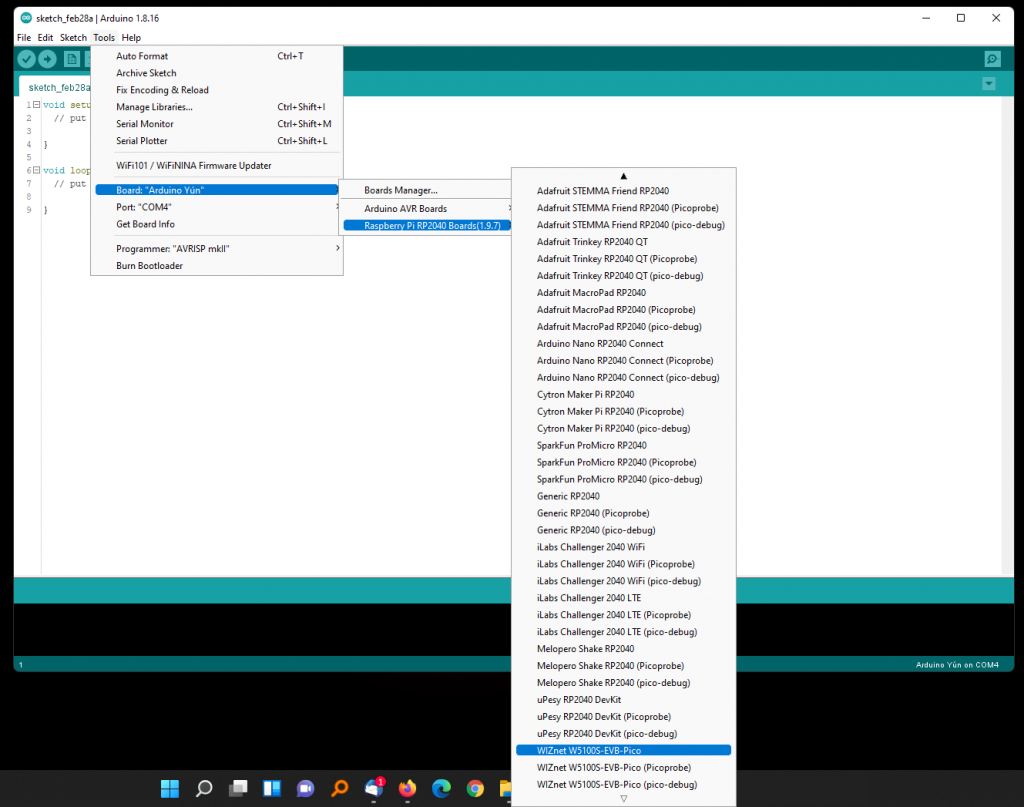
The Arduino-Pico of Mr. Philhower supports W5100S-EVB-Pico since version 1.9.7.
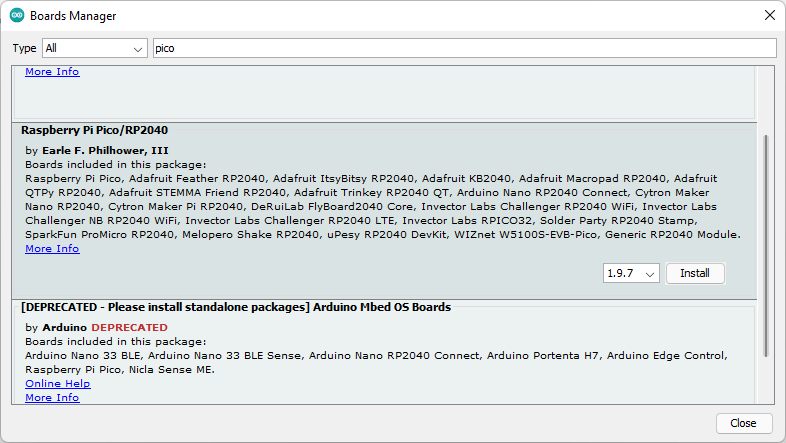
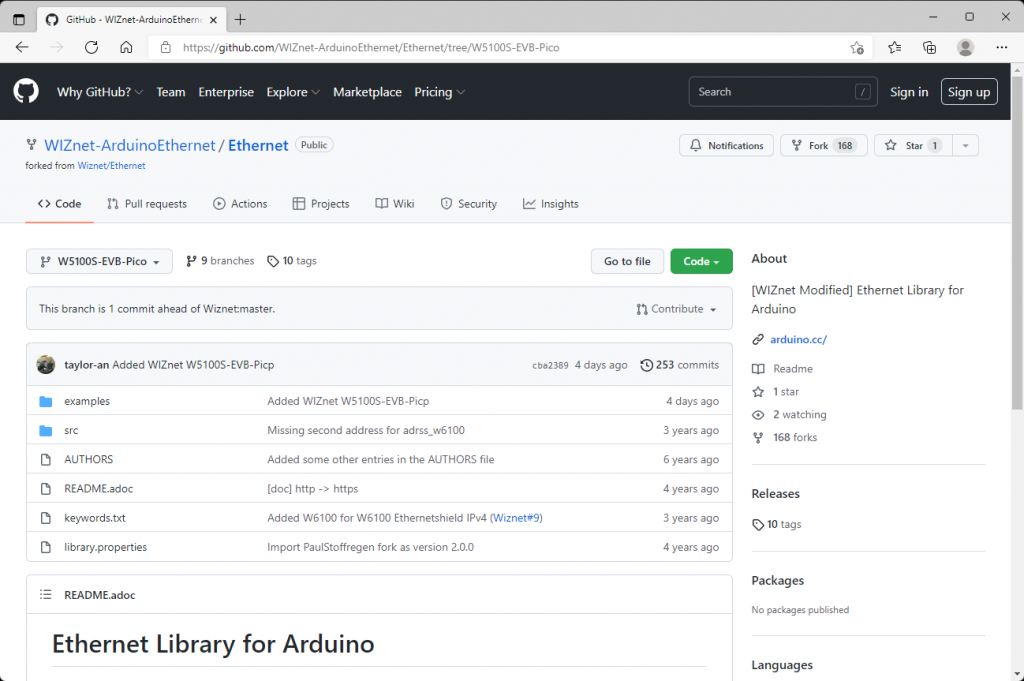
But you need to download WIZnet Arduino Ethernet manually.
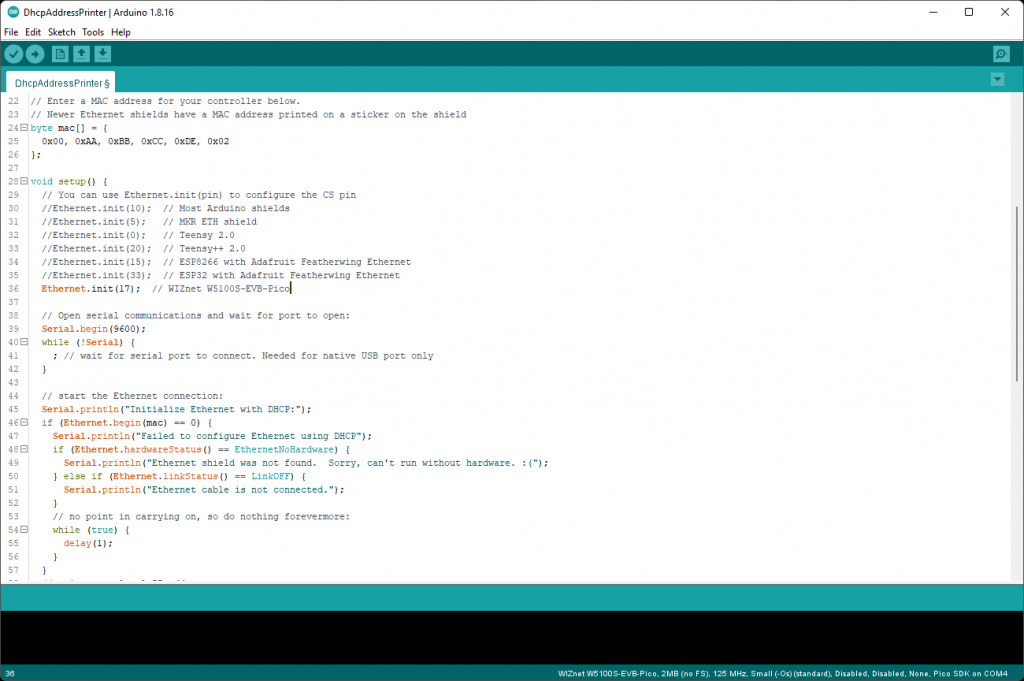
And also, you need to set nCS yourself.
Ethernet.init(17); // WIZnet W5100S-EVB-Pico
Please see this previous article for detail.
This time, I want to show you a dashboard of the Node-RED with W5100S-EVB-Pico.
It is free and easy.
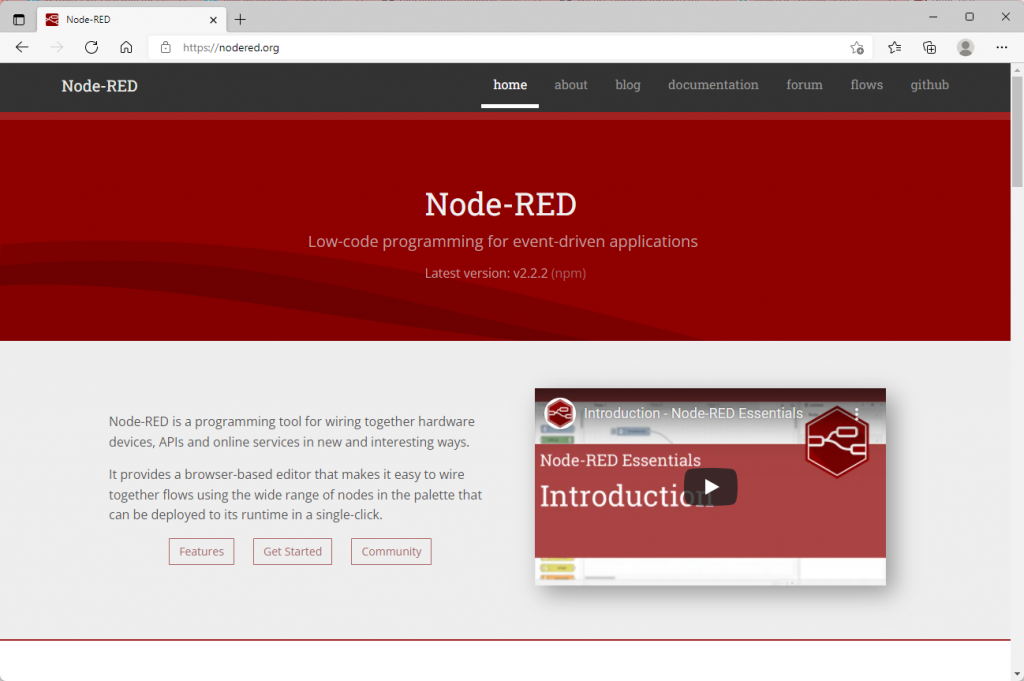
Here is documentation of Running Node-RED locally.
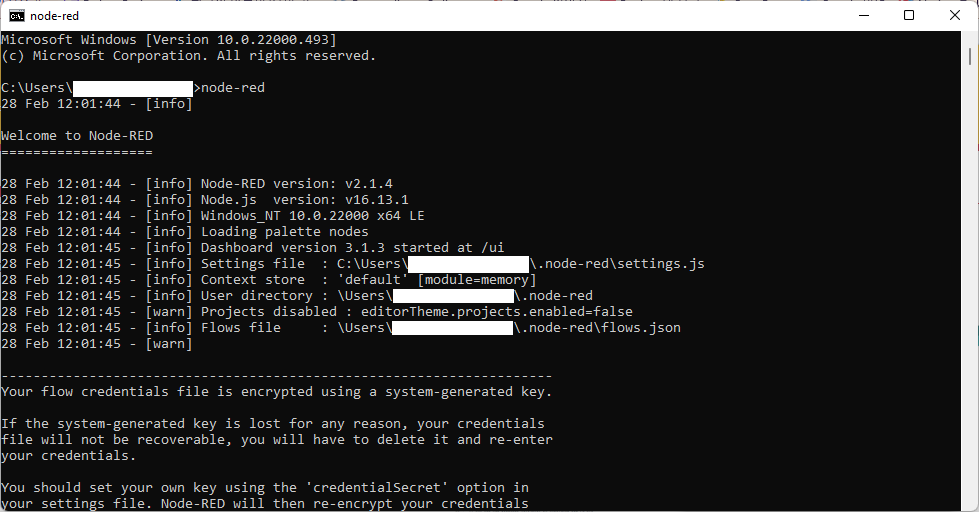
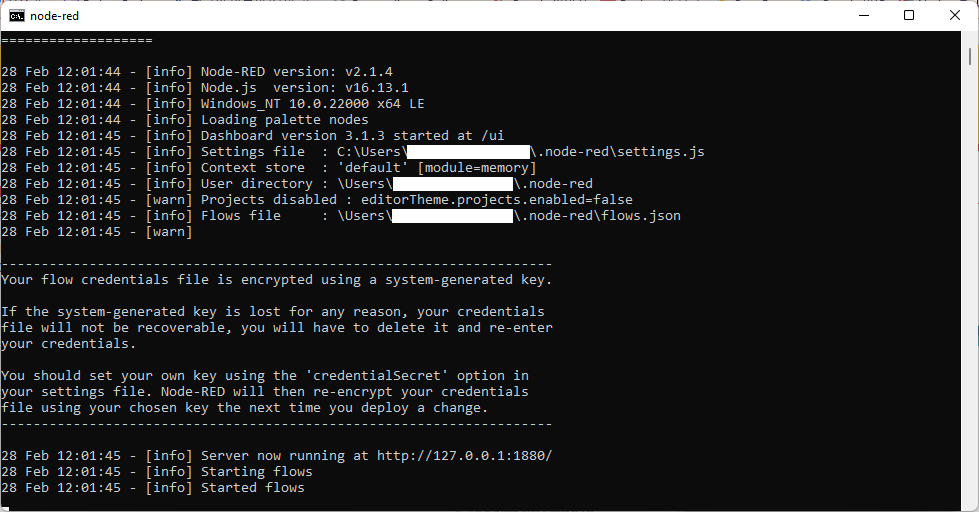
After installing Node-RED, you can run Node-RED at the command prompt.
node-red
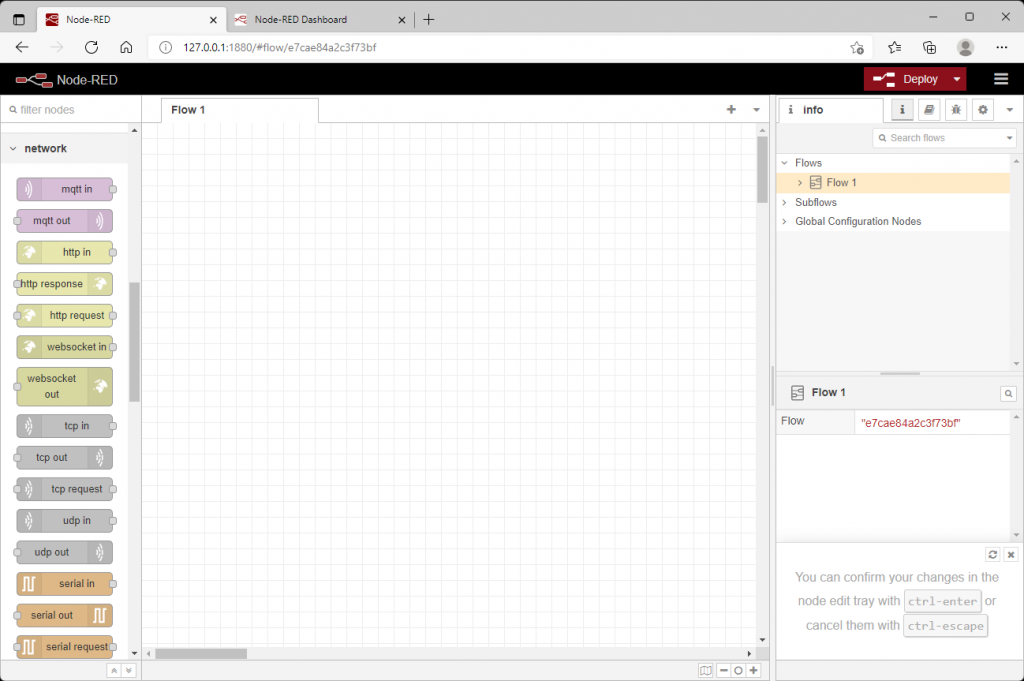
Run the internet browser and go to your node-red.
http://127.0.0.1:1880/
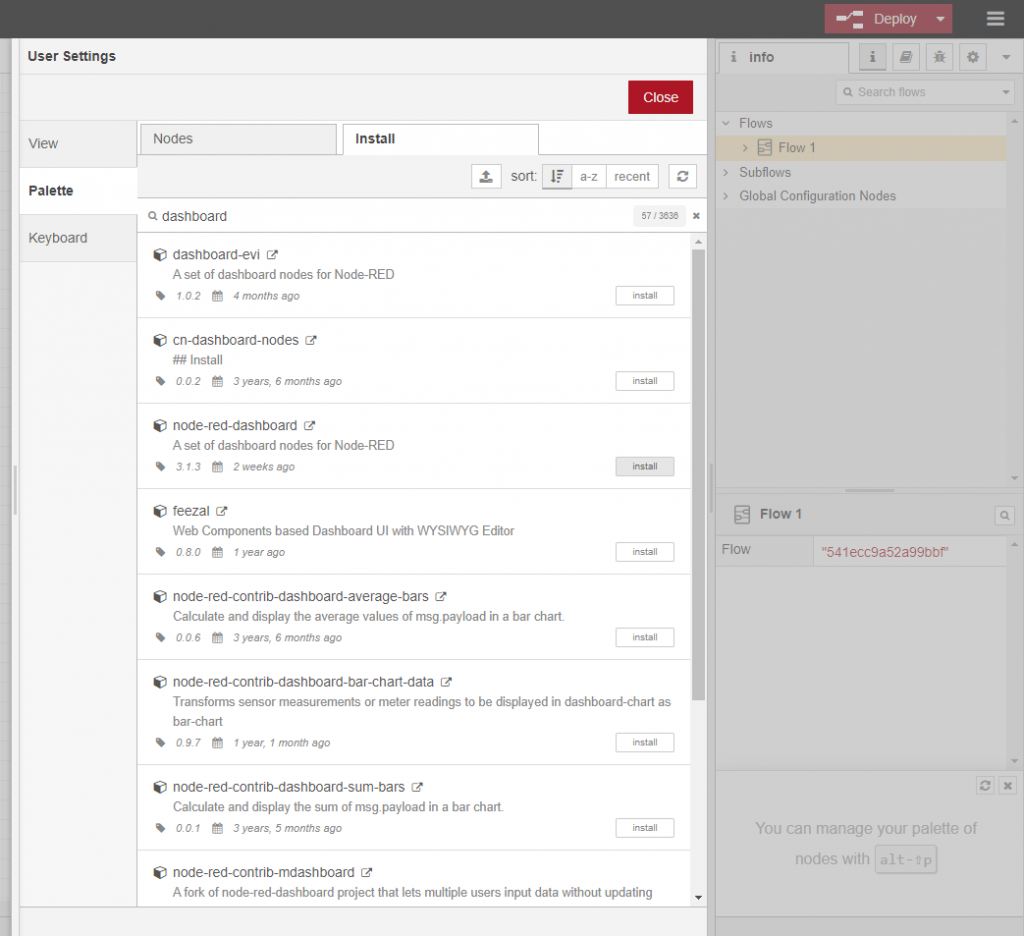
You need to install other modules like a dashboard on the Manage palette.
I added network TCP and gauge, chart. It listens to the connection with a client at port 9456.
You need to deploy when you modify.
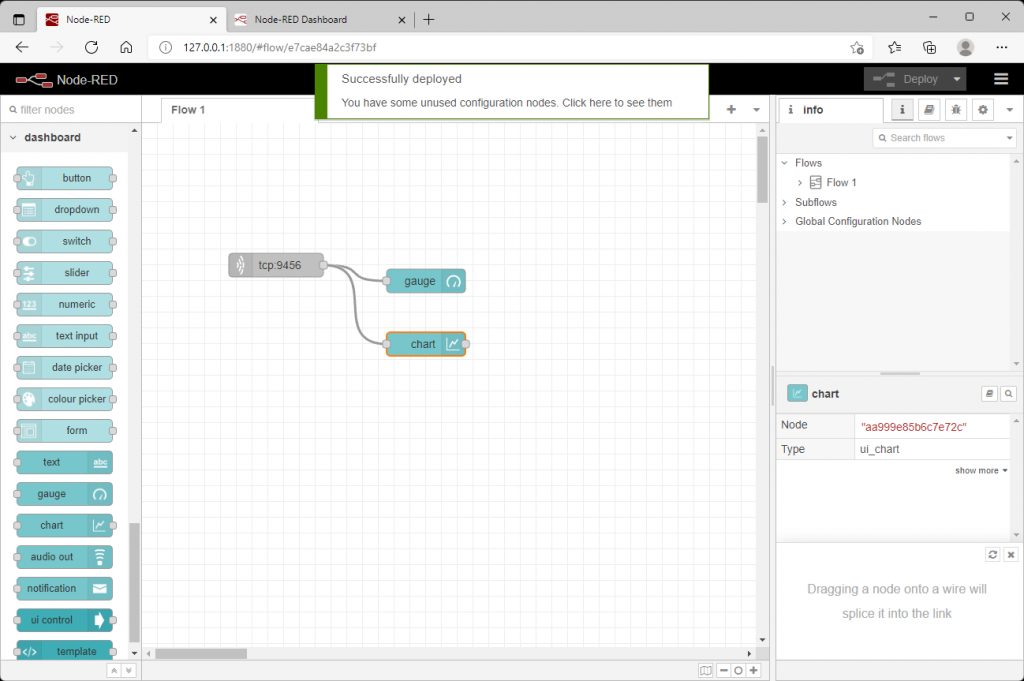
It displays to gauge and chart if it received data.
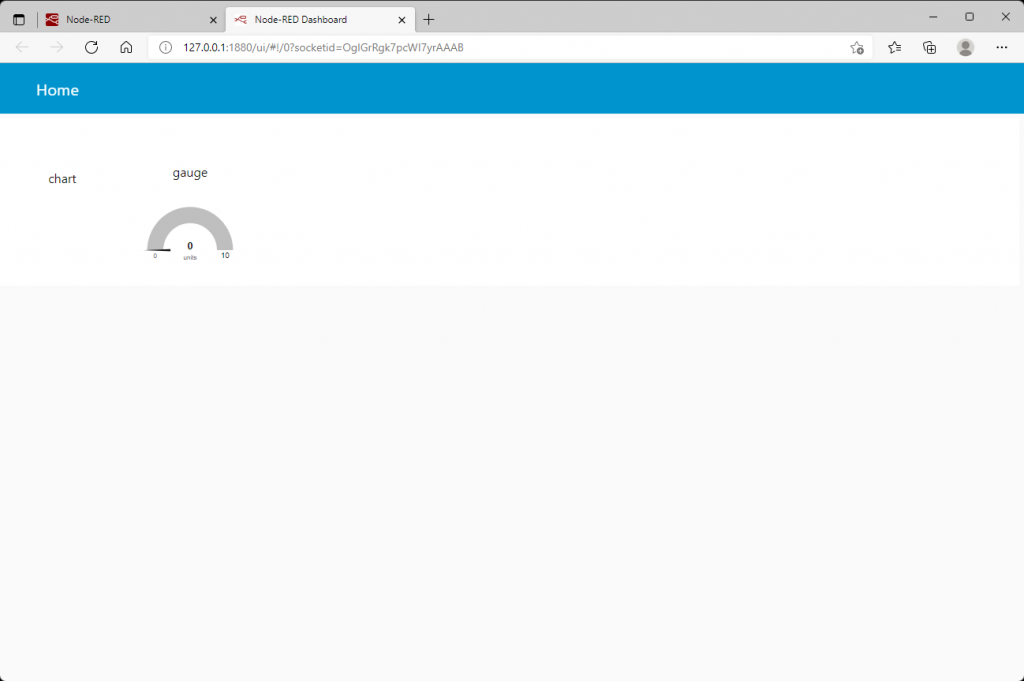
I wrote a sketch(W5100S-EVB-CoreTemp.ino) of the W5100S-EVB-Pico that will send the temperature of the pico core to the Node-RED server.
The flow is like below
1. It starts when the serial port is opened.
2. It will have an IP that is allocated from the DHCP server.
3. It will try to connect to the Node-RED server(also allocated from the same DHCP server) if it succeeds.
4. It will get the temperature of the pico core and send it to the serial port.
5. It will send the data to the Node-RED server if connected.
6. I add blink to check alive the W5100S-EVB-Pico.
You can see data from the client on the debug.
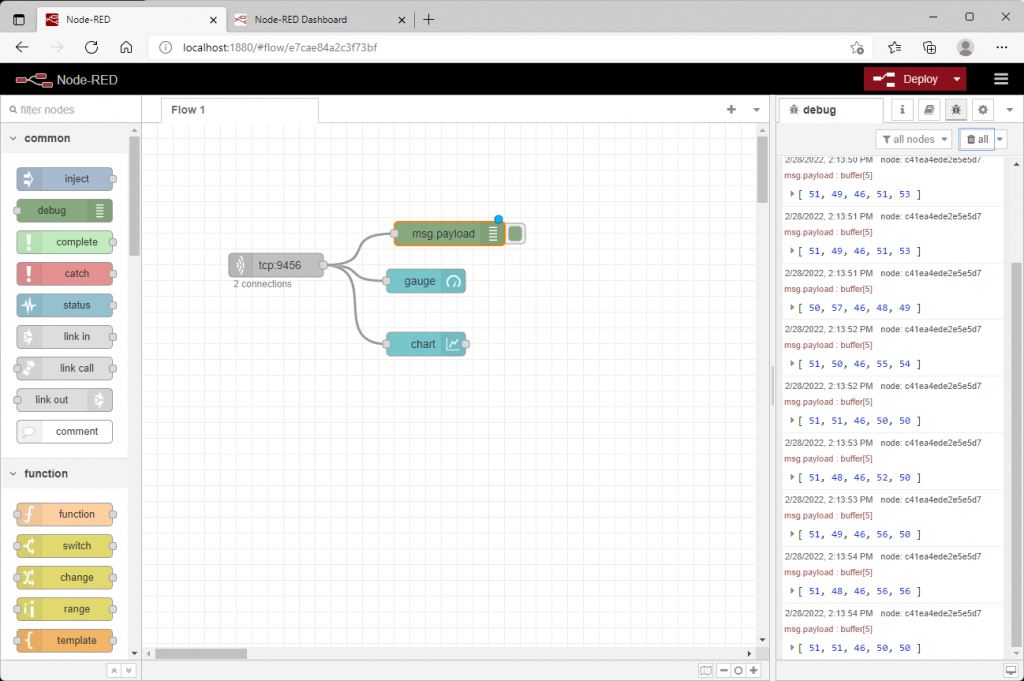
You can also change the size of gadgets.
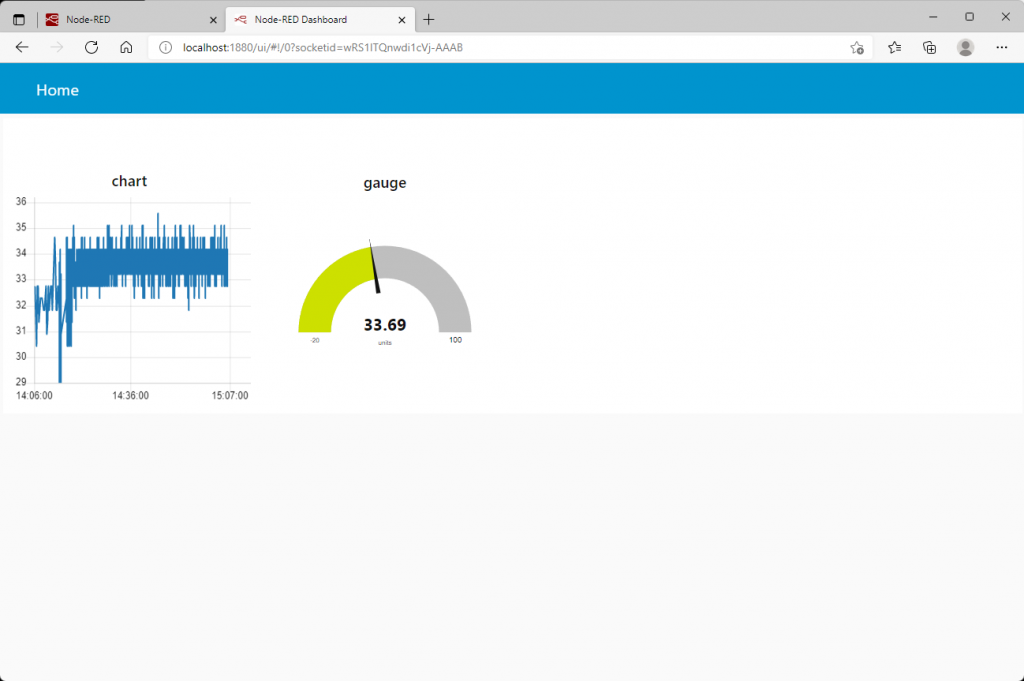
Now you have a dashboard. You can add more sensors and show it.
For more details, please see this documentation of Node-RED.
Thank you for reading this.
Documents
-
arduino-pico
earlephilhower/arduino-pico
-
WIZnet-ArduinoEthernet
WIZnet-ArduinoEthernet/Ethernet
-
W5100S-EVB-CoreTemp.ino
To download arduino sketch from hacster.io
-
W5100S-EVB-CoreTemp.jsonn
To download Node-RED dashboard hacster.io


